
Create and configure Databases
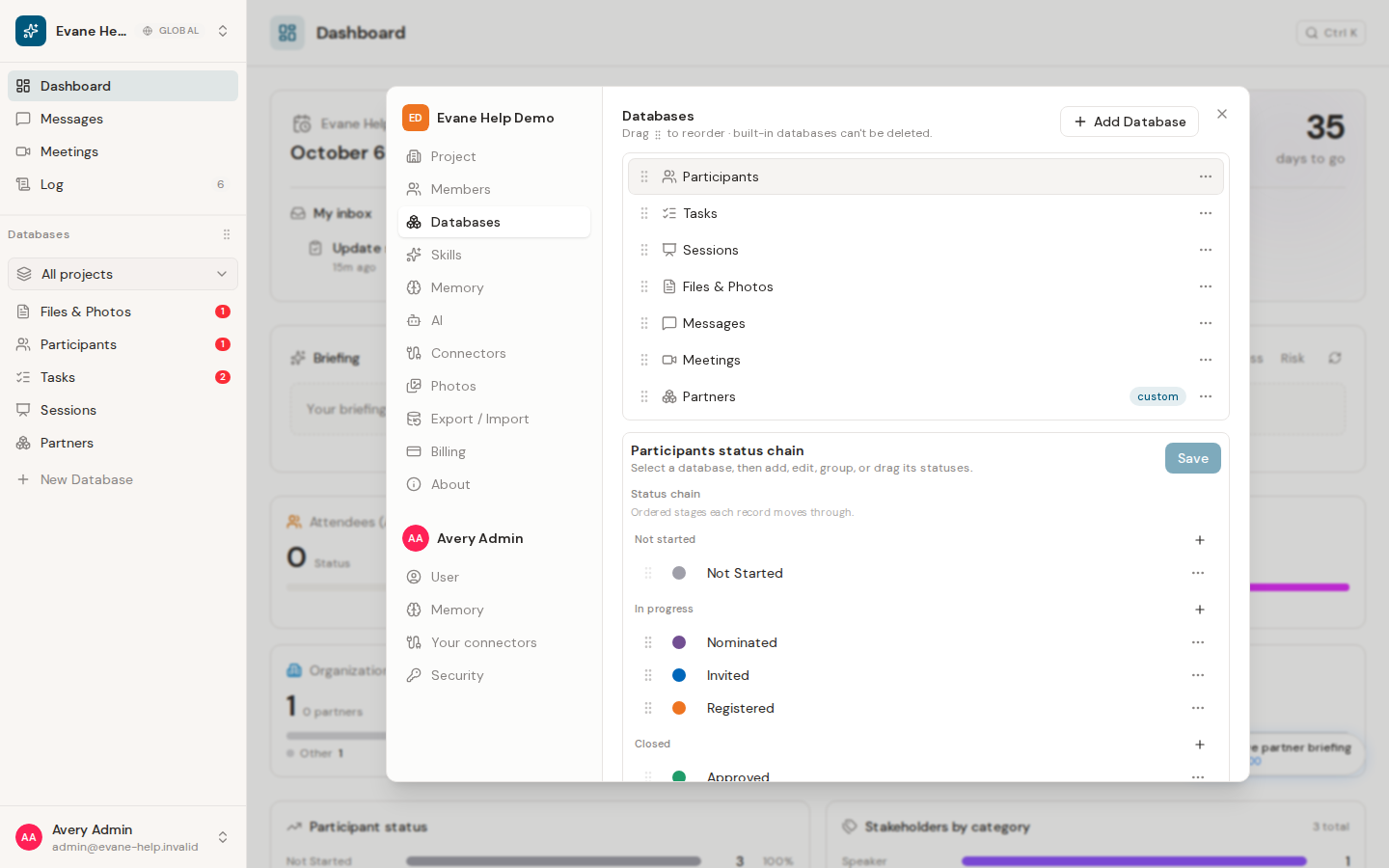
Settings > Databases shows a database's fields. A field's gear icon opens its own settings, including the Status field's options and the Tags field's groups.
Settings > Databases defines the record types and fields used by space tables and detail dialogs. Changes affect every member, so most of this area is limited to space administration. An Editor can create a database and add fields to a custom one.
Shape a database
Select a database from the list to see its fields, the same rows the New Database and Edit Database dialogs show. A custom database can add, rename, retype, reorder, and delete fields freely. A built-in database's own fields are fixed: Participants and Tasks can still add custom fields of their own, Sessions cannot, and Meetings, Files, and Messages stay read only.
A field can be any of thirteen types: Text, Rich Text, Email, Phone, Date, Number, Select (single choice), Combobox (choice or text), Tags (multi-value), Reference, Country/Region, Status, and Priority. Each type has its own settings behind the gear icon on its row.
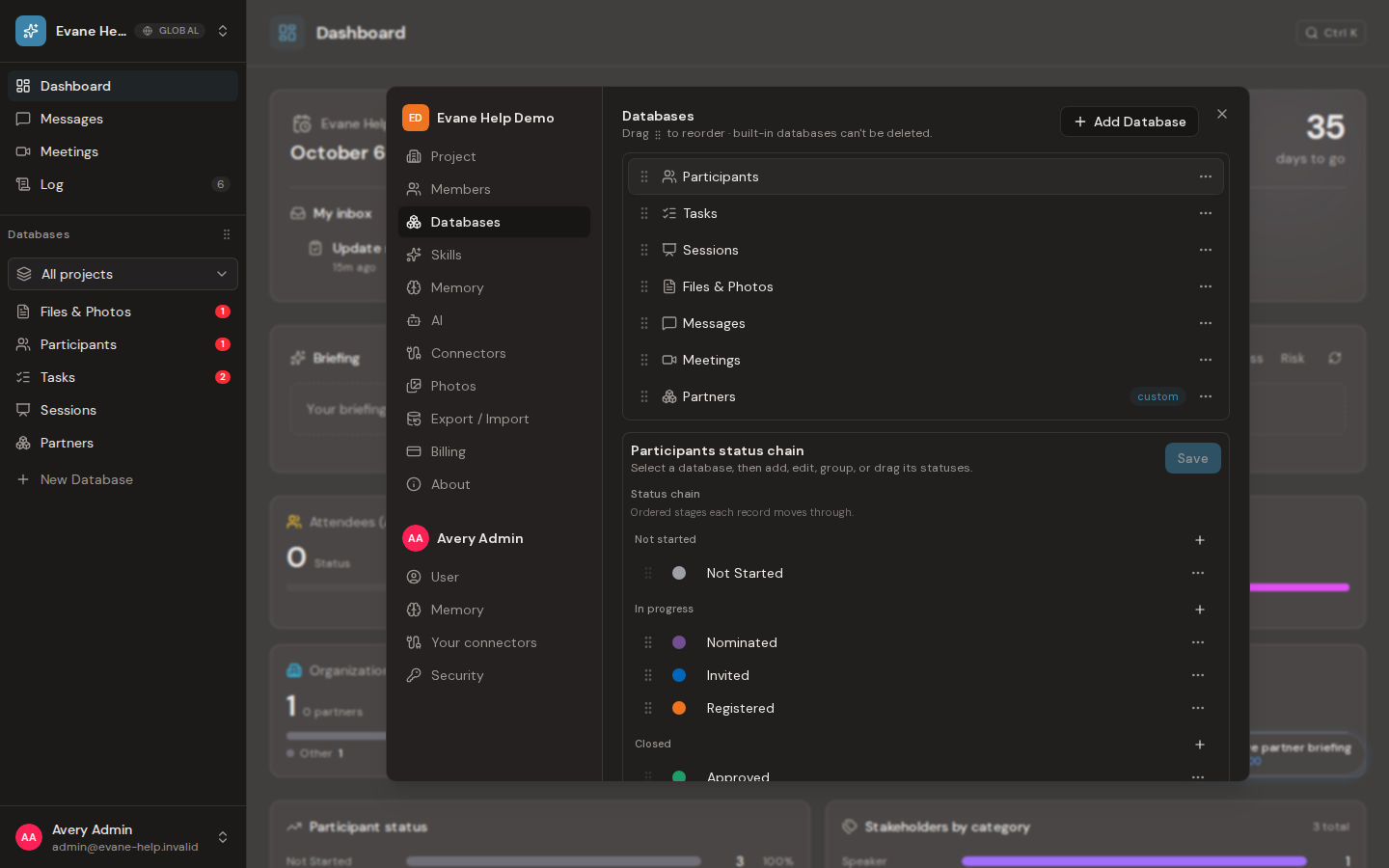
A database has at most one Status field. Its gear icon opens the Status options editor: add, rename, recolor, and reorder options, grouped under Not started, In progress, and Closed, with at least one option required per group. Mark an option as needing attention to keep it visible on the home page. Removing an option that records still hold asks where those records should move when you save, so nothing is lost; removing the Status field itself removes every record's status instead, since there is nowhere left to move it.
A Tags field works the same way: its gear icon opens the Tags options editor. Select + Add a tag group to create a group, then its + to add a tag inside it, and use a group's ⋯ menu to set its colour, rename it, or delete it. Deleting a group whose tags are still assigned asks where those tags should go.
What an Editor can change
An Editor sees New Database in the sidebar and Add Database in Settings > Databases, and can create a database the same way an admin does. On a custom database an Editor can also select Add field and save new fields. Existing fields show a lock: an Editor cannot rename, retype, reorder, or delete them, or edit their options. The row menu (rename, edit fields, hide, delete) and drag to reorder databases stay with Owners and Admins, as do a built-in database's fields. A Viewer sees the list read only. Owners and Admins also get a ⋯ menu on each database in the sidebar, with Edit fields, Move up, Move down and Delete; a deleted database and its records go to the trash and can be restored for 30 days.
The server checks every save against the stored fields, so a save that changes an existing field is refused for an Editor even if it also adds one. The AI follows the same rule: an Editor's request can create a database or add fields, but not delete or restore a field.
After a successful change, lists and detail dialogs reload the shared schema. If a field does not appear, confirm that it is enabled for the current database and view rather than creating a duplicate.
Frequently asked questions
Can an Editor create a database?
Yes. An Editor can create a database with New Database and add fields to a custom database. Renaming, retyping, reordering, or deleting existing fields, and renaming, hiding, reordering, or deleting a database, still need an Owner or Admin.
Can I delete a built-in identifier field?
No. Built-in identifiers and other system fields cannot be removed or changed into an incompatible type. A built-in database's Status and Tags fields stay in place the same way, though their own options are still yours to edit.
What happens to existing records if I remove a Status option?
If any record still holds it, Formist asks where those records should move when you save, so nothing is lost. Removing the Status field itself removes every record's status instead, since there is nowhere left to move it.
Last verified: