
Troubleshoot sign-in and session errors
Sign-in depends on a completed authentication challenge and a browser session cookie.
Sign-in depends on a completed authentication challenge and a browser session cookie. Start with the method you used rather than repeatedly requesting a new code.
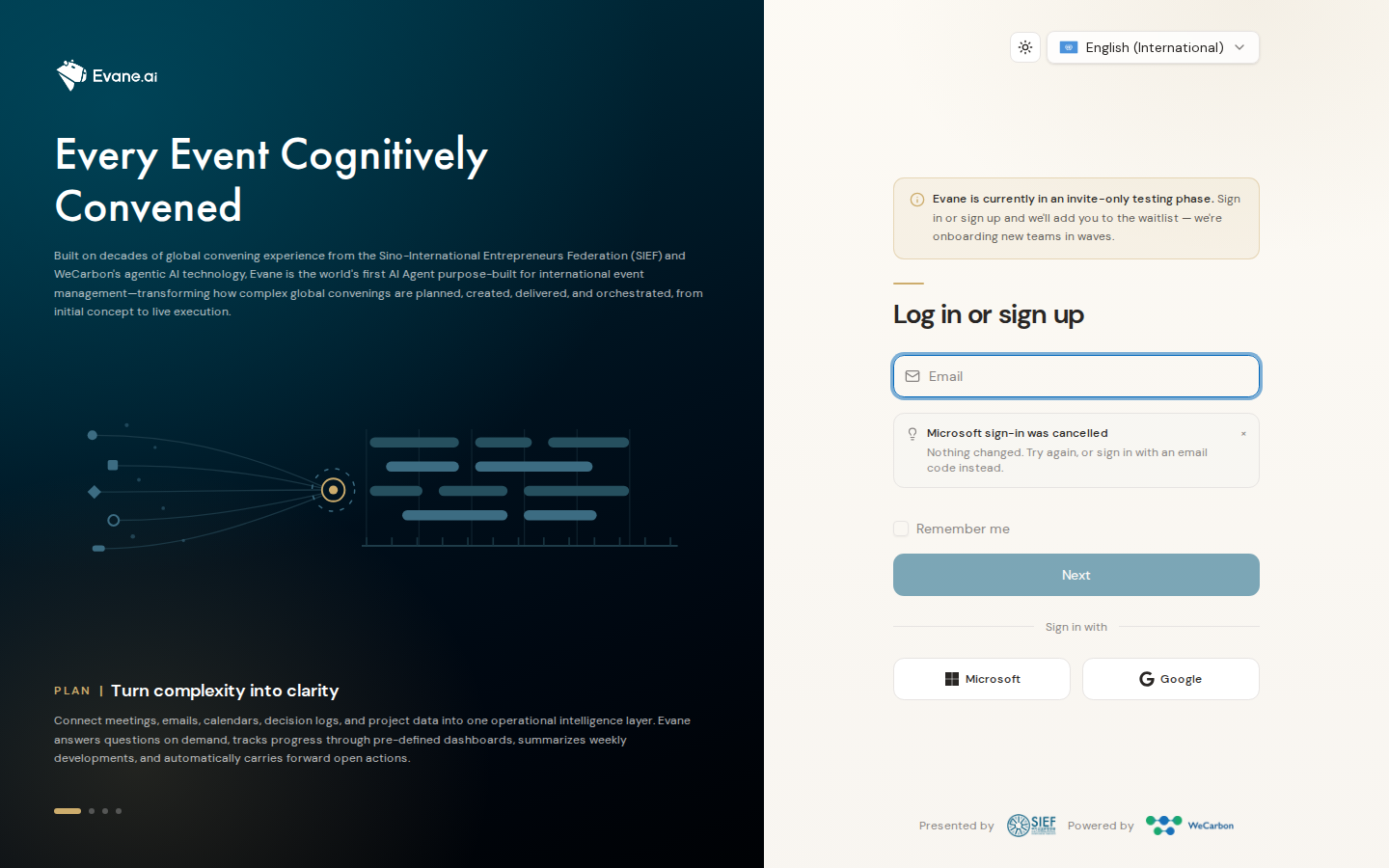
Email code problems
- Confirm the email address is exact and check the newest message only.
- Request one code, then enter it before it expires. Requesting another code can invalidate the earlier one.
- If no email arrives, the deployment may be using the development mail logger or an unconfigured ACS/SMTP provider. An Admin must check the mail service; the UI cannot recover a code that was never delivered.
- After verification, reload /app. If you return to Login, check that the frontend and API use compatible origins and that cookies are allowed.
Passkey problems
Passkeys require HTTPS outside local development, a supported authenticator, Redis for the short-lived challenge, and WebAuthn RP/origin settings that match the page domain. If Add passkey fails, retry once from the same browser tab. A domain mismatch must be corrected by an operator; recreating the passkey will not fix it.
Microsoft, Google, or Lark problems
Use only a provider button offered on the current login page. A denied consent screen changes nothing; start again or use email when that method is offered. If the provider returns to Formist with a link-confirmation prompt, verify the email of the account you already use to attach that identity to it. If no account uses the address you verify, Formist asks whether to use your existing account's email or create a new account; it never creates one silently. A signed-in user can also link Lark from Settings, Security, Sign-in methods, where the deployment offers it. Repeated redirect or unavailable-provider errors require an operator to check the provider credentials, cloud setting, and exact callback address.
When to contact support
Share the sign-in method, time, browser, visible error, and whether the problem occurs before or after verification. Never share a verification code, cookie, or passkey credential.
Frequently asked questions
Does requesting a new email code invalidate the one I already have?
Yes. Requesting another code can invalidate the earlier one, so request one code and enter it before it expires rather than requesting several in a row.
Why does recreating a passkey not fix a domain mismatch?
The mismatch comes from the WebAuthn RP/origin settings not matching the page domain, not from the passkey itself; an operator has to correct the domain configuration.
Does a denied Microsoft or Google consent screen change my account?
No. A denied consent screen changes nothing; start the sign-in again or use email when that method is offered.
Last verified: