
Resolve 401, 403, 404, and 422 errors
Formist API errors describe different failure classes.
Formist API errors describe different failure classes. The status code is more useful than a generic toast.
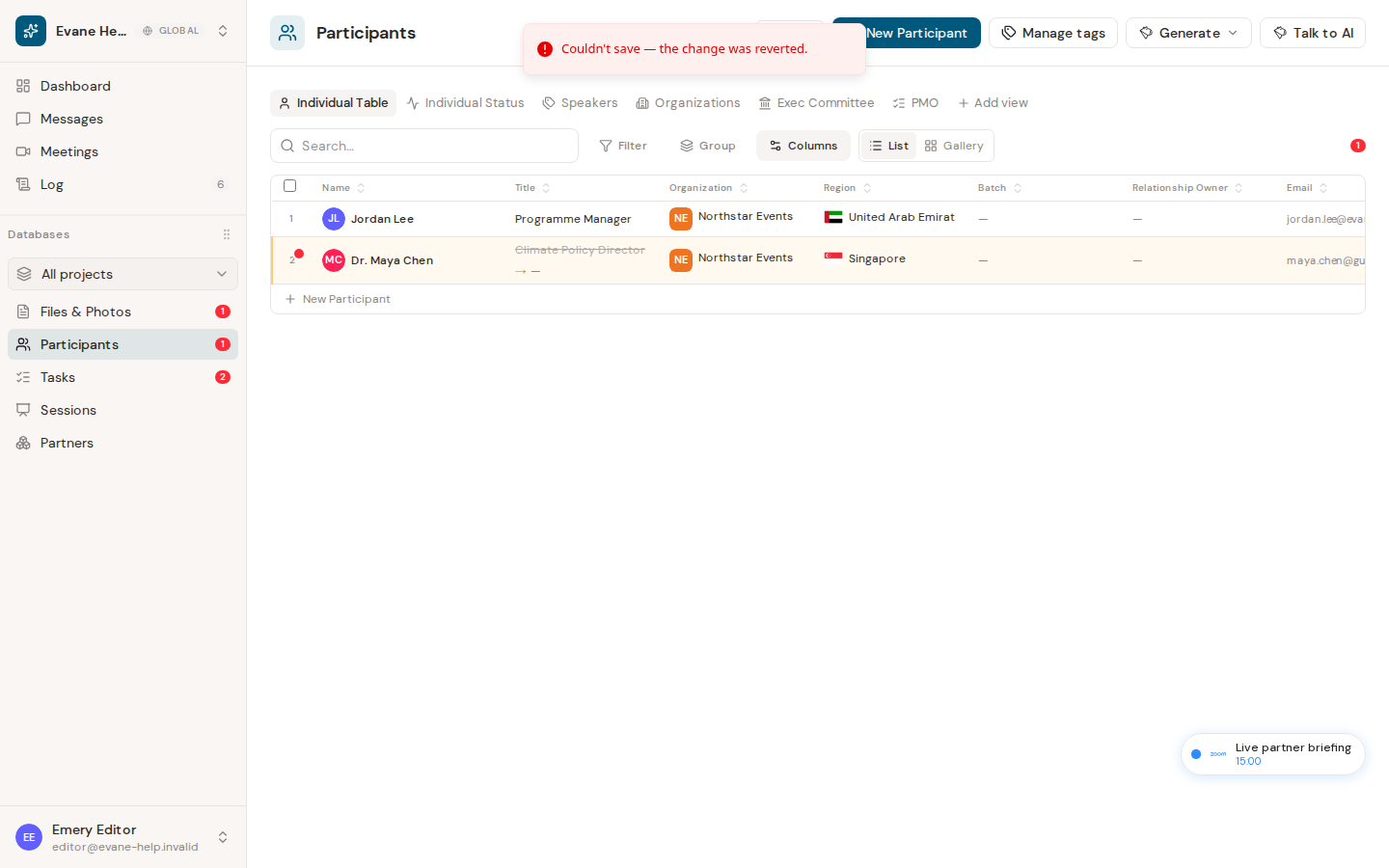
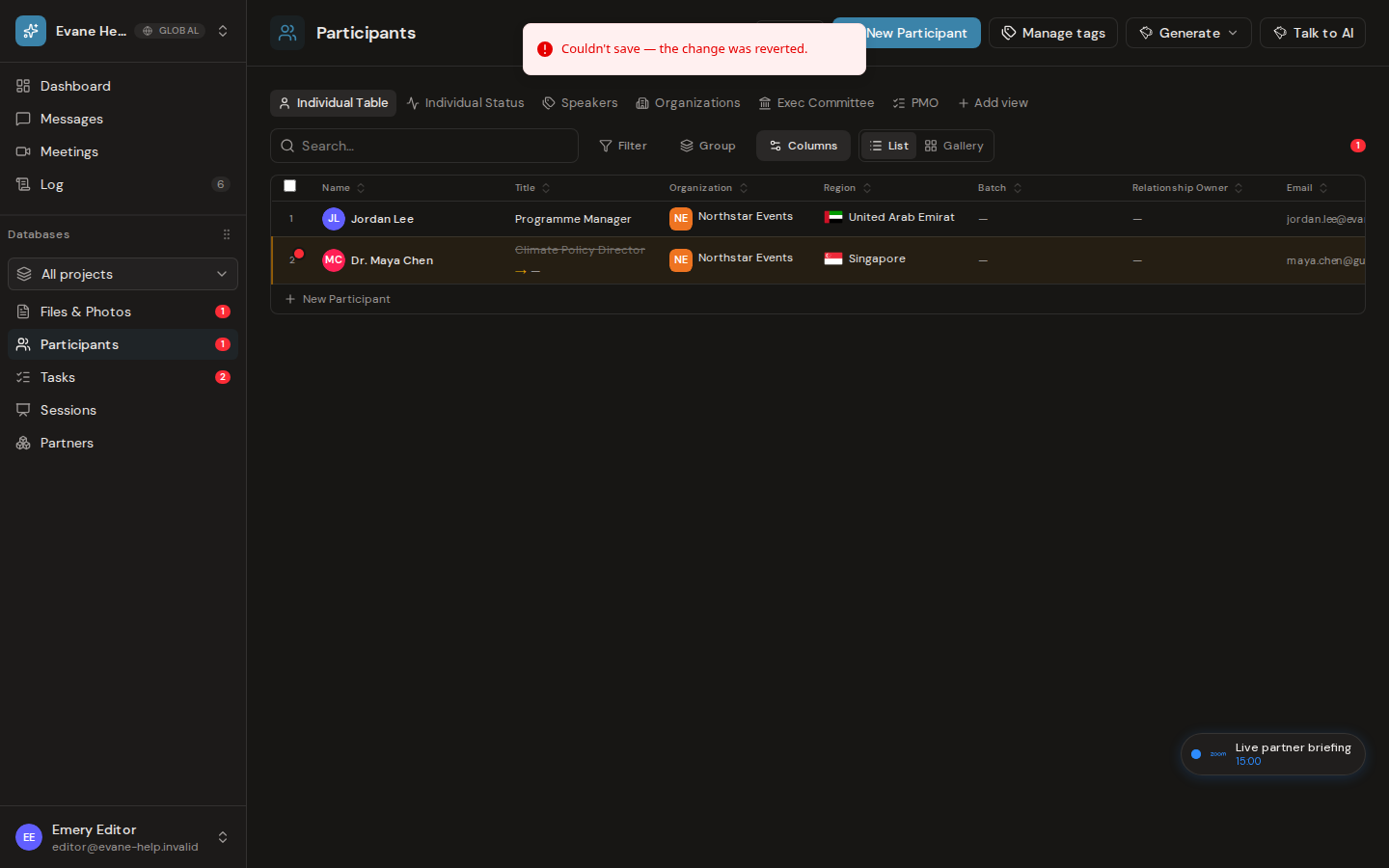
The example shows an invalid Participant write rejected by the server and rolled back in the space. Request-specific 401, 403, 404, and 422 responses appear in the affected workflow or browser network response rather than on the public system-status page.
401: sign in again
The request has no valid session. Sign in again, then return to the same space. If a 401 happens while you are saving an edit, Formist keeps your draft on screen and shows a sign-in prompt in place instead; completing it resubmits the same save without losing the change. If every refresh loses the session, check the frontend/API origin and cookie configuration.
403: access is denied
You are signed in, but your space role or an external grant does not allow the operation. Confirm the active space and role. If you were removed from the space, the record you had open turns read-only for the rest of the session and a banner explains why, while your unsaved text stays visible. Microsoft file and mail actions can also return 403 when delegated consent is missing; reconnect or re-consent from Settings when Formist offers that path.
404: the record is unavailable
The URL or record ID no longer resolves in the active space. Refresh the list and open the record again. A SharePoint item can also disappear after it is moved, deleted, or no longer visible to your Microsoft account.
422: the request is invalid
The server rejected one or more fields. Review required values, date formats, IDs, role names, and unsupported extra fields. Correct the form instead of retrying unchanged.
For support, include the endpoint, method, status, error name, and safe request fields. Do not include cookies or tokens.
Frequently asked questions
Why does a request return 403 when I'm already signed in?
403 means your space role or an external grant doesn't allow that specific operation, not that your session is invalid; Microsoft file and mail actions can also return 403 when delegated consent is missing.
Does a 404 mean the record was deleted?
Not necessarily. It means the URL or record ID no longer resolves in the active space; a SharePoint item can disappear this way after it is moved or becomes invisible to your Microsoft account, without being deleted in Formist.
Should I retry a 422 response unchanged?
No. A 422 means the server rejected one or more fields; correct the form (required values, date formats, IDs, role names) before submitting again.
Last verified: