
Use All, To-do, Calendar, and Gantt views
Choose All, To-do, Calendar, or Gantt to review Tasks by worklist, owner, date, or schedule and hierarchy.
Each Tasks view answers a different planning question: All for plain Task records, To-do for active owner-grouped work, Calendar for dated planning records, and Gantt for schedule and hierarchy.
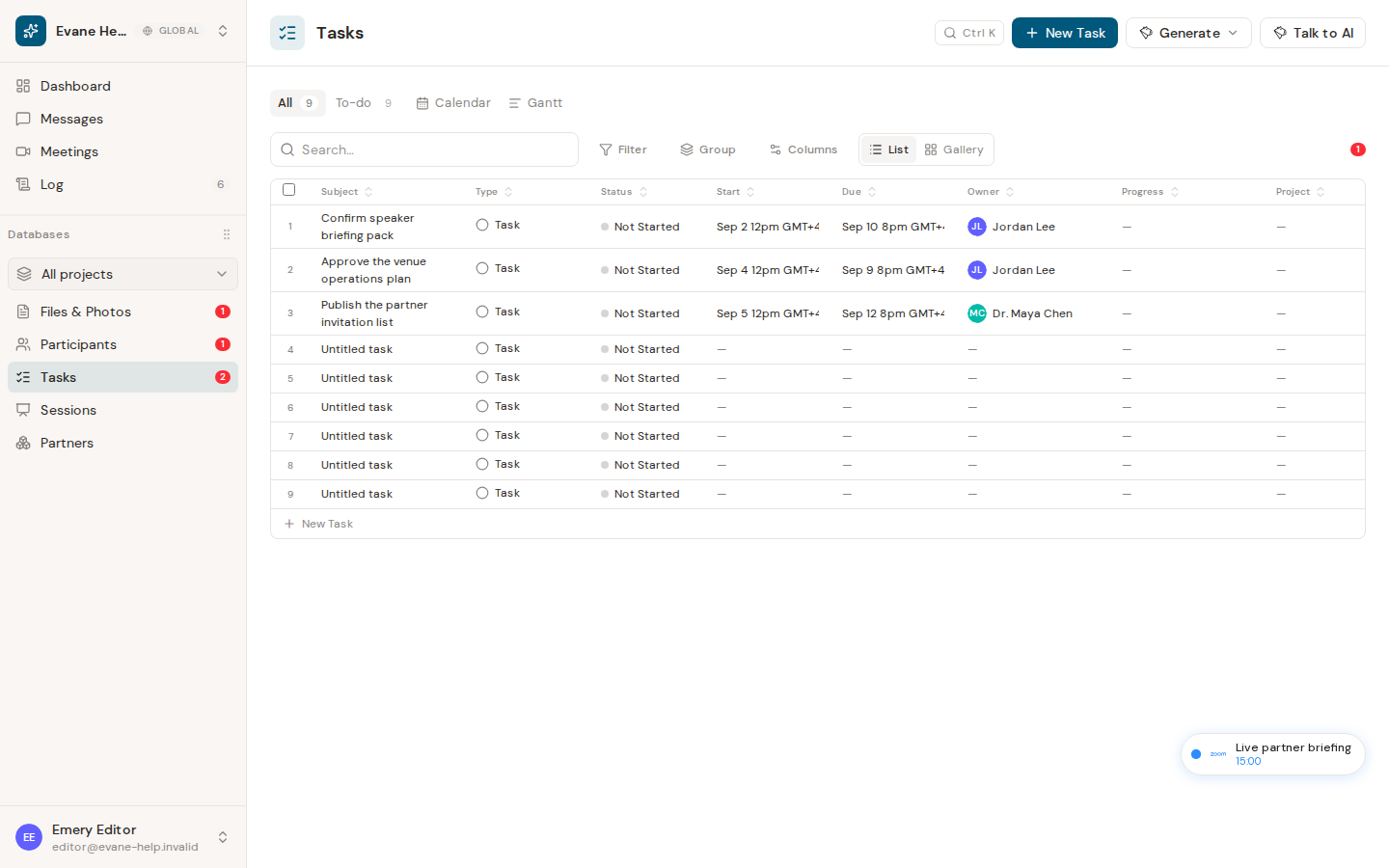
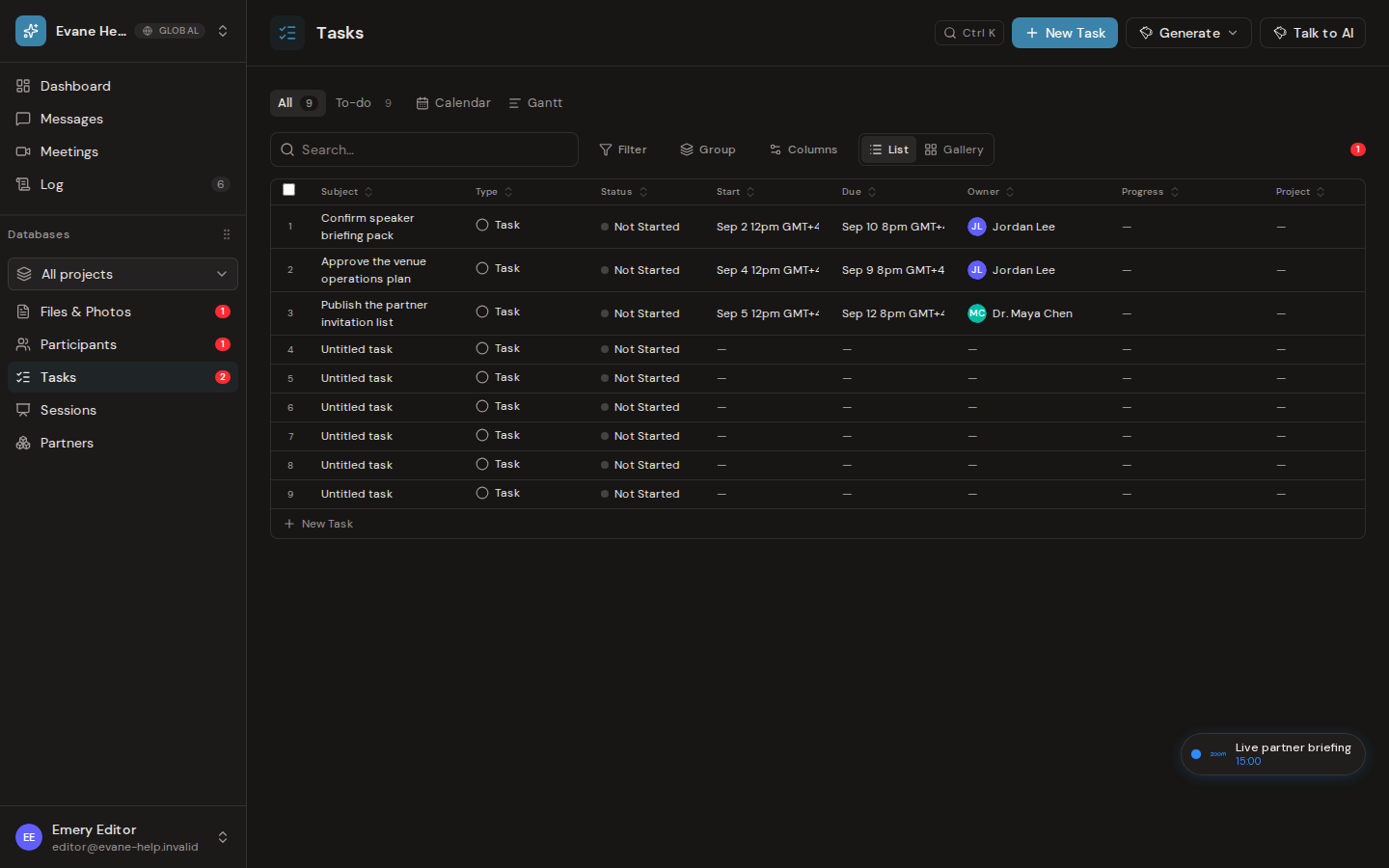
Available task views
The tabs above Tasks are saved views. A new Space starts with All, My tasks, and Gantt; Spaces created earlier also keep To-do and Calendar.
- All shows plain Task records in the editable table. Milestone, Objective, and system Appointment records are excluded. The tab shows how many Tasks it holds.
- My tasks shows open Tasks you own or are assigned to.
- To-do shows non-terminal plain Tasks, grouped by Stakeholder, with Stakeholder, To-do Item, Deadline, Status, and Progress columns. Status uses the To-do RAG labels, a missing deadline reads TBC, and unowned Tasks appear in the All owner group. The tab shows how many open Tasks it holds.
- Calendar places visible records on their dates. It opens on today; switch between Month, Week, 3 days, and Day.
- Gantt displays dated planning records as a hierarchy and timeline, using the view's start and end date columns.
You can add your own views with Add view and choose their type (Table, List, Gallery, Calendar, or Gantt). The selected view is stored in the page URL, so a Tasks link reopens the same view.
Use a view
- Open Tasks.
- Select the required view.
- Select a row or calendar item to open its detail dialog.
- In a table view, use the table search, filter, sort, group, columns, or export controls as needed.
All Space members can inspect the views. Editing controls remain hidden or read-only for Viewer roles.
Empty or unexpected results
The visible Status comes from the status chain, while To-do and My tasks also exclude terminal states such as done and closed. Milestones and Objectives are absent from All and To-do by design but can appear in Calendar or Gantt. Calendar needs a date to place a record; undated planning records appear in Gantt's Unscheduled area. A view's own filters are part of its definition and are not shown as filter chips; open the view's settings to see or change them.
Frequently asked questions
Why did a task disappear from To-do but still show in All?
To-do only lists non-terminal work: it hides Tasks whose legacy status is done or closed, even though the same Task still appears in All.
Where do Milestones and Objectives show up if not in All or To-do?
In Calendar, if they carry a date, and in Gantt, which also places undated Objectives there when they contain chartable descendants.
Last verified: