
Edit and collaborate on a task
Task details combine schedule, ownership, progress, status, files, comments, and Activity across All, To-do, Calendar, and Gantt.
Task details combine schedule, ownership, progress, status, files, comments, and Activity. Saving a field updates the same Task shown in All, To-do, Calendar, and Gantt views.
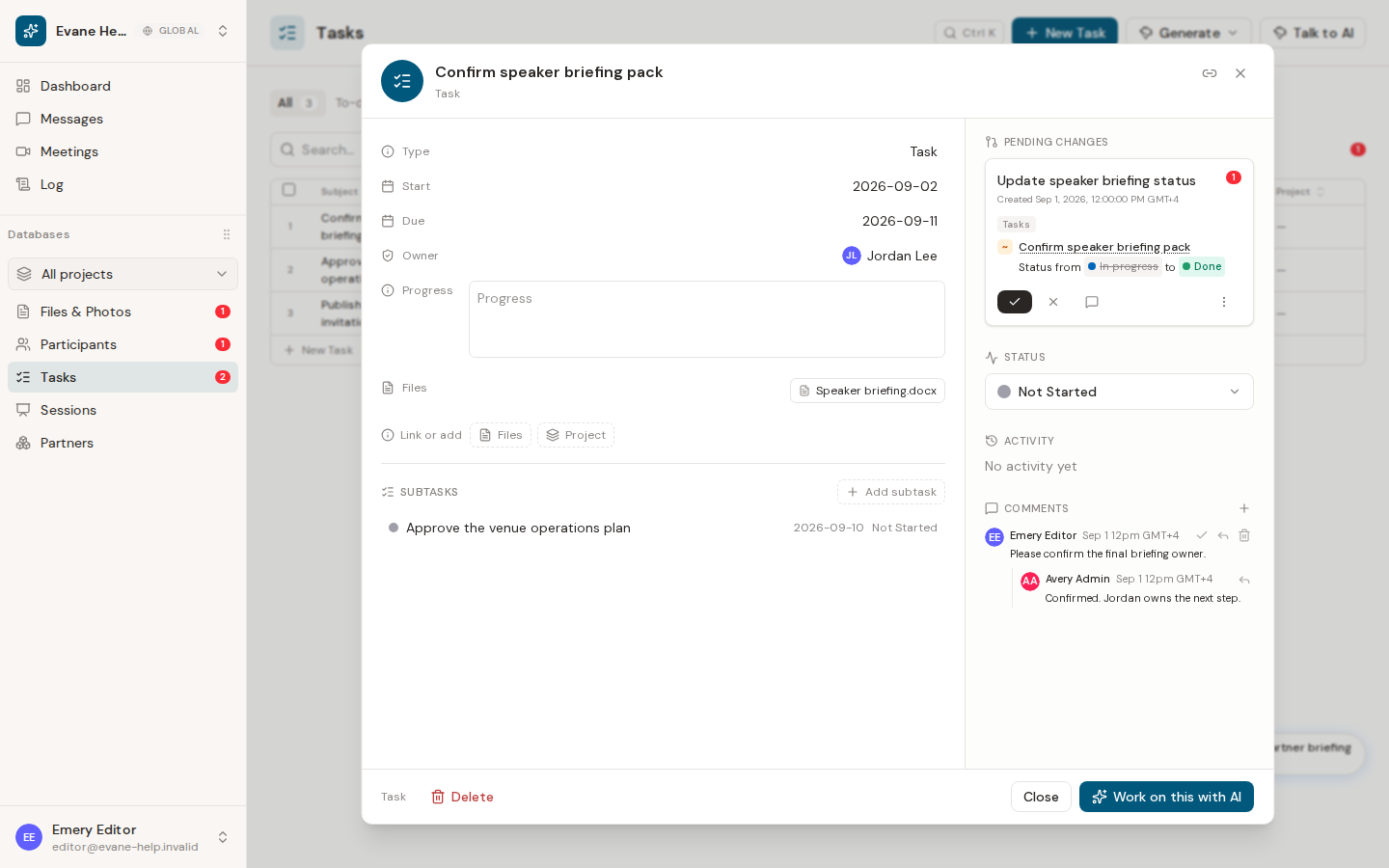
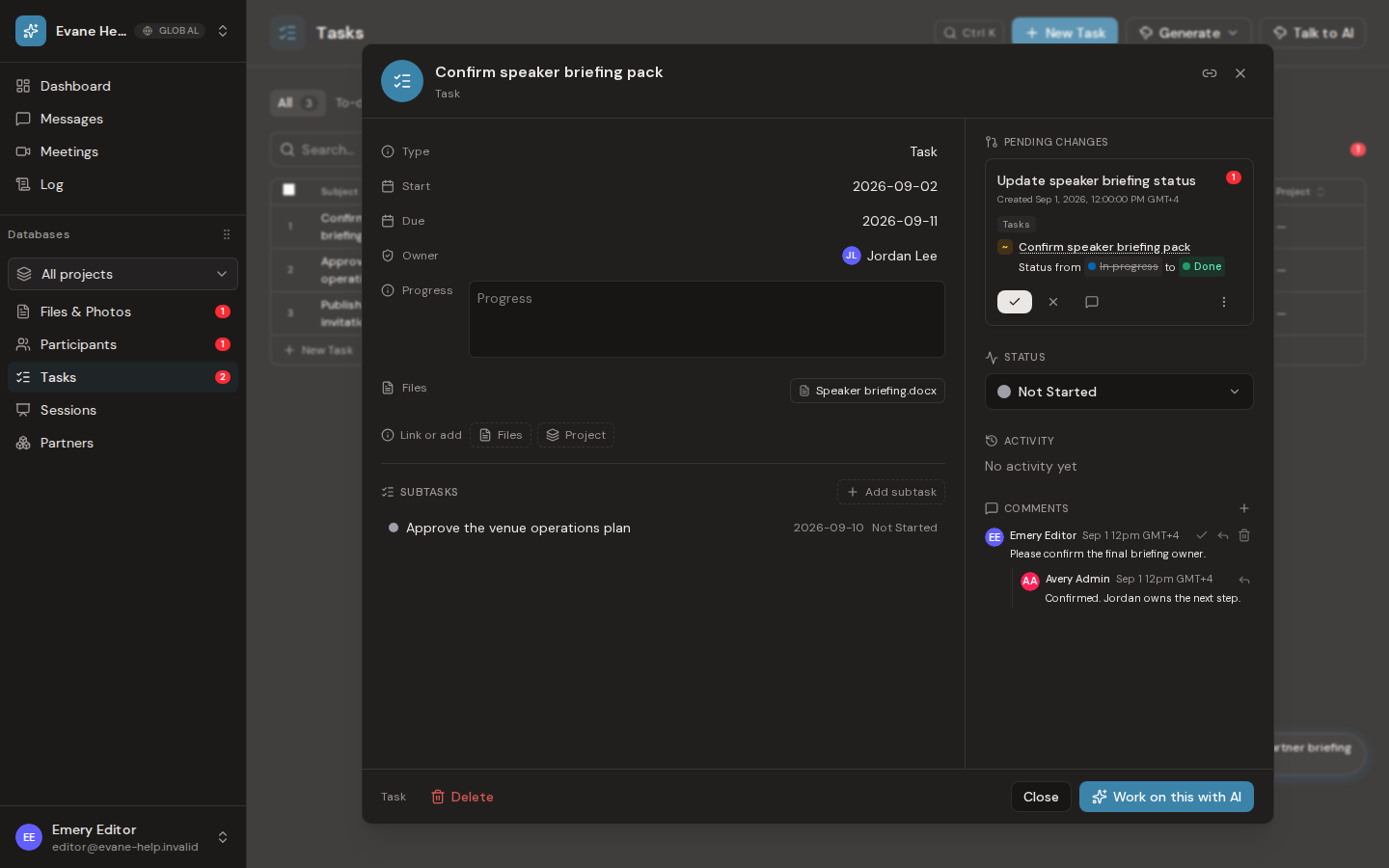
Edit task fields
- Open Tasks and select a row.
- Edit the available fields, such as Subject, Type, Start, Due, or Owner. Owner can hold more than one participant.
- Select Save when the detail dialog reports unsaved changes.
The right-side Status section uses the space's Tasks status chain. A member with write access can select another stage; an Owner or Admin can manage the chain definition itself.
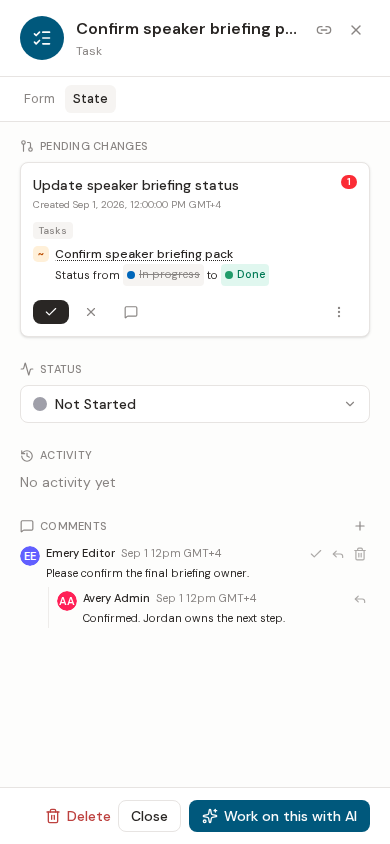
Activity and status behavior
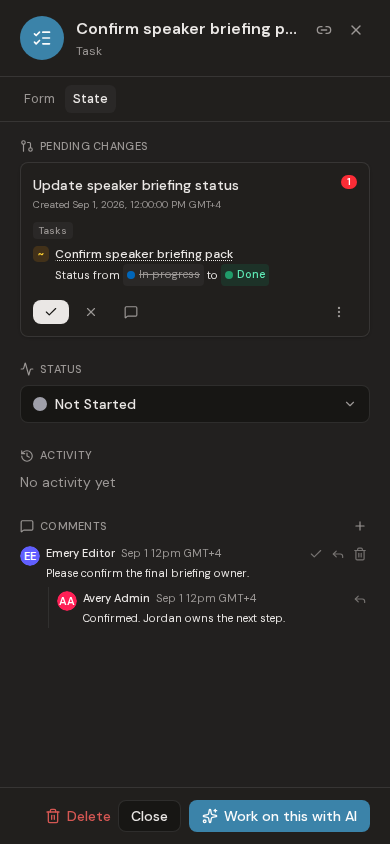
Successful field and status changes are written through the audited change path and appear in the task's Activity panel. The table's visible Status column is derived from status-chain state. A separate legacy task state (todo, in_progress, at_risk, overdue, done, or closed) still powers Calendar styling and whether a Task remains in the active To-do worklist; do not assume that every custom status-chain label changes that legacy state.
Saved fields and the selected status appear in the detail dialog and task table. Other signed-in members receive the corresponding resource or audit refresh when realtime events are available.
A record's details also list the records whose fields point at it, grouped by database and field, and the files attached to those records, each saying which record it came from.
If an update fails
Formist shows an error and does not treat the rejected change as saved. Reopen or reload the record to restore saved state. A missing or empty status chain must be corrected by an Owner or Admin in Settings > Databases.
For a long-text field, this works differently: if someone else changed that field while you were editing it, Formist merges the two edits itself where they do not overlap; an actual overlap shows a comparison naming who changed it so you can resolve it before saving, instead of failing outright. If you lose access to the space while the dialog is open, it becomes read-only with a banner explaining why, and your unsaved text stays visible but cannot be saved.
Related workflow: Manage task files, comments, and activity
Files
Open a task and use Files under Link or add to upload a file or link an available space file. Linked files appear in the task detail. File actions depend on the file source and your permissions. Closing the dialog while an upload is still running pauses it instead of losing it; reopen the record and add the same file again to resume from where it stopped. A paused upload left too long eventually expires and has to start over.
Comments
Members with write access can add comments, reply to any visible comment, and resolve or restore a top-level thread. You can delete your own comment; Owner and Admin roles can delete any comment. Viewer roles can read comments but cannot post or reply. Resolved threads are hidden by default and can be revealed with the resolved toggle.
Comments are isolated by the task's entity type and ID, so another task has a separate thread.
Activity
The Activity panel displays audit records that target this task, newest first. It includes saved field and status changes; it is not a draft history. A failed or unsaved frontend edit should not produce a successful activity entry.
If collaboration data does not load
Formist shows an error when comments or file operations fail. Reload the task to recover saved state. If a control is absent, check your space role before retrying.
Frequently asked questions
Who can change a task's status?
Any member with write access can move a task to another stage in the status chain. Changing the chain's stages themselves, such as adding or renaming a stage, is limited to an Owner or Admin.
Can I delete another member's comment?
Only your own, unless you hold the Owner or Admin role; those two roles can delete any comment on the task. Viewers can read comments but can't post, reply, or delete.
Are resolved comment threads deleted?
No, a resolved thread is only hidden from the default view. Reveal it anytime with the resolved toggle, or restore it to reopen the discussion.
Last verified: