
Assign tasks and filter by owner
Task ownership references a Participant in the same space, and once assigned, Owner can be shown, sorted, grouped, or filtered like other Task fields.
Task ownership references one or more Participants in the same space. Once assigned, Owner can be shown, sorted, grouped, or filtered like other Task fields.
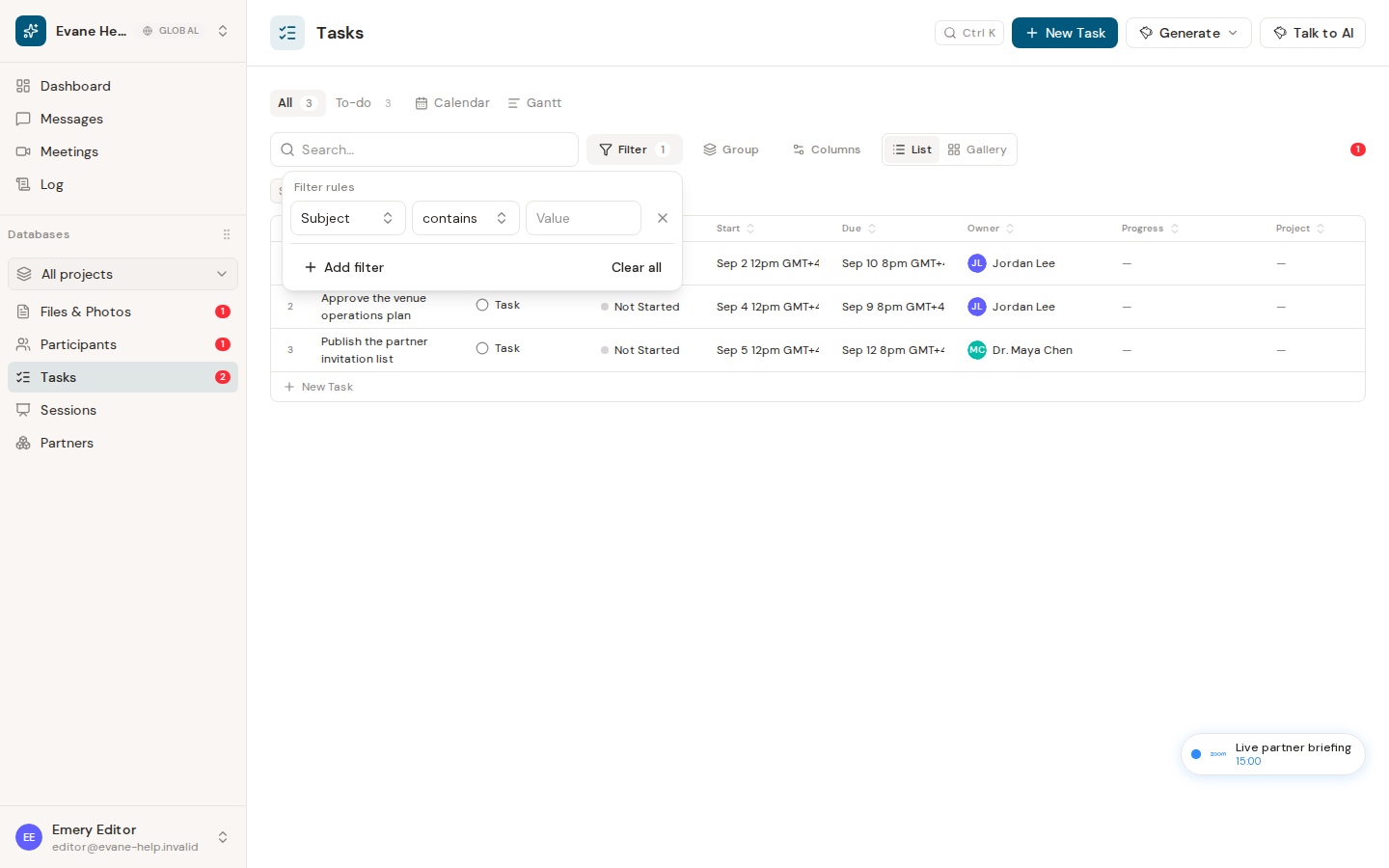
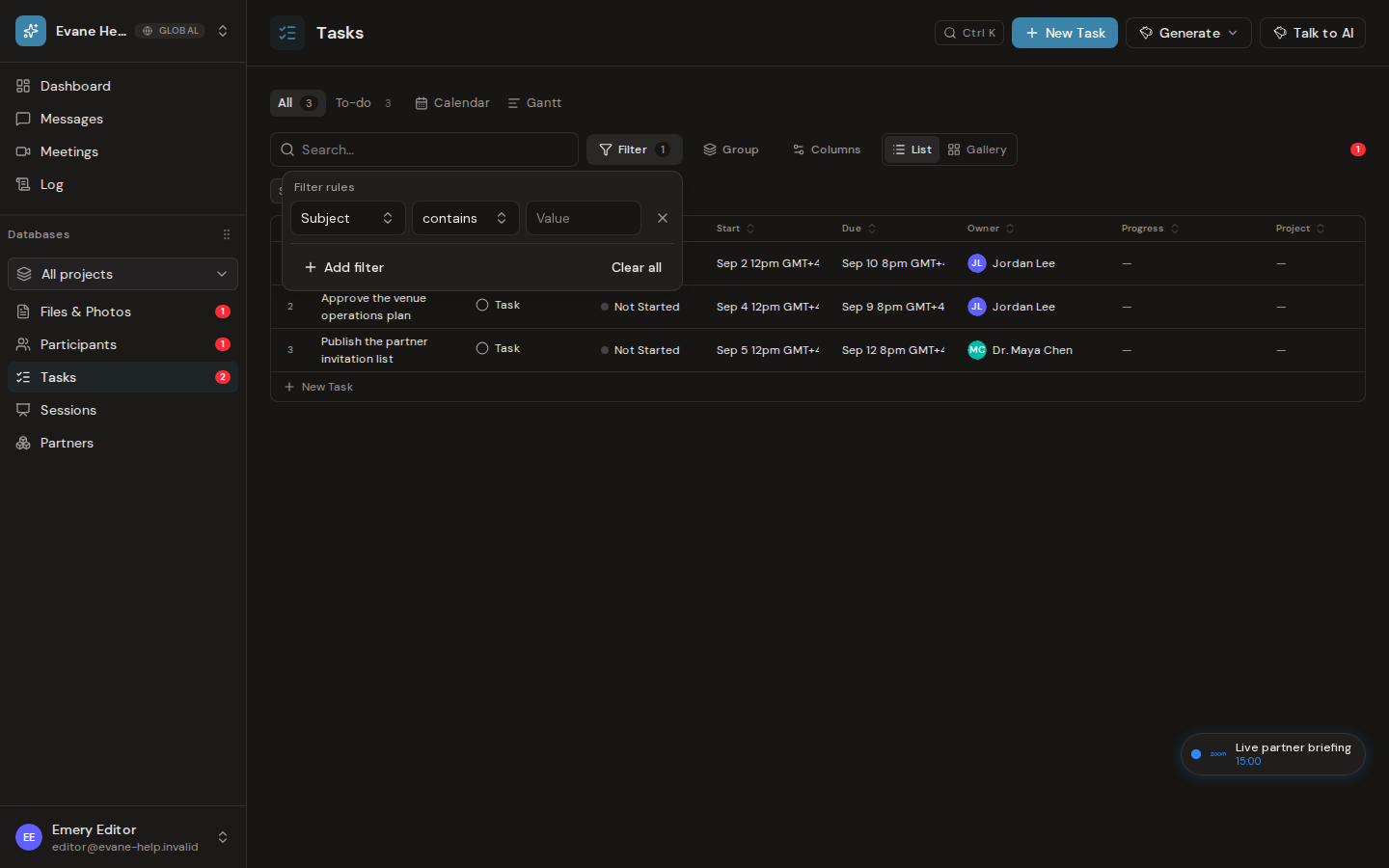
Assign an owner
Task Owner is a reference to one or more space Participant records. Each one may be an individual or an organization.
- Open a task or create a new one.
- Select Owner and choose one or more Participants.
- Save the task.
Changing the Owner requires write access. The Formist service rejects an Owner ID that does not belong to the current space.
Filter or group by owner
In All, use the table Filter or Group controls and choose Owner. A task with more than one Owner groups with other tasks that share that exact combination, unless the view turns on Split multiple values, which lists it under each of its Owners. In To-do, tasks are grouped by their resolved Stakeholder name, and the Stakeholder column lists every owner on a task that has several. A task without an owner is grouped under the All owner group.
The Owner column displays each linked Participant's avatar and name as its own chip. Search, sorting, filtering, grouping, and export use the resolved owner labels rather than exposing a raw ID.
If an owner is missing
A dash means no valid Owner is assigned or the referenced Participant could not be resolved. Re-select an existing Participant and save. If the Participant was deleted, choose another owner.
Frequently asked questions
Can a task have more than one owner?
Yes. Owner accepts any number of Participants. Open the task and add or remove them from the Owner field, or use the command palette's Assign owner action, which adds a Participant to the existing Owners instead of replacing them.
Last verified: