
Use the Invitation Letter Skill
A Skill hooked to Participants can create letters for a Participant from its own template. Formist runs the Skill; its instructions decide the rest.
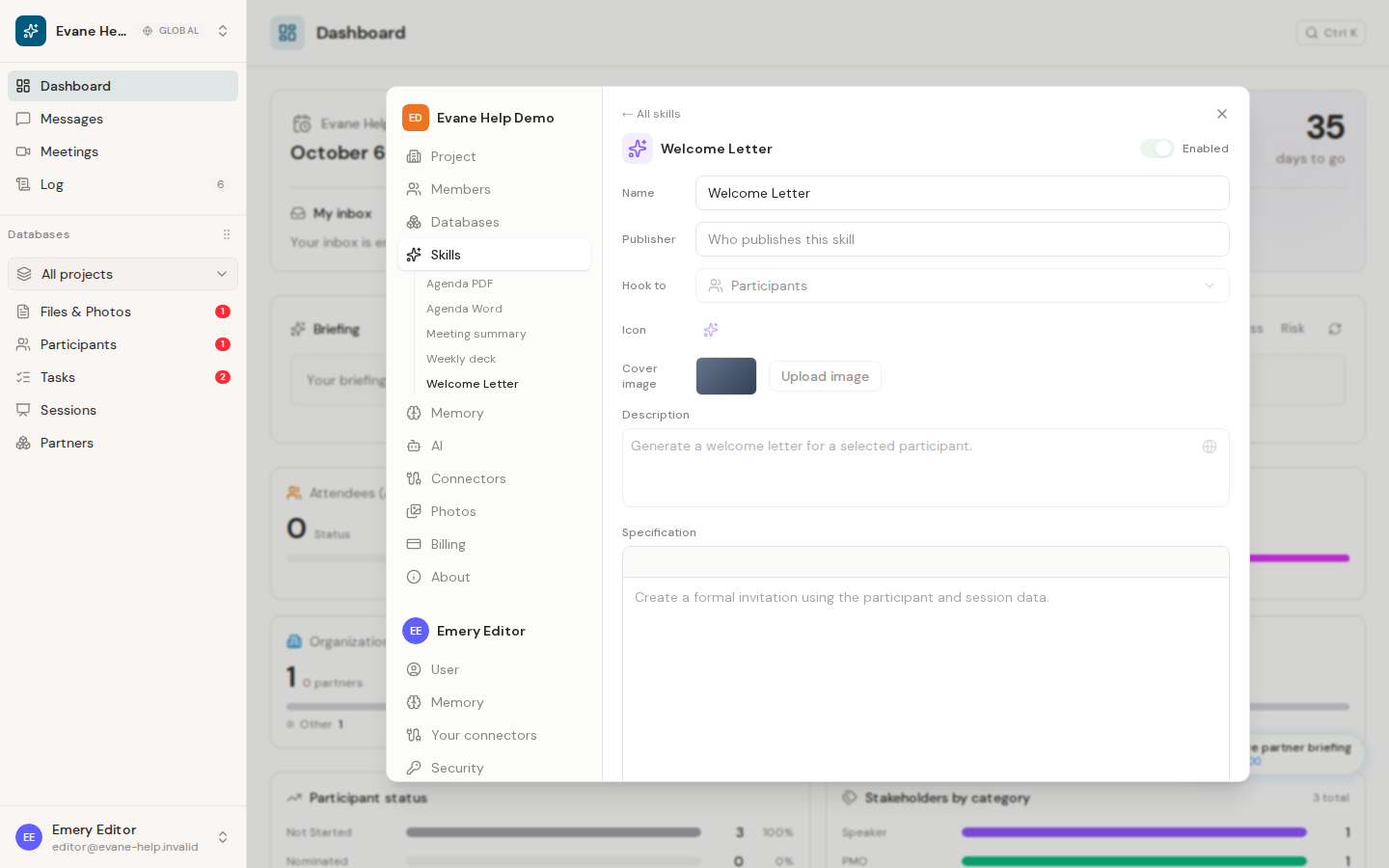
Many spaces keep a Skill hooked to Participants that creates invitation letters. It is ordinary space data, a specification plus one or more attached templates, tied to nothing in Formist's code. What follows describes the common shape of that kind of Skill; your space's own copy can differ.
The Skill may have a space-specific name, such as Invitation Letter or Welcome Letter. Use the Participant-linked Skill whose description and attached template match the letter you need.
How a template is usually chosen
Most invitation-letter Skills key their template choice off a Participant's Tags: a Speaker tag for a speaking invitation, a Minister or International Organisation tag for a bilingual one. The rules are additive, so a Participant tagged both ways can receive two separate files. Exactly which Tags matter, and which template each one maps to, is written in the Skill's own instructions.
Generate letters
- Open the Participant and confirm their Tags, name, title, Organization, and Session links are correct.
- Use the Participant's action menu and choose the Skill.
- Formist opens a chat and runs it. If a required detail is missing, it asks there rather than guessing.
- Review every returned file.
Generated files are saved to Files and linked to the Participant.
Bilingual data must be explicit
A bilingual template needs explicit English and Arabic values for the recipient and their Organization. The Skill does not invent, translate, or transliterate a missing official name: it asks for it in the chat and remembers the answer for next time. Complete the missing fields and run the Skill again if generation stops partway.
Last verified: