
Create, edit, enable, and delete a Skill
Use Settings > Skills to maintain the space's reusable instructions and templates.
Use Settings > Skills to maintain the space's reusable instructions and templates. This area is available for inspection to members, while configuration controls are reserved for Admins and Owners.
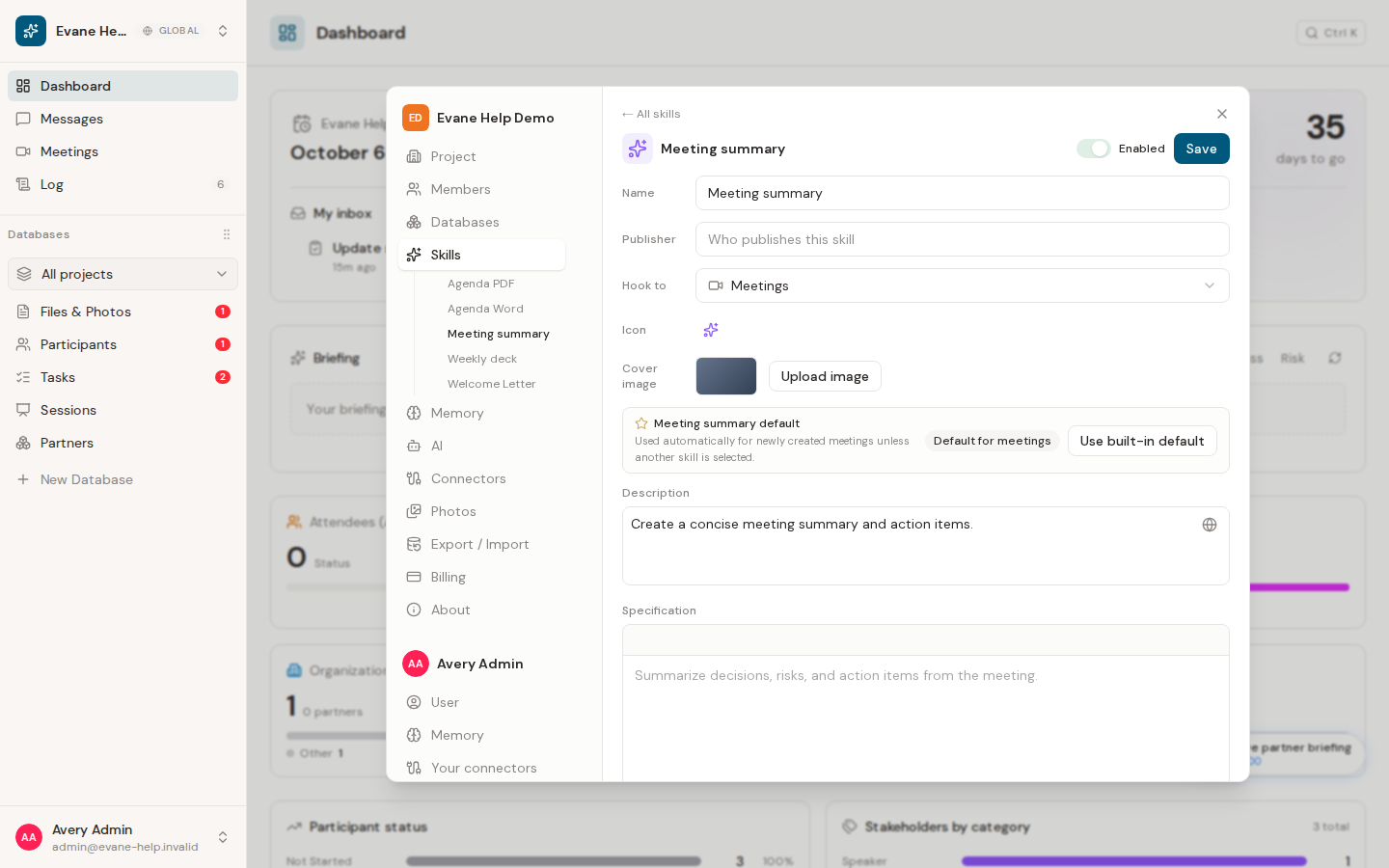
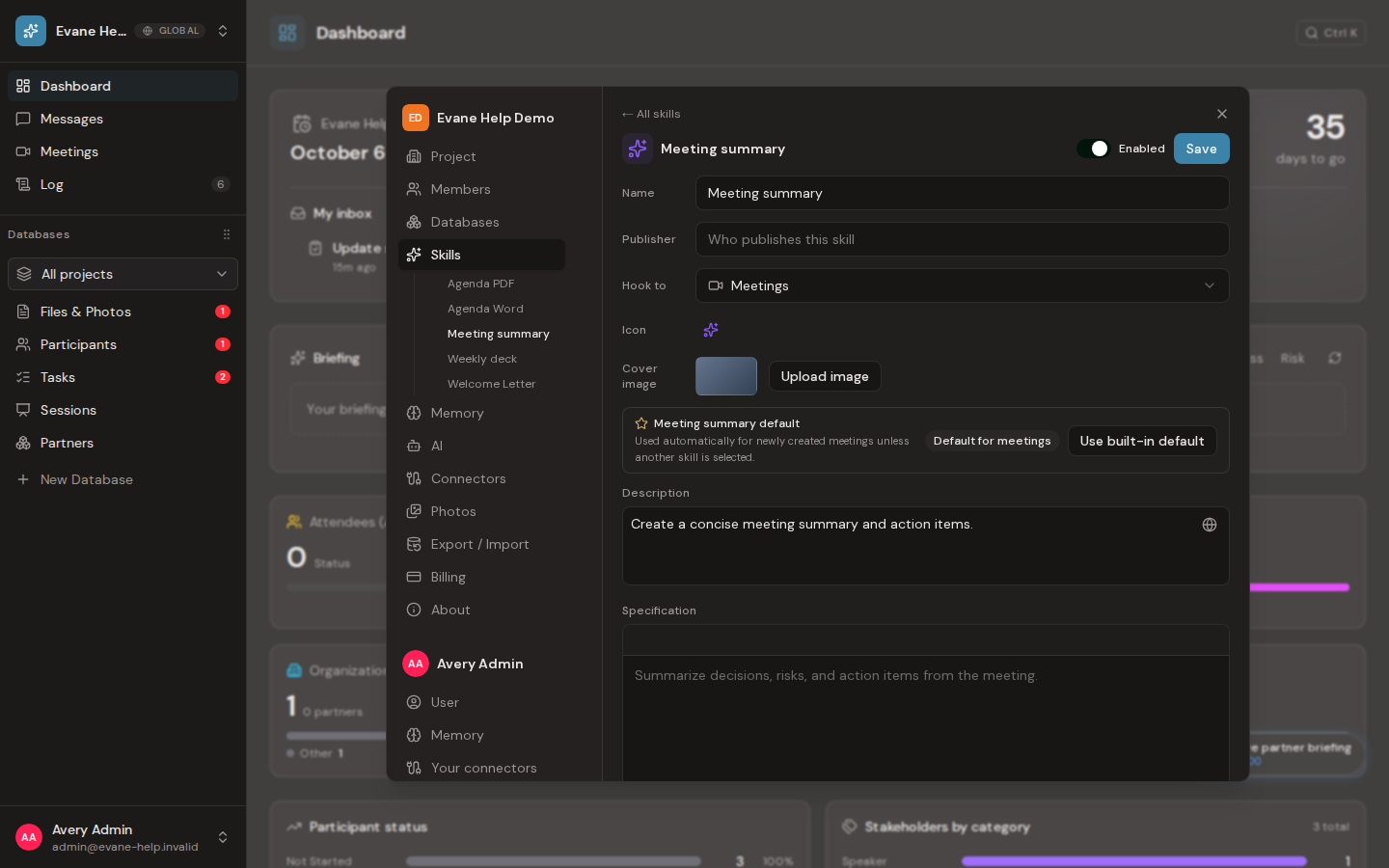
Create a Skill
- Open Settings > Skills and choose Create Skill.
- Choose From Skill Library to install a reusable package, or Create manually to start with an empty Skill. Deployments without the library open the manual editor directly.
- For a manual Skill, give it a clear name and short description.
- Choose Hook to to define where the Skill should appear.
- Write the specification the AI assistant must follow.
- Attach any required template or reference files.
- Save the Skill, then leave it enabled when it is ready for use.
Installing from the Skill Library creates a package-managed space Skill. Open it after installation to review its description and enabled state. The package keeps its name, description, hook, specification, attachments, and cover synchronized automatically, so the space editor does not expose or modify those package-owned fields.
For a manual Skill, uploaded attachments become real space Files and are stored on the Skill by file ID. Wait for an attachment to finish uploading before saving or testing the Skill.
Edit or disable a Skill
Select a manual Skill to change its name, description, hook, specification, or attachments. The Save button persists those fields. The enabled switch is independent and saves immediately, which is useful when a template or external service is temporarily unavailable.
For a Skill installed from the library, an Admin or Owner can enable or disable it and choose its space icon, but cannot view or edit the package specification, hook, attachments, or cover. Update the package through the Skill Library instead of turning it into a divergent local copy.
For a Meeting-hooked Skill with a specification, an Admin can also set it as the space's default Meeting Summary Skill.
A library Skill's specification and attachments stay hidden everywhere else too: the Activity Log and pending Proposals show that it changed, not what it says; Skill search does not match its text; a space data export leaves them out; and the assistant's tool activity shows that it read the Skill, not the text. The assistant still reads the full Skill when it uses it.
Delete behavior
Deletion depends on the Skill's origin and current references. Built-in or sample Skills may be protected, and a Skill used by another configuration may need to be detached first. If deletion is unavailable, disable the Skill and ask an Admin to review its references.
Frequently asked questions
Can I edit a Skill installed from the Skill Library?
Not its specification, attachments, hook, or description. An Admin or Owner can still enable or disable it and choose its space icon; the package itself updates through the Skill Library.
Does disabling a Skill delete it?
No. Disabling preserves the Skill's full definition and only removes it from normal execution; it can be re-enabled at any time.
Who can see a Skill's hidden specification?
No one, through the normal interface. A library Skill's specification and attachments stay hidden in the Activity Log, pending Proposals, Skill search, and space data exports; only the assistant reads the full text when it runs the Skill.
Last verified: