
Export or import space data
Space transfer creates or consumes an administrative data bundle.
Space transfer creates or consumes an administrative data bundle. Because a bundle can contain records from across the space, only an Owner or Admin may generate, download, or import it.
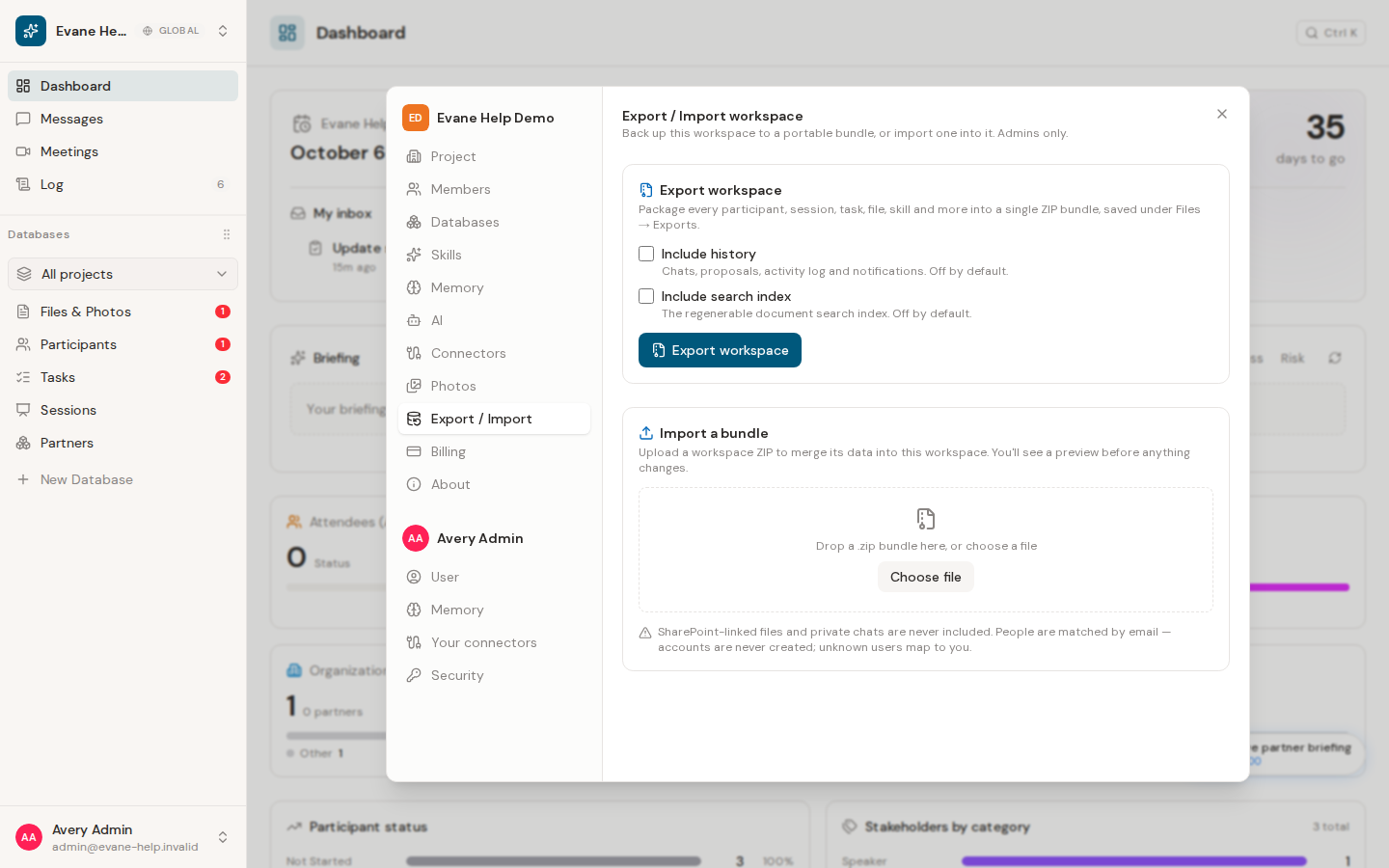
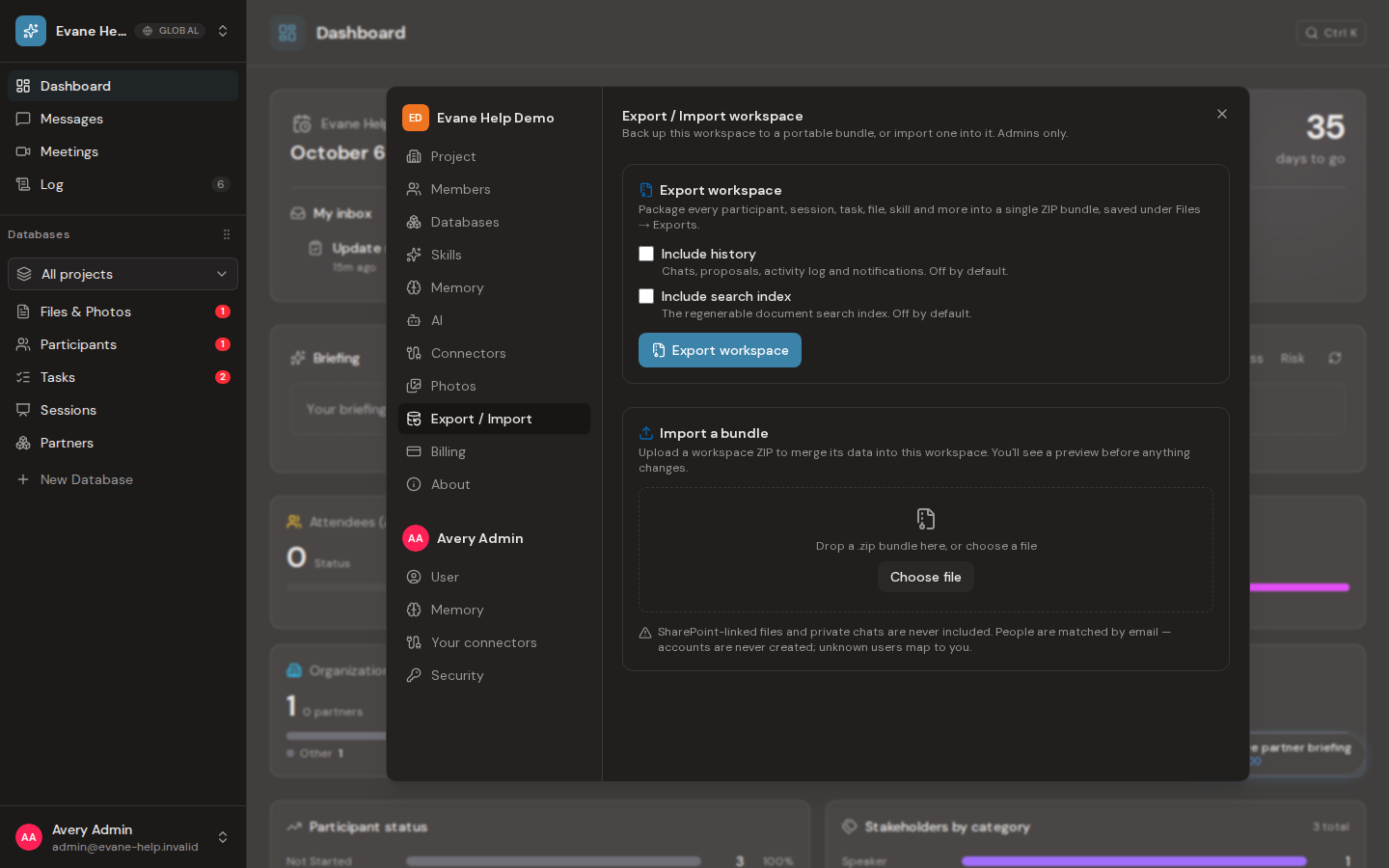
Export a space
Open Settings > Data and start an export. Formist assembles the supported records into a stored bundle and adds it to the Files library. The bundle remains access-restricted even if another member learns its file ID.
Import a bundle
Choose a compatible Formist export and review the import mode before confirming. Import validates identifiers and relationships before applying data; it is not a general-purpose upload for arbitrary ZIP or JSON files.
Treat exported bundles as sensitive. Download them only to an approved location and remove obsolete copies according to your retention policy. If validation fails, keep the original space unchanged and correct the bundle or target configuration before retrying.
Frequently asked questions
Can I import any ZIP or JSON file as a space bundle?
No. Import validates identifiers and relationships before applying data; it is not a general-purpose upload for arbitrary ZIP or JSON files.
What happens if a bundle fails validation during import?
The original space stays unchanged; correct the bundle or target configuration before retrying.
Last verified: