
Connect a Lark group
Bind an internal Lark group to a Formist space and read its message archive.
This feature only applies to Formist deployments with the Lark group connector enabled. It binds an internal Lark/Feishu group to the current space for group message archiving and assistant replies. It is separate from Lark Drive, which synchronizes files from a folder.
Prepare your account and group
An Owner or Admin manages the binding. Your Formist account must be linked to your Lark/Feishu identity: if the picker asks you to link it, choose Open Security settings, complete the account link there, and return to Connectors. If linking is unavailable, contact the deployment administrator.
You and the configured Formist bot must both belong to the same internal group. Direct chats and external groups are not supported. A group already connected to a space cannot be selected again.
Select the group connector
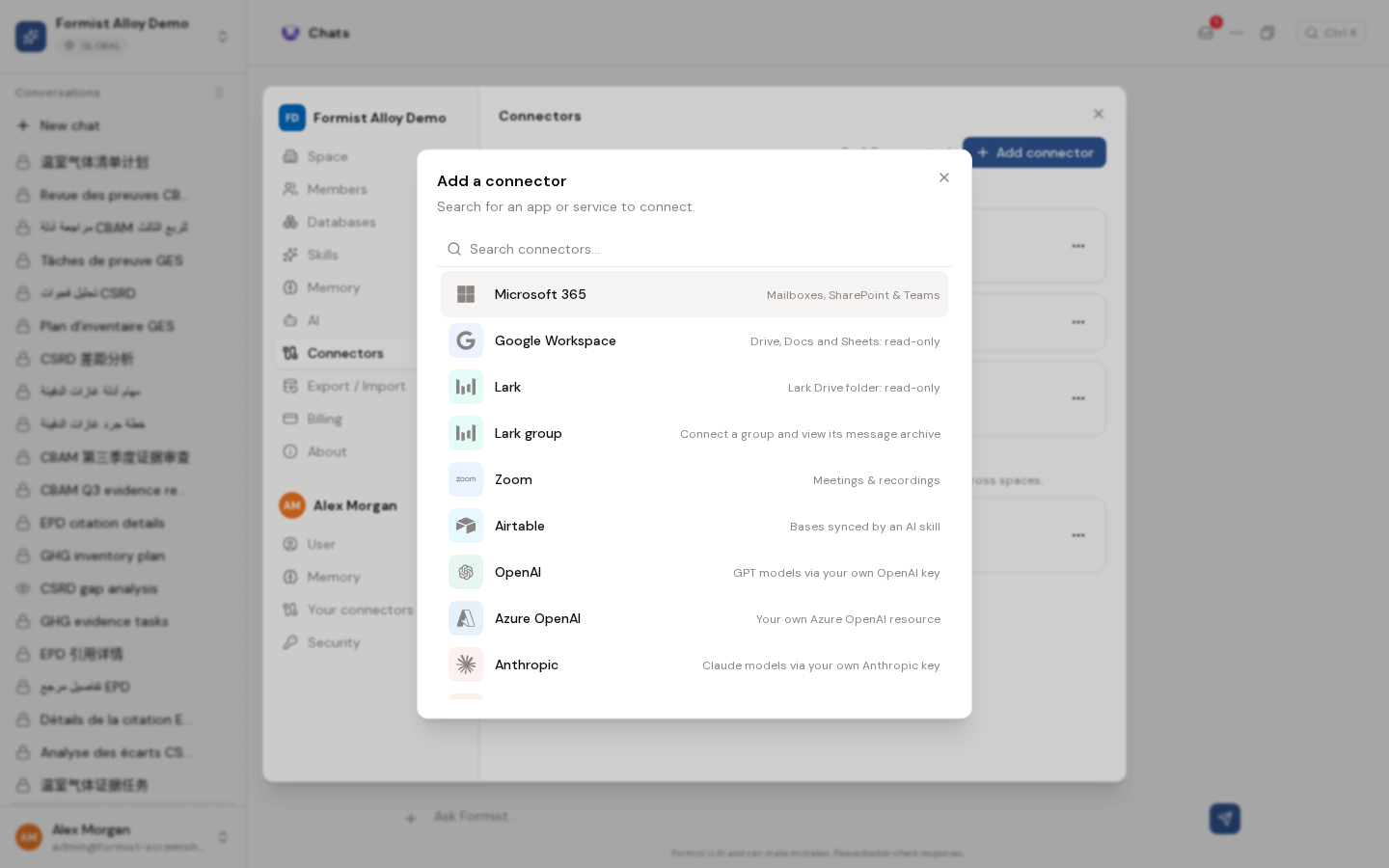
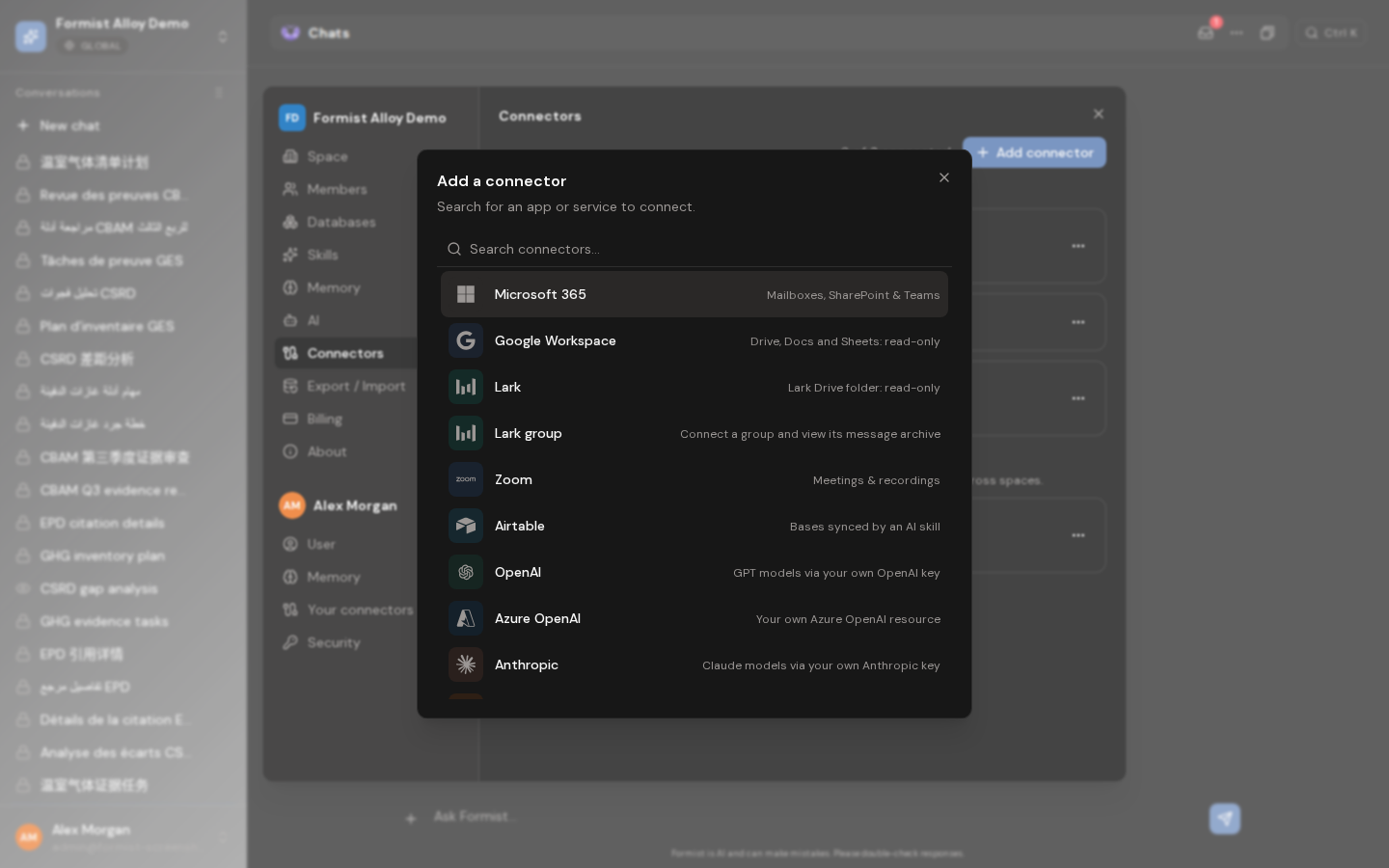
Open Settings > Connectors > Add connector, then choose Lark group. If this option is missing, confirm that the deployment supports it; choosing Lark Drive does not enable group messaging.
Confirm the binding
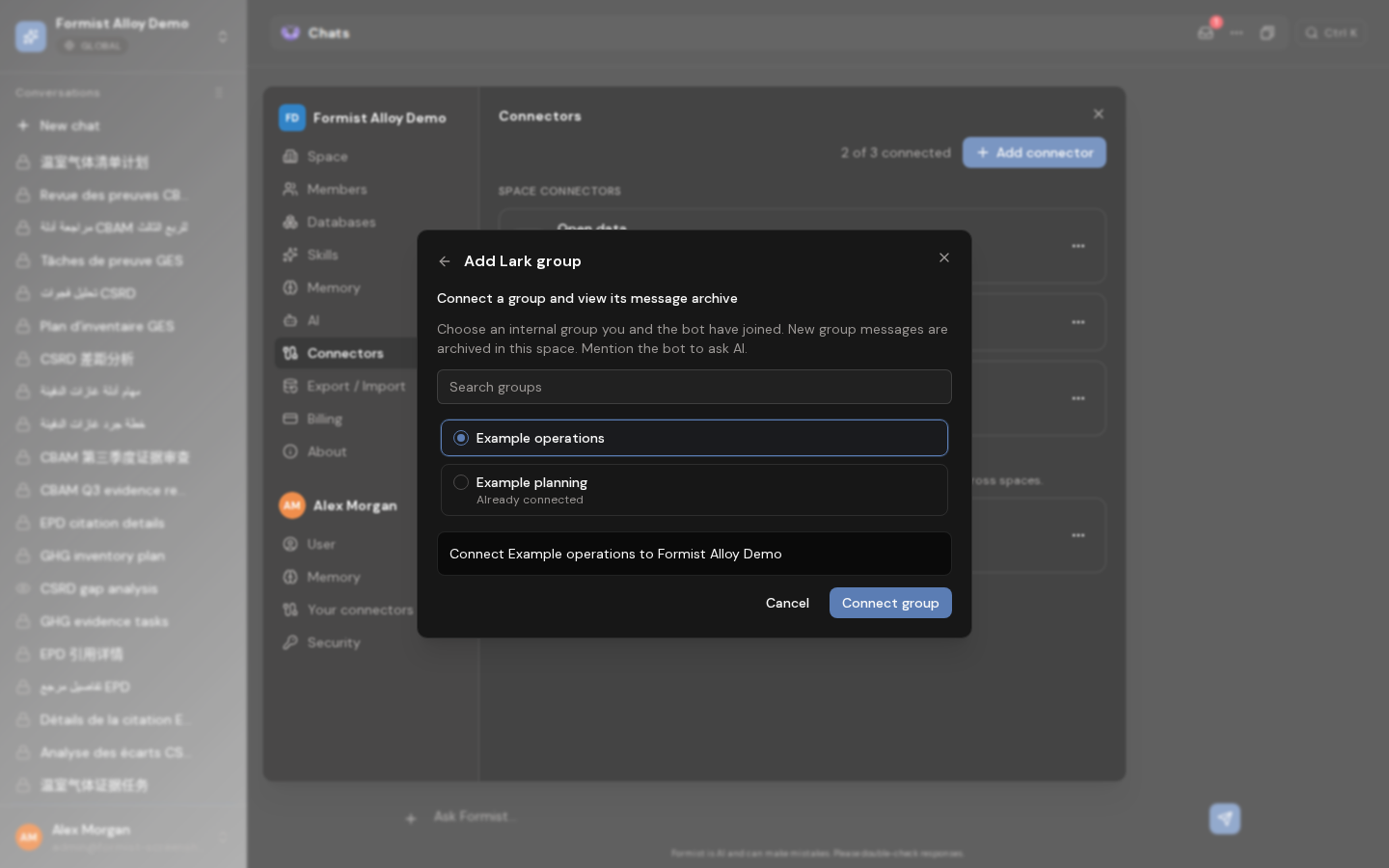
Search the listed groups by name and select one available group. Already connected groups are marked and disabled. Check the group and current space in the confirmation summary, then choose Connect group. Only this confirmation creates the binding; selecting a group alone does not save it.
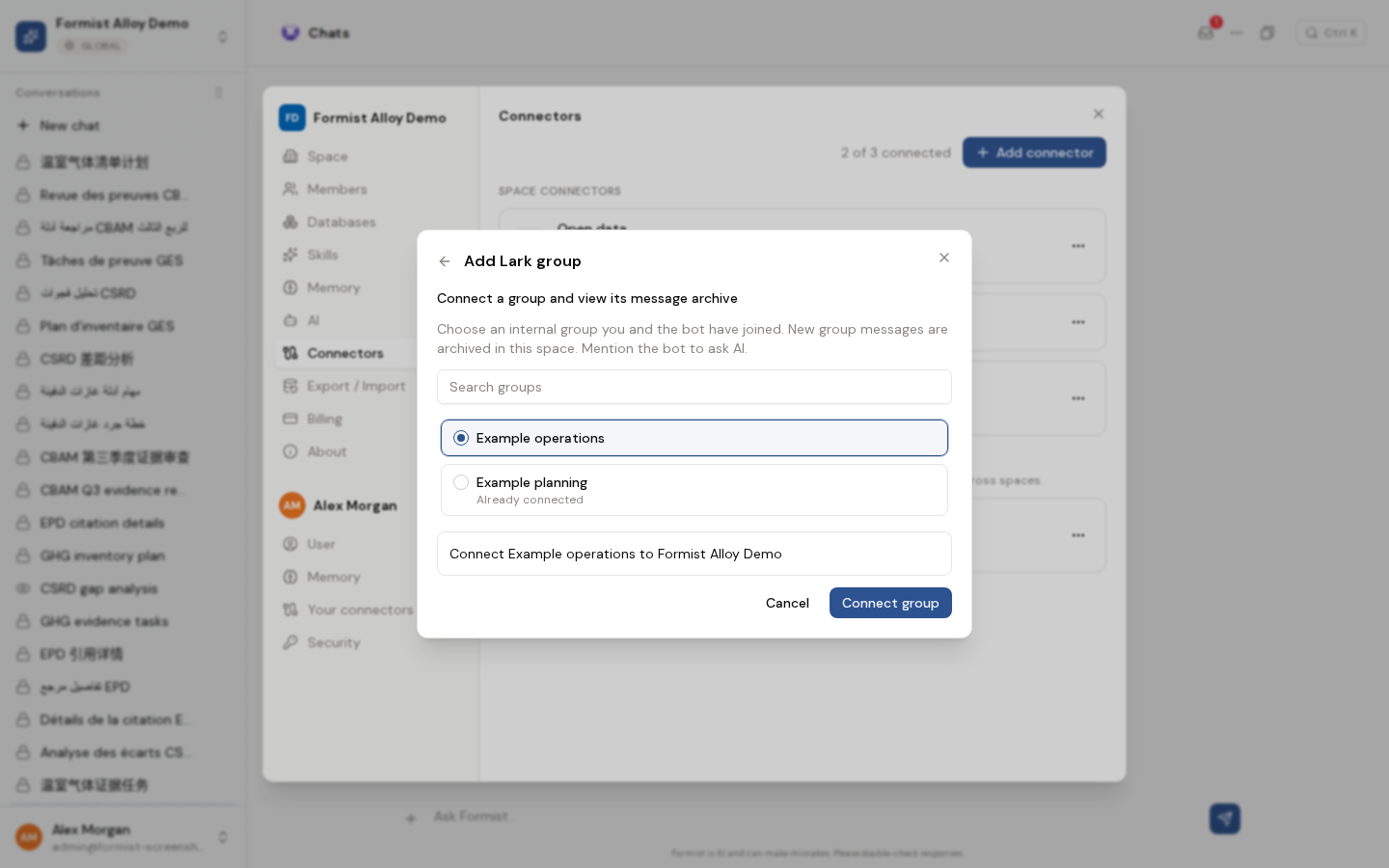
If a group becomes bound elsewhere before you confirm, refresh the list and select another available group. For a failed request, reload the group list before retrying: the server may already have completed the binding. Closing a pending dialog does not undo a completed connection.
Read messages and ask the assistant
After connection, open the group's … > View message archive action in Connectors. Space members, including viewers, can read the archive; managing connections remains restricted to Owners and Admins.
The archive is read-only and shows the newest messages first, with sender, time, and bot labels where available. Refresh messages reloads the latest stored messages; Load earlier messages appears when another page is available. Revoked messages show a placeholder instead of their original text. This screen does not send, edit, or delete group messages.
In Lark, mention the configured Formist bot to ask the assistant a question in the bound group. Message reception uses the application's long connection, managed by the deployment; there is no webhook setup step in this workflow. Connecting does not promise a complete import of messages sent before the service received them.
Recover from a missing or unavailable group
Check that you linked the correct Lark account and that both you and the bot are still members of the internal group. Retry after correcting membership. If the connector is unconfigured or Lark cannot list groups, ask the deployment administrator to check the application and event service. Do not create a local event subscriber to troubleshoot a shared application: it can consume messages intended for the server.
Frequently asked questions
Why can I see Lark Drive but not Lark group?
They are different connectors. Lark group only appears in Formist deployments that enable and configure group messaging. Ask your deployment administrator to check its availability.
Can I bind a group that is already connected to another space?
No. Already connected groups are disabled in the picker. Coordinate with a space administrator rather than creating another binding.
Will the connector import the group's entire chat history?
Do not assume a historical backfill. The archive shows messages received and stored by the configured service; use Refresh to load the latest stored messages and Load older messages when available.
Last verified: