
Connect a Lark Drive folder
Authorize Lark, choose one shared folder, and synchronize its files into the space as read-only content.
A Lark space connector gives Formist read-only access to one shared Drive folder. Formist can synchronize files and folders into the current space, but it never changes content in Lark.
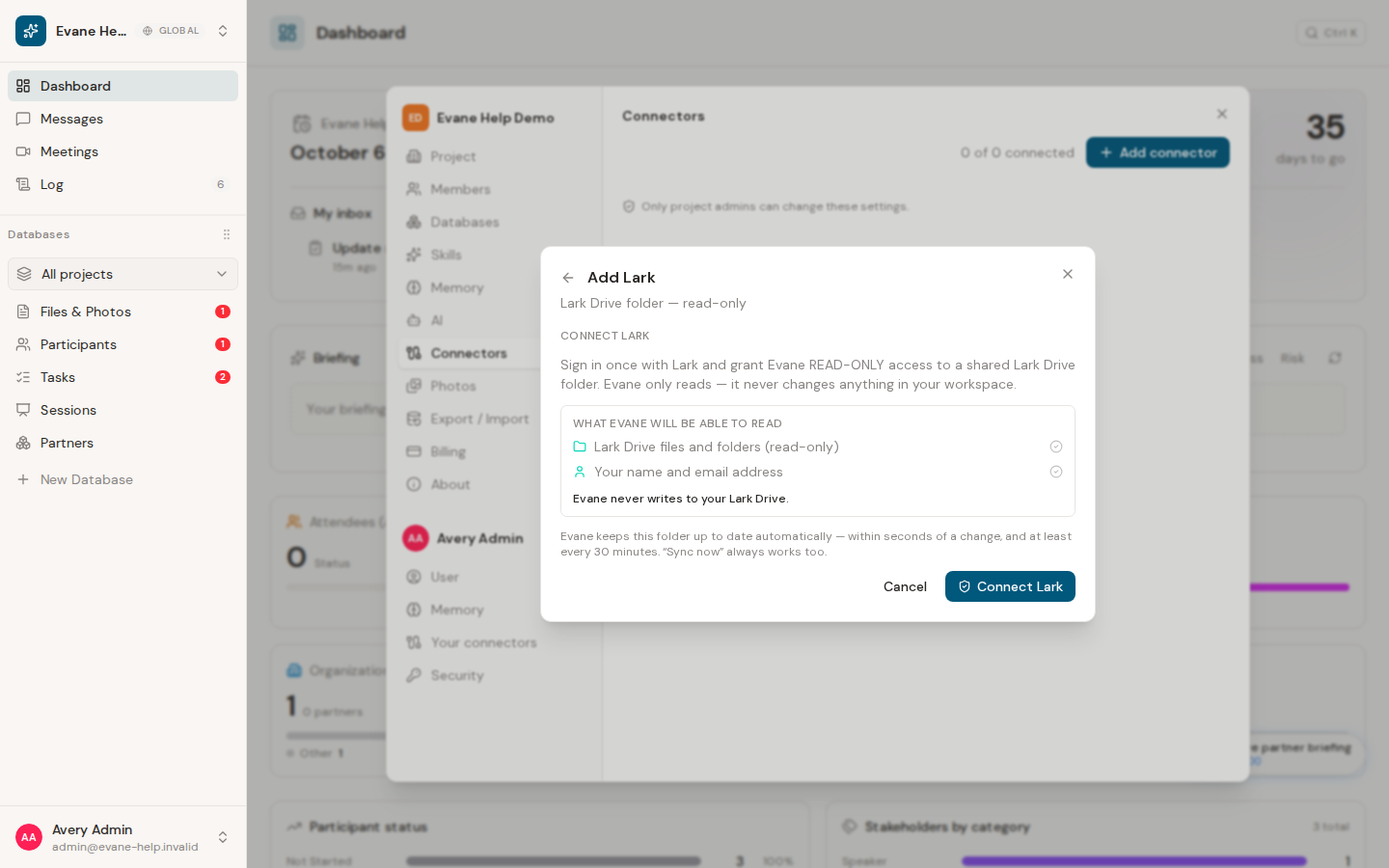
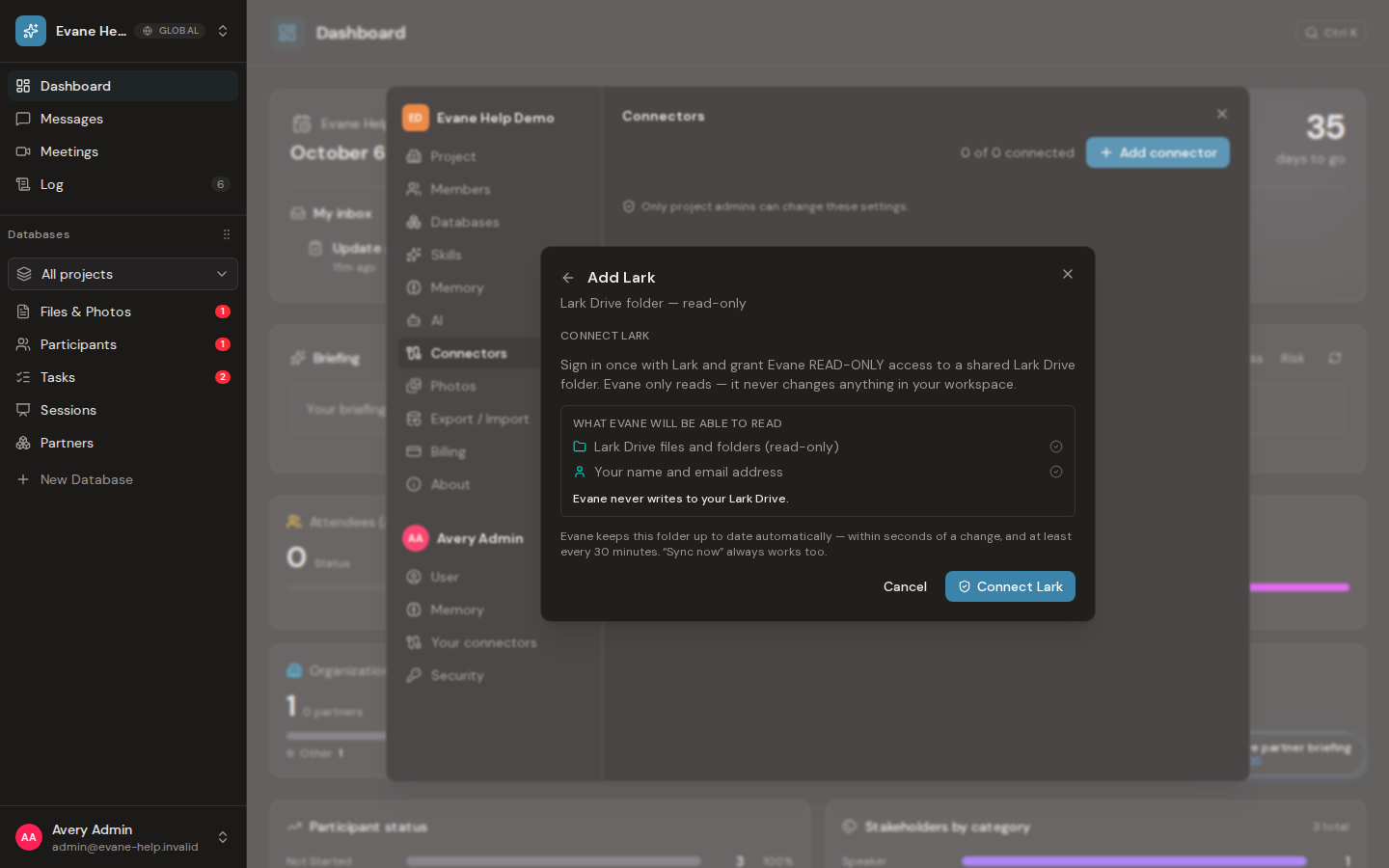
Authorize Lark
An Owner or Admin can open Settings > Connectors, select Add connector, and choose Lark. Select Connect Lark: Lark opens in the same tab. Approve the read-only request there, and Lark sends you back to Formist with the same dialog open on the folder step.
The consent includes the shared Drive folder and basic account identity needed to maintain the connection. If Lark rejects the request or the redirect address does not match the Lark app configuration, Formist shows the returned error and redirect address instead of creating a partial connection.
Choose the folder to synchronize
After authorization, select one folder from My space or Shared with me. If the folder is not listed, paste a Lark Drive folder link and resolve it before saving. The authorized account must be able to read the selected folder.
Formist synchronizes that folder and its descendants. Reconnecting repairs the existing connector; choosing another folder changes the scope of later synchronizations without moving or deleting anything in Lark.
If Lark is unavailable
The Lark option appears only when the deployment enables and configures it. If the option is missing, the app credentials are unavailable, or authorization has expired, ask the deployment administrator to check the connector configuration before trying again.
Frequently asked questions
Does changing the synced folder affect anything in Lark itself?
No. Choosing another folder only changes the scope of later synchronizations; it never moves or deletes anything in Lark.
Why is the Lark option missing from my connectors list?
Lark only appears when the deployment enables and configures it; ask the deployment administrator to check the connector configuration.
Last verified: