
Create and manage custom Participant tabs
Custom Participant tabs are saved views that can be Public or Private.
Custom Participant tabs are saved table views. They can isolate records by profile fields or Session relationships, and you decide whether each new view is Public or Private.
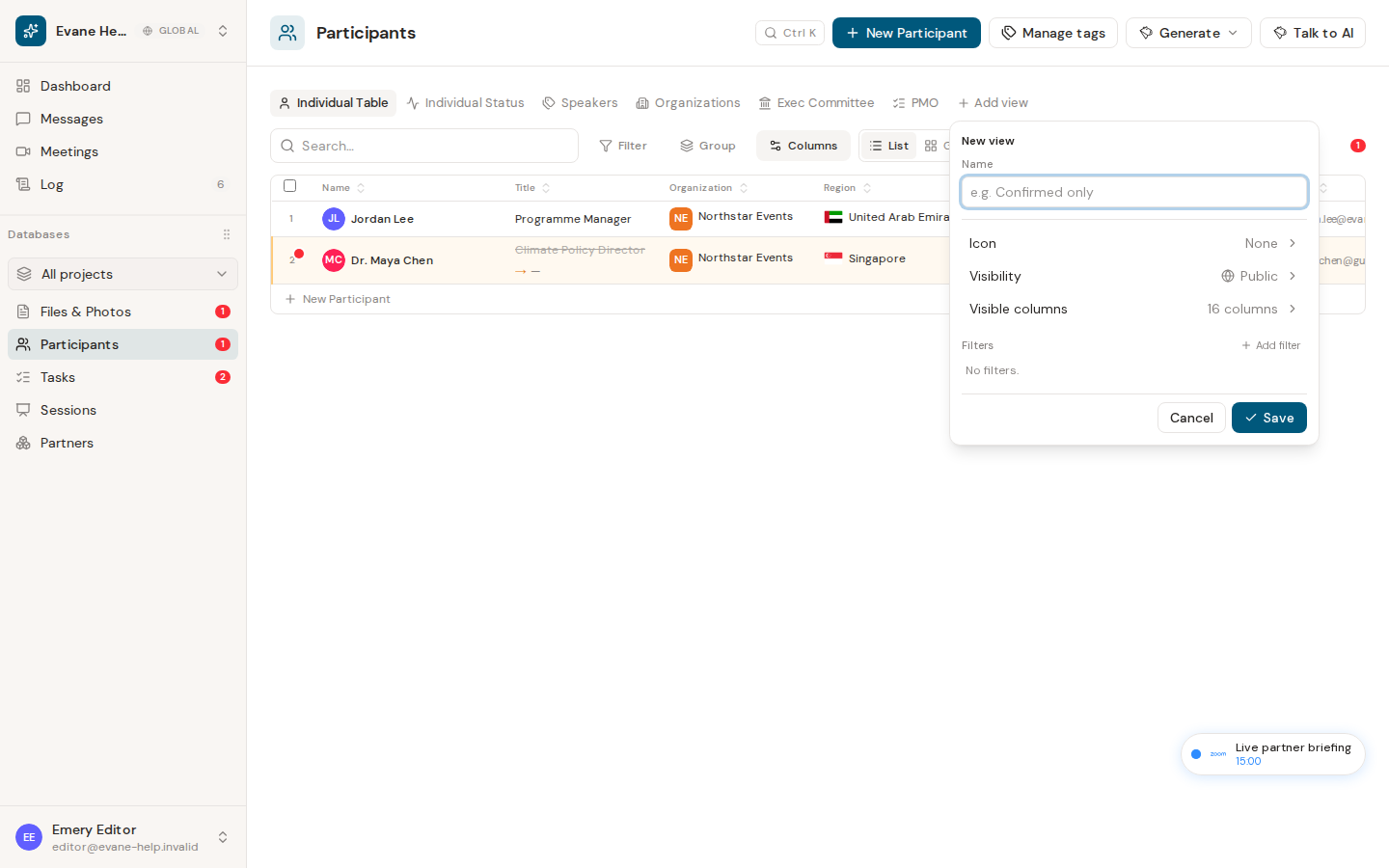
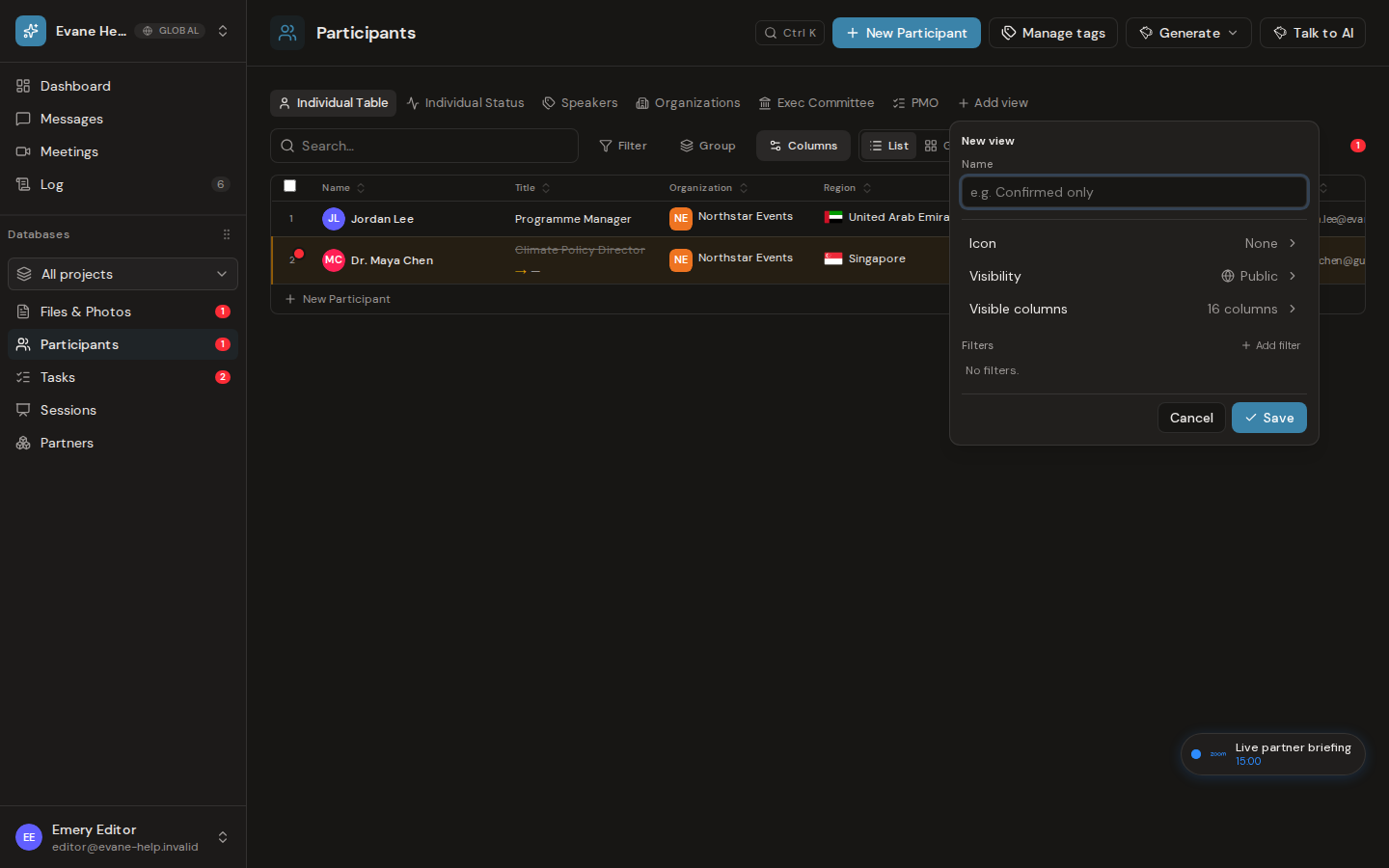
Add a view
Participants has one strip of view tabs. The defaults (Individuals, Organizations, and in older Spaces Individual status) are views like any other; there are no fixed modes beside them.
- Open Participants and select Add view at the end of the tab strip.
- Choose the View type first: Table, List, Gallery, Calendar, or Gantt. The type decides how the rows are shown; there is no separate List or Gallery switch on the toolbar.
- Enter a view name and optionally choose an icon.
- Choose Public to share the tab with the Space, or Private to keep it visible only to you and Space Admins.
- Configure visible columns and filters, then the type's own settings: a Calendar's date column and default range (Month, Week, 3 days, or Day), a Gantt's start and end columns, a Gallery's cover, or a List's title and detail fields.
- Save the view and select its tab.
Participant view fields include normal Participant columns plus generated Sessions, Role, and First speaking slot values. For example, a Role filter can create a focused Moderator or Panelist view.
Edit, reorder, or delete a view
Hover or focus a tab and open its menu. You can edit the configuration, set or clear its icon, move it left or right, or delete it. The default views have the same menu; their own filters are part of the view, so they do not appear as removable filter chips and are changed only by editing the view. A table always keeps at least one view, so deleting the last one is refused.
Creating, updating, and deleting saved views requires Space write access. Viewers can read visible Public views, but the Formist service rejects view mutations.
How custom tabs are shared
Public tabs are available to space members. Private tabs carry a lock icon and are visible only to their creator and space Owners or Admins. Each tab keeps its creator, and only the creator or a space Owner/Admin can change its visibility.
Last verified: