
Generate participant invitation letters
Formist generates a letter by running the Skill your space has hooked to Participants against the Participant you pick.
Formist generates a letter by running the Skill your space keeps hooked to Participants against the Participant you pick. What the letter says, which template it starts from, and what information it needs come from that Skill's own specification and attachments, not from anything built into Formist.
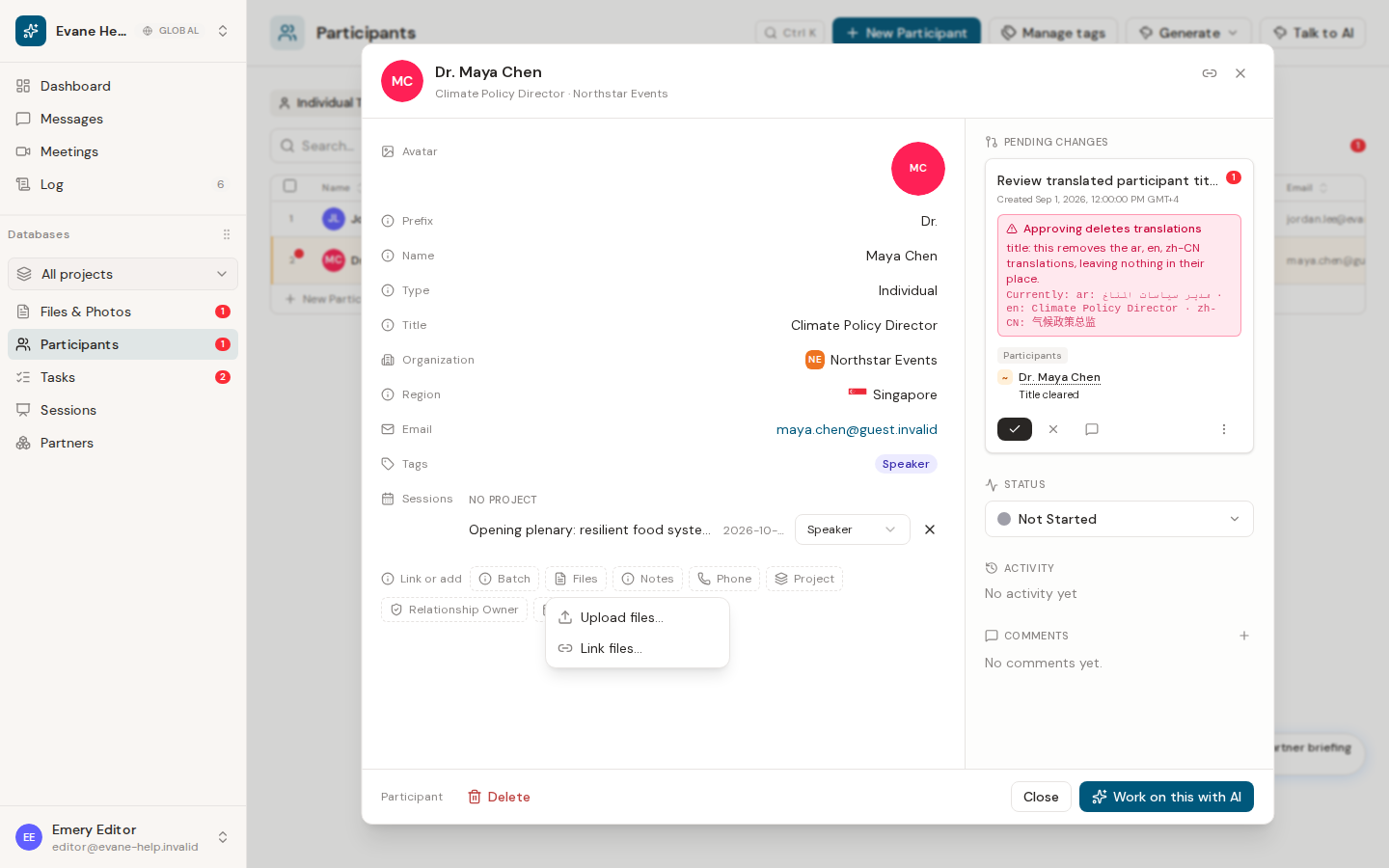
Choose the Skill and run it
- Open the Participant's own action menu, or the Files action on that row, and choose the invitation-letter Skill your space has hooked to Participants.
- Formist opens a chat and runs the Skill against this Participant's record: Tags, name and title, linked Organization, and any linked Sessions.
- Many invitation-letter Skills pick a template from the Participant's own Tags, for example a Speaker tag for a speaking invitation or a Minister or International Organisation tag for a bilingual one, so one Participant can end up with more than one letter. Exactly which Tags matter is written in the Skill's own instructions.
Missing details are asked, not guessed
If the Skill needs something it cannot find in the record, such as a name in Arabic, a coordinator's contact details, or a signatory, it asks for it in the chat rather than inventing or translating it. Answer once, and Formist remembers the answer for this space, so the next letter for the same space does not ask again.
What you get back
The finished file is saved to Files and linked to the Participant. Most invitation-letter Skills produce a Word document by default; if you need a PDF instead, say so in the chat that opens.
If nothing is generated
Check that a Skill hooked to Participants is actually available and enabled: Settings > Skills shows its hook and its attached template. If the Skill's attachment is missing, the chat explains that rather than producing an incomplete document.
Frequently asked questions
Can I get a PDF instead of a Word document?
Yes, if you ask in the chat the Skill opens. Most invitation-letter Skills produce a Word document by default, but you can request a PDF instead before the file is generated.
Last verified: