
Compose and send email
The message composer separates saving from delivery.
The message composer separates saving from delivery. Saving creates a space Draft; Send delivers through the connected Microsoft 365 mailbox and records the resulting state.
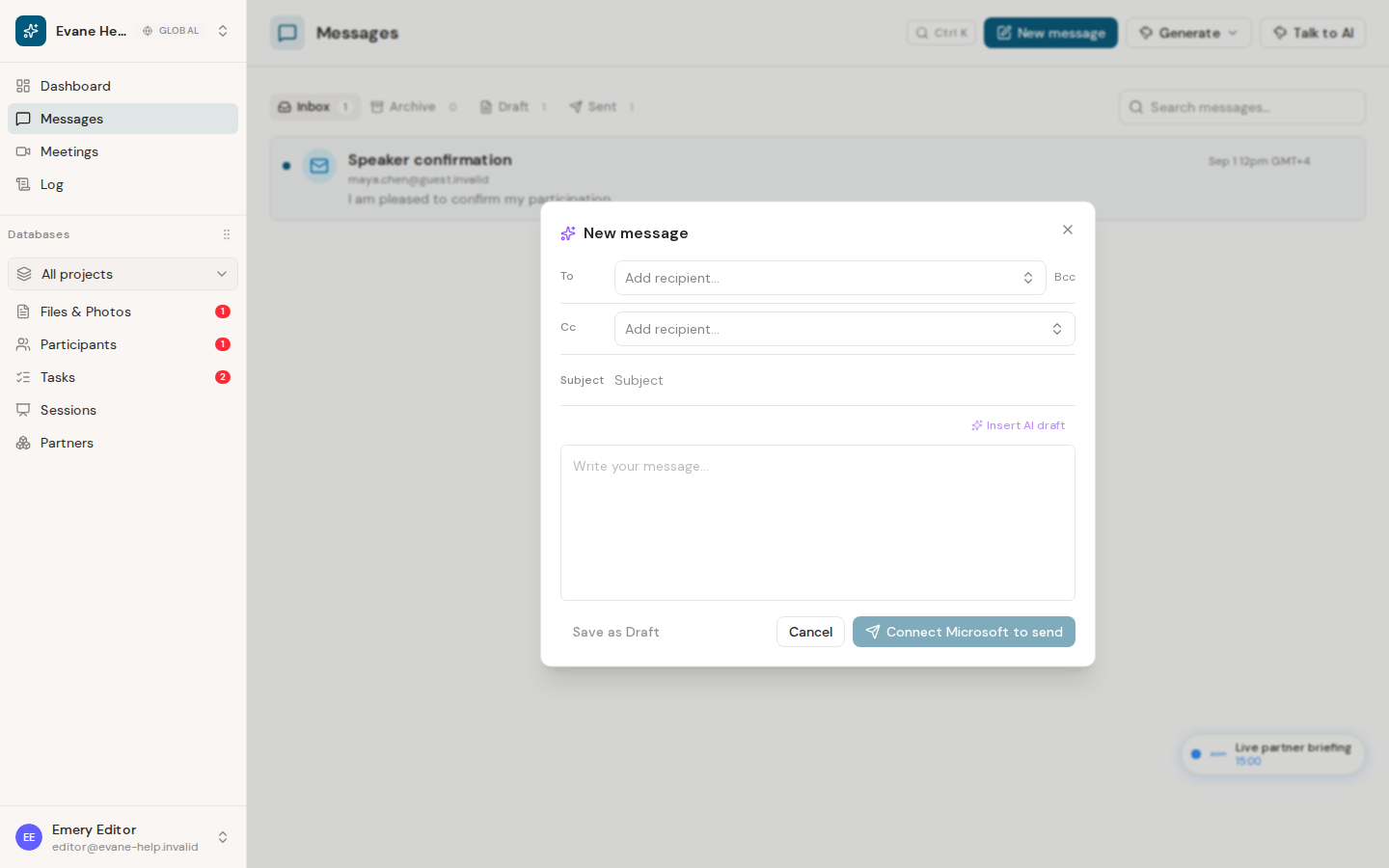
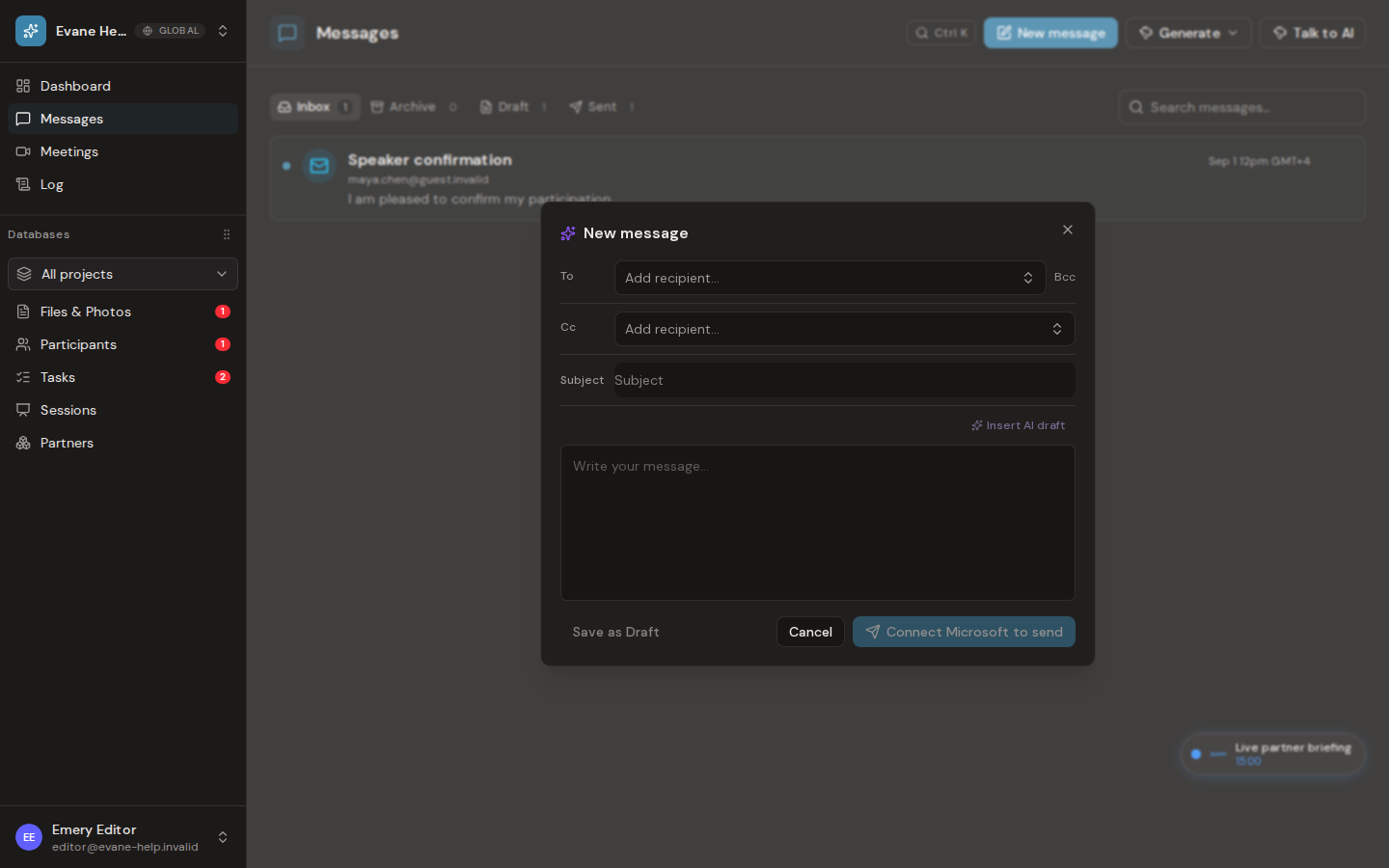
Write and send
- Select New Message.
- Add at least one valid To recipient. Add Cc, a subject, and body as needed.
- Add a subject and message body. The composer does not currently attach space Files; paste a recipient-accessible link when supporting material is needed.
- Choose Save draft to finish later, or Send to request delivery.
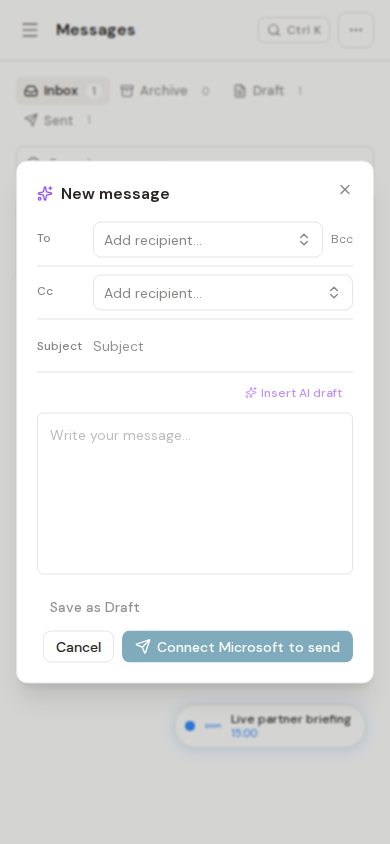
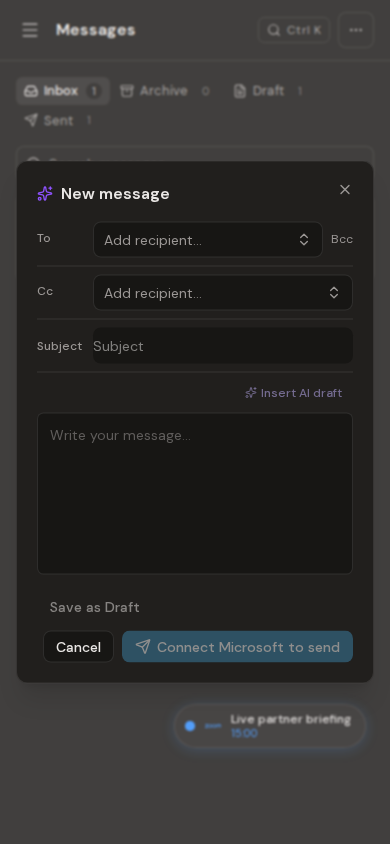
Opening a saved draft restores To, Cc, Bcc, subject, and body so they can be edited before sending. A successful send moves the message out of Draft and into Sent.
If delivery fails, the message must not be presented as sent. Confirm that the user mailbox connector is authorized and that all recipients are valid, then retry from the preserved draft.
Frequently asked questions
Can I attach a space file directly to an email?
Not yet. The composer does not currently attach space Files; paste a recipient-accessible link in the body when supporting material is needed.
What happens if a send fails?
The message must not be shown as sent. Confirm the mailbox connector is authorized and every recipient is valid, then retry from the preserved draft.
Last verified: