
Complete your first-time setup
Complete your Formist profile, add organization context, choose a space, and invite the teammates who should join you.
First-time setup turns a new account into a usable space: confirm your identity, add organization context, choose where to work, and invite the people who should join you.
1. Confirm your profile
Enter the name you want teammates to see and select the region where you are based.
2. Add organization information
Select your team size, industry, and how you heard about Formist. These details describe your organization and do not assign your space role.
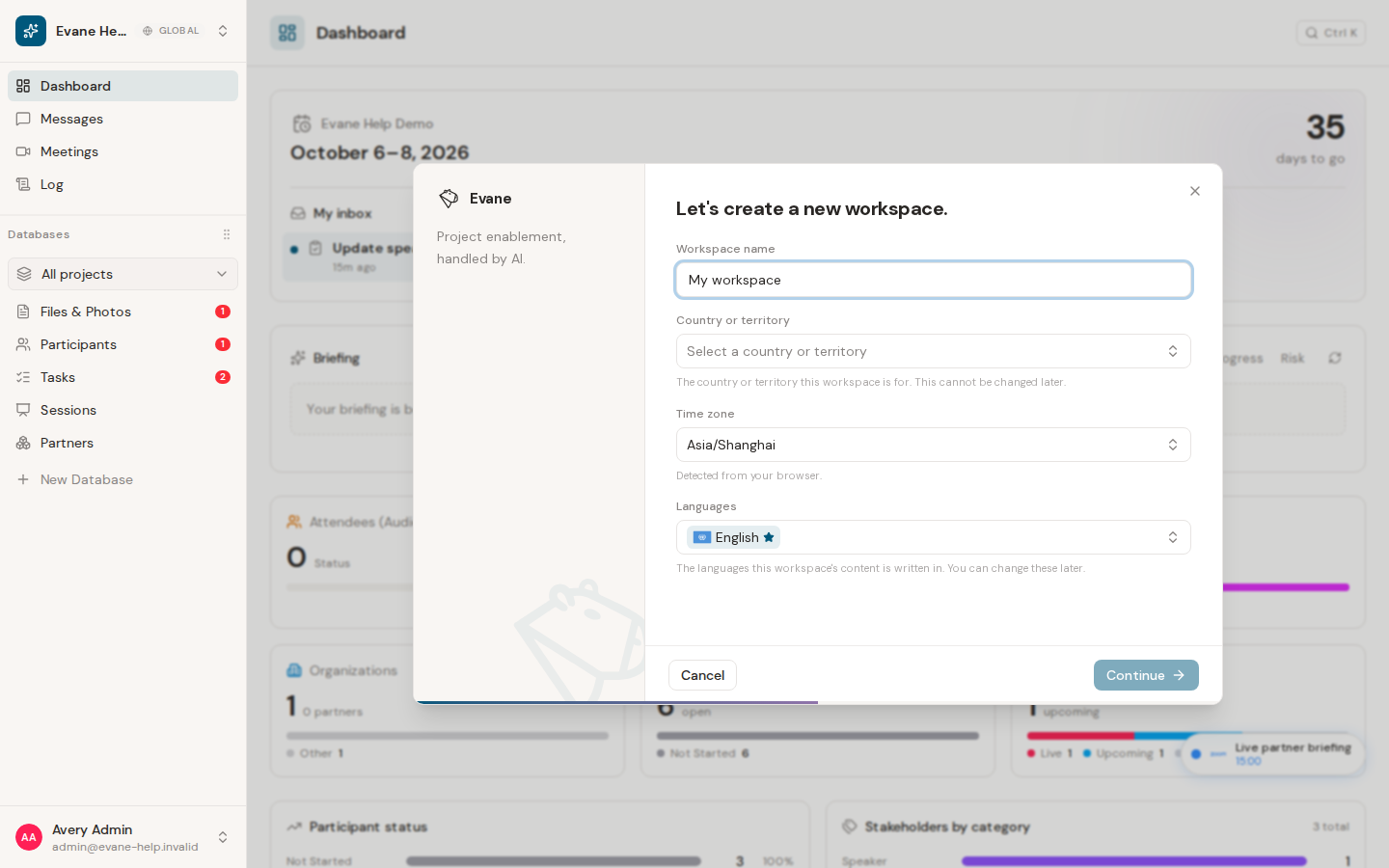
3. Choose or create a space
If you already belong to a space or have a pending invitation, Formist can show the space chooser. You can enter a space, accept an invitation, or continue to create a new one.
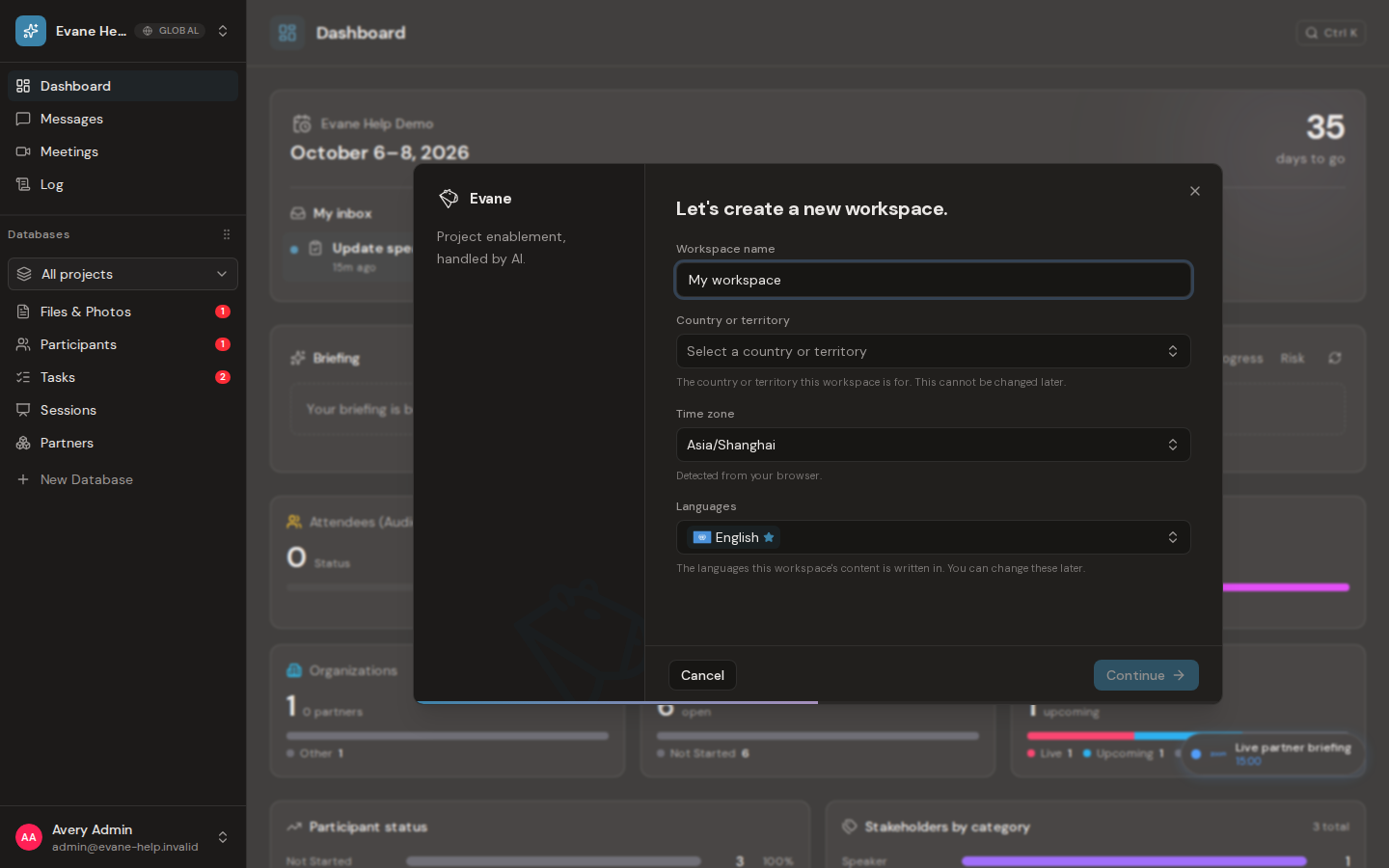
When you create a space, provide:
- Space name: the name members will see in the space switcher.
- Country or territory: the place the space is for. The server uses this choice to select the data center, which is shown read-only and cannot be changed after creation.
- Time zone: initially detected from your browser and used to display space dates and times.
- Content languages: the languages used by space content, including one primary language. These language settings can be changed later.
4. Invite teammates
Add each teammate's email address and choose a role:
- Admin: manages the space, members, and administrative settings.
- Editor: can create and edit space content.
- Viewer: has read-only access to the content their membership permits.
You can add several invitations before finishing. Invalid or duplicate email entries are not added to the list.
5. Finish setup
Formist creates the space if needed, sends the queued invitations, and saves your onboarding profile. Select Enter Formist on the completion screen to open the space.
The setup writes are finalized together near the end of the flow. If creating the space fails, Formist shows an error and lets you try again. If only some invitations fail, the space can still be created and Formist reports the unsuccessful invitations.
Last verified: