
Create or join a space
Join a space you were invited to, or create a new one by setting its name, country, time zone, and content languages.
A space is the boundary for one event or program. Joining preserves the role assigned by an invitation; creating one makes you its Owner and starts a separate set of members, records, files, and settings.
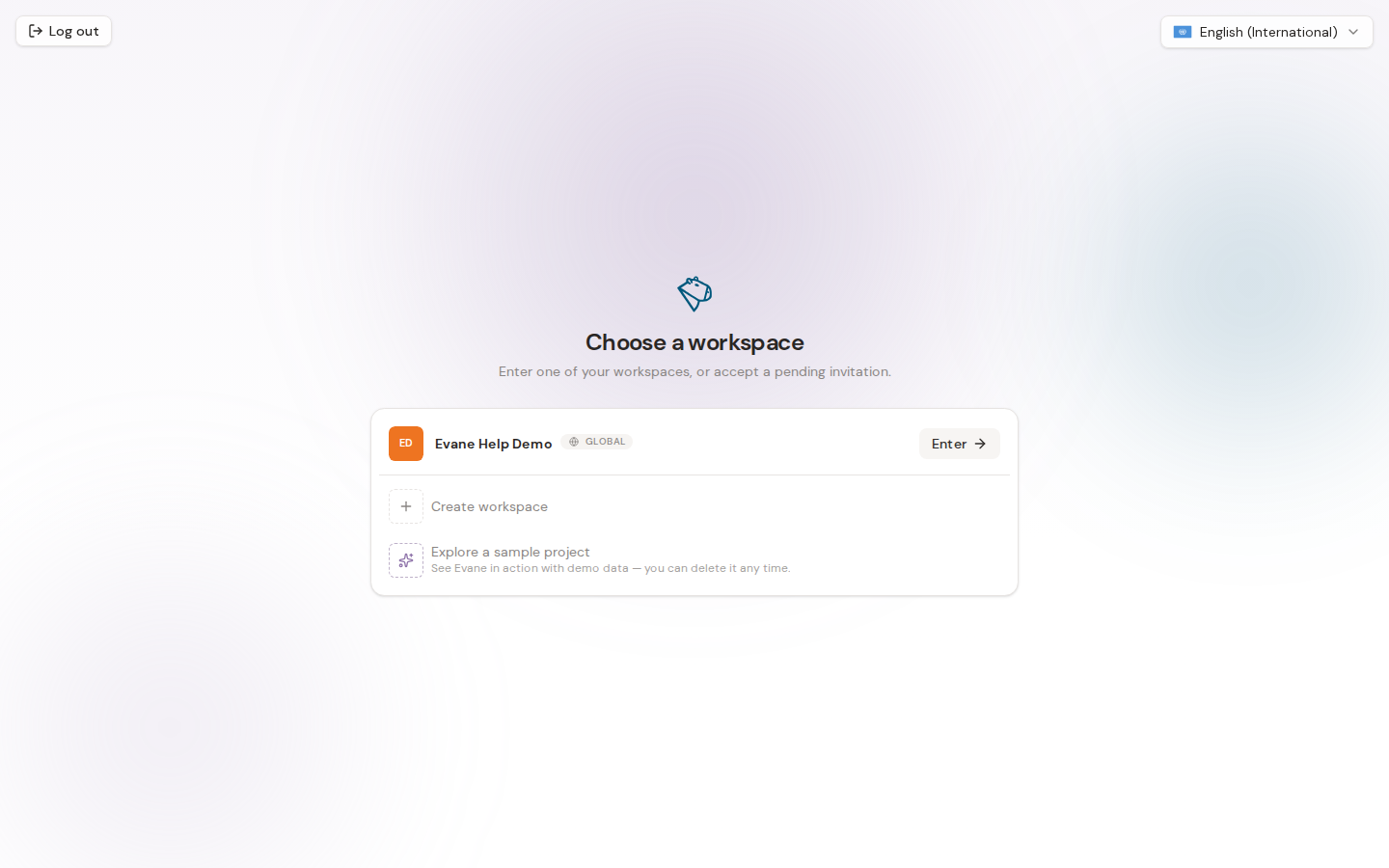
Enter a space you already belong to
After sign-in, the space chooser lists the spaces where you are already a member. Select Enter beside the space you want to open.
If there is no pending invitation and Formist can safely identify your most recently used space, a returning visit may open it automatically.
Accept a space invitation
Pending invitations appear before existing memberships and carry an Invited badge.
- Find the invited space.
- Select Accept invitation & enter.
- Formist accepts the invitation, adds the membership, and opens the space.
Use the same email address that received the invitation. You cannot accept an invitation addressed to another account.
Create a space
From the space chooser, select Create space. Enter a name, choose the country or territory the space is for, confirm the time zone and content languages, then optionally invite teammates.
The selected country or territory cannot be changed later. The datacenter is inferred by the server from that selection and is shown as read-only before you continue; users do not choose a hosting region directly.
Switch spaces later
Inside Formist, select the current space at the top of the sidebar. The space switcher lets you:
- open another space you belong to;
- open settings for the current space;
- create a new space.
Space data remains isolated. Switching spaces changes the active records, files, settings, and permissions shown in the application.
If a space is missing
- Confirm that you signed in with the invited email address.
- Check whether the invitation is still pending.
- Ask a space admin to confirm your membership and role.
- Retry the space list if Formist reports that it could not load it.
Last verified: