
Create, switch, share, and manage conversations
Use the Chat menu to manage private conversations and collaborate through space conversations.
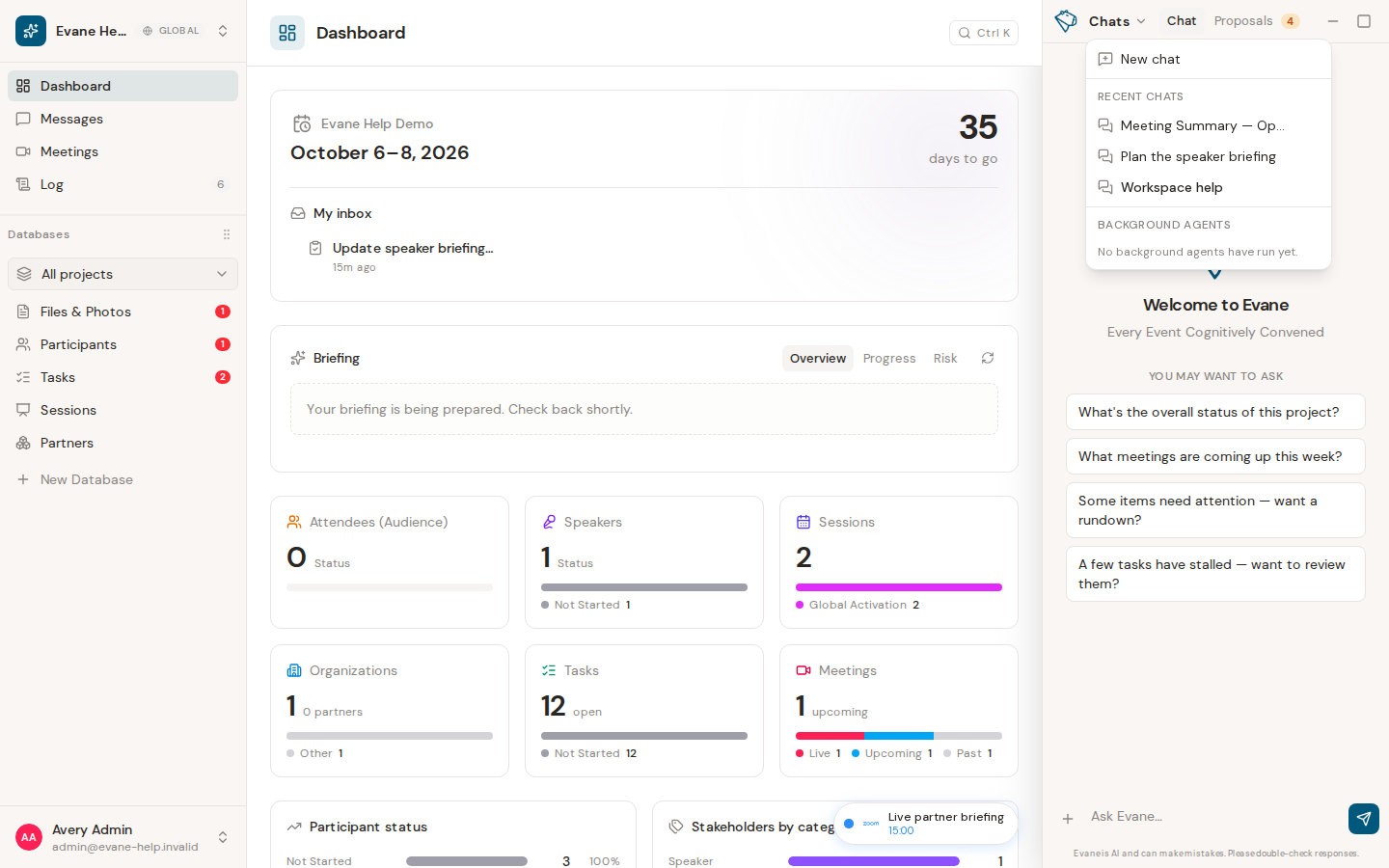
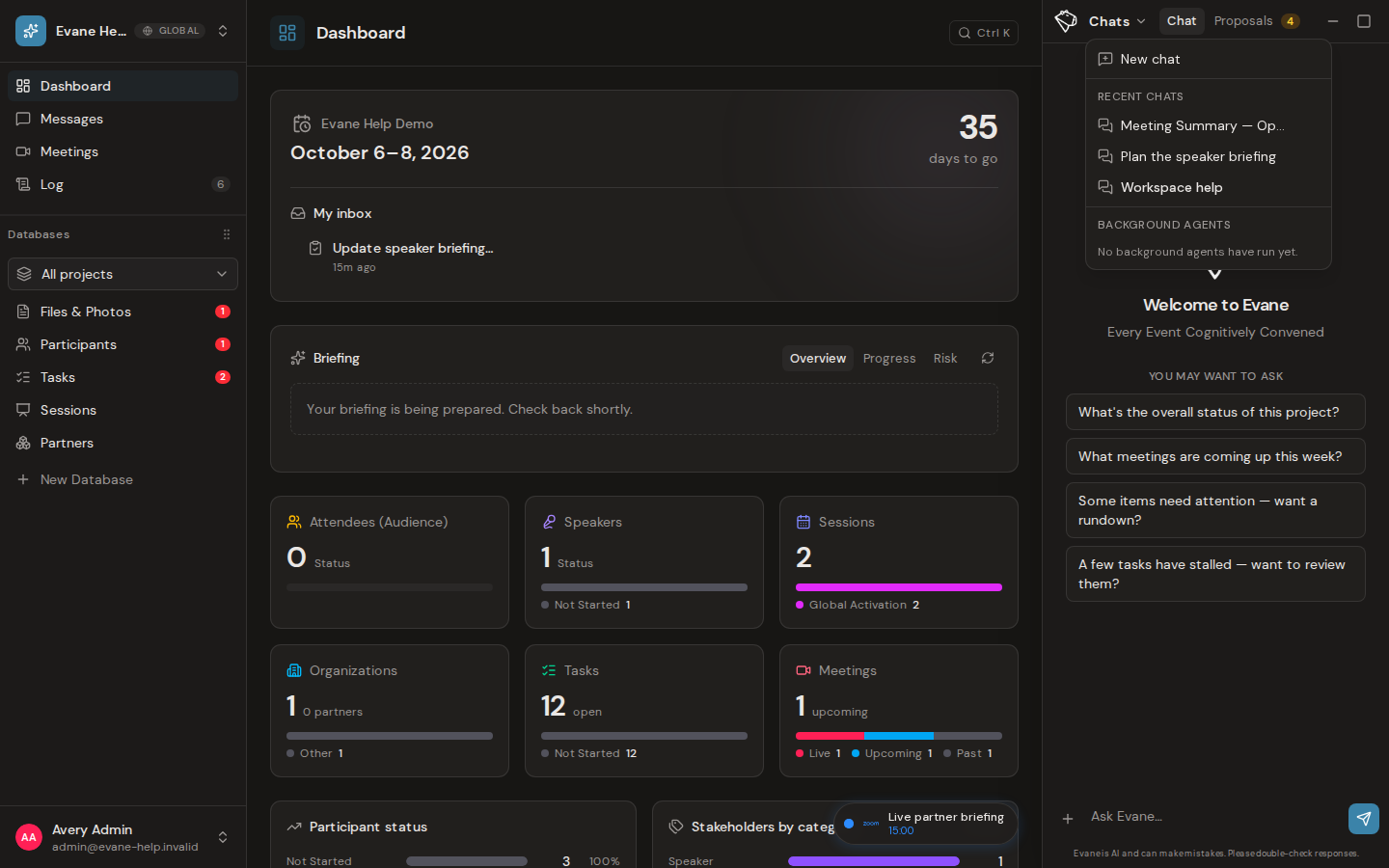
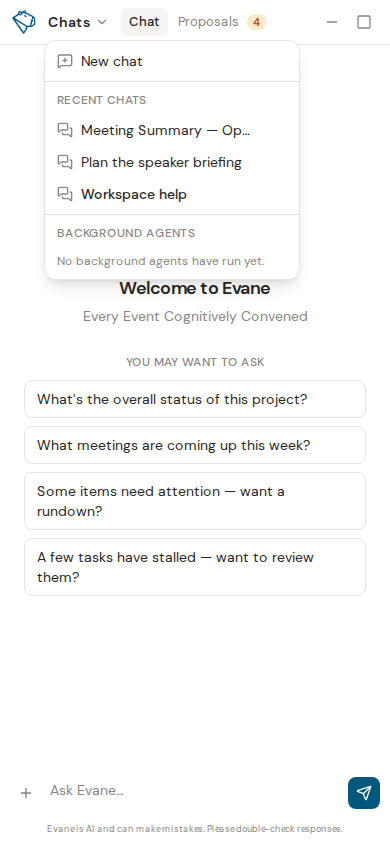
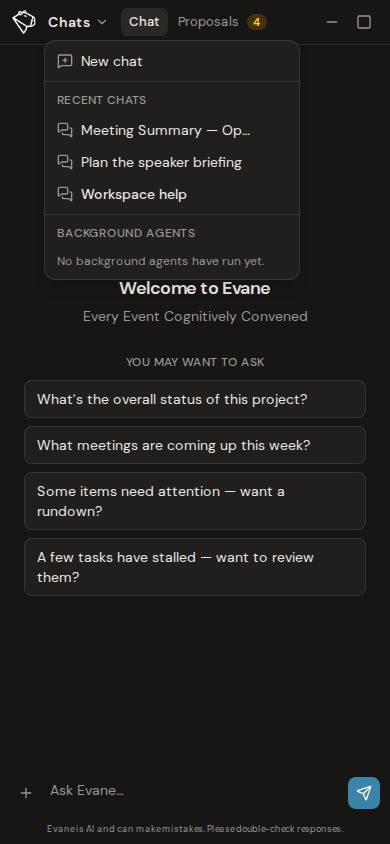
The Chat menu at the top of the AI pane keeps your conversations separate. Starting a new chat does not cancel work already running in another conversation.
Organize chats
- Choose New Chat for a clean conversation.
- Open the Chat menu to return to previous conversations.
- Rename a chat when its generated title is not specific enough.
- Delete a conversation after confirming the dialog.
A response can continue running in its original conversation after you select New Chat or switch elsewhere. Return to that chat to see its latest state. For an interactive response, Stop requests cancellation and Continue becomes available after the run settles as stopped. A background agent uses its own status strip; Admins can retry a finished background run only when that trigger supports replay.
Deletion can be refused while a run still owns the conversation or when server state has changed. Stop the run first, wait for its state to settle, and retry. Switching chats preserves each chat's own messages, attachments, and pending response state.
Work with space conversations
A space conversation can be visible to other space members. Its overflow menu shows only the actions available to your account and the current conversation state.
- Select Fork for me only to create a private, editable copy without changing the shared conversation.
- The owner of a locked space conversation can rename it or select Share to public to make it editable according to space access.
- Other members can read a locked conversation but cannot reply in it. The composer explains that the conversation is read-only and offers forking as the safe way to continue.
Forking creates a new conversation with its own identity and history. Later messages in the fork do not alter the original conversation.
When the assistant reads a Skill installed from the Skill Library, the tool activity records the read but not the Skill's text, in the live view, after a reload, and in a forked copy.
Last verified: