
Control AI responses and report a problem
Stop or continue an AI response, and send product feedback with an optional screenshot.
You can interrupt a response without deleting its conversation. While Formist is answering, select Stop. The request changes to Stopping until the server confirms cancellation, so a small amount of text may still arrive before the run settles.
Leaving the tab (backgrounding it, locking your phone, or a brief connection drop) does not stop the run: it keeps going on the server, and reopening the conversation shows the finished reply automatically without resending your message.
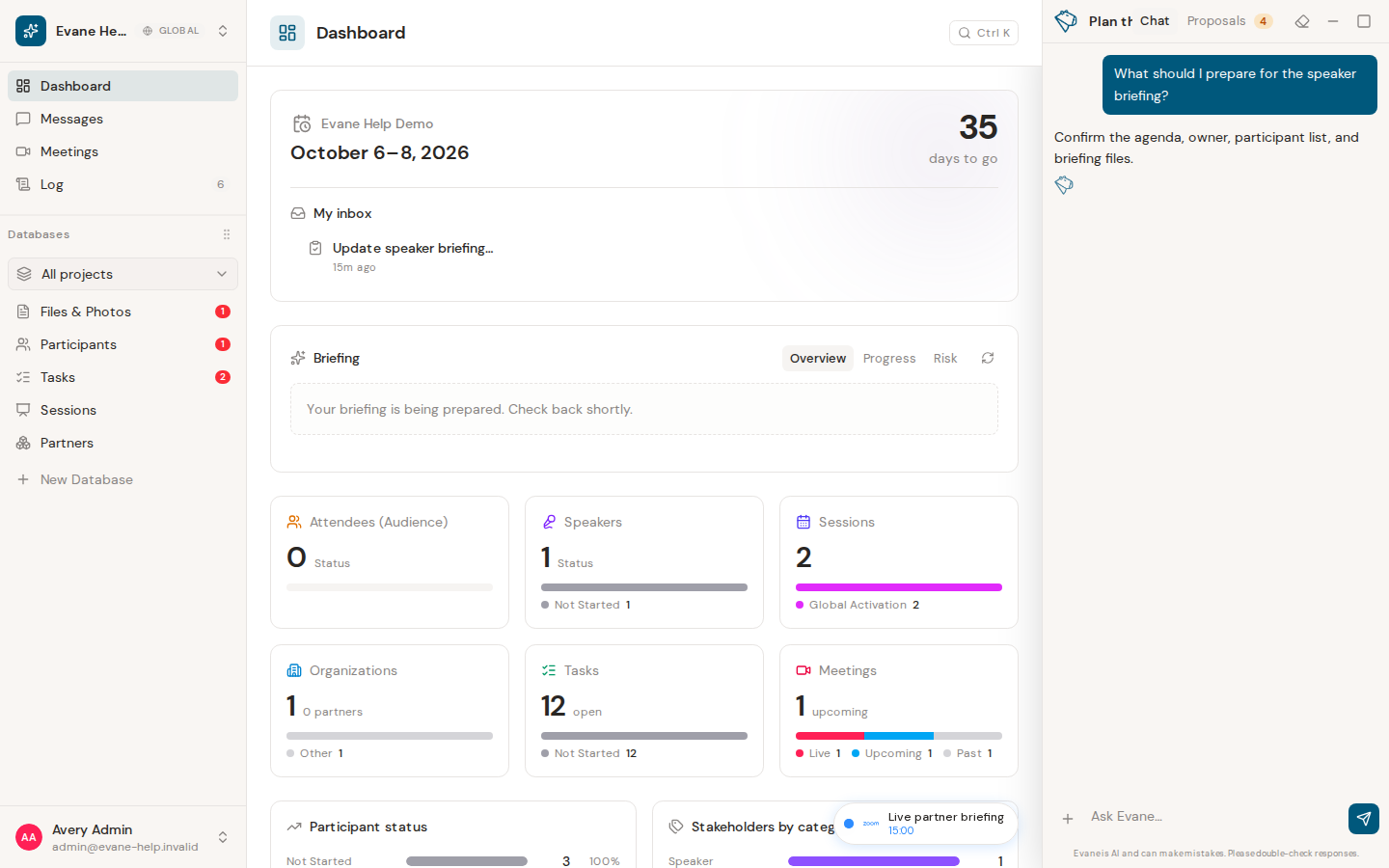
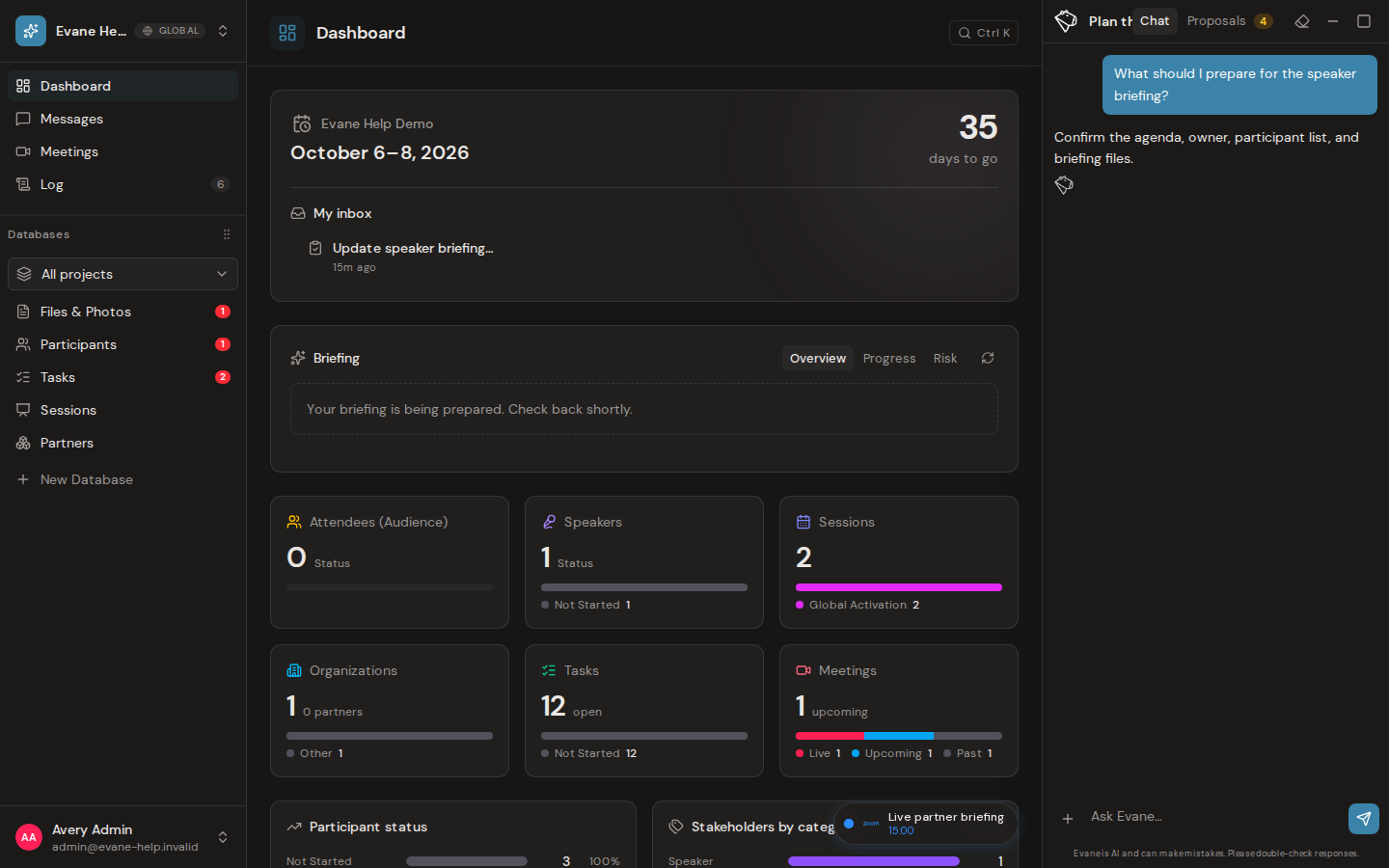
Continue after stopping
When the current conversation is in a stopped state, select Continue to ask Formist to resume from the saved conversation. Continue is available for that stopped conversation only; switching chats does not transfer the control to another run.
If a background agent owns the conversation, its status strip controls the run. A completed background job can show Retry only when its trigger supports replay.
Report a product problem
Open the + menu in the composer and choose Report a problem. You can continue without a screenshot or explicitly allow screen capture. A captured image appears as a separate feedback chip and is attached to the next message only. It is not reused in later turns or treated as a normal file attachment.
Describe what happened, what you expected, and the action that led to the problem. Formist files feedback only when the assistant calls the feedback tool; after a successful submission, the reply confirms whether a screenshot was included. Never place passwords, verification codes, tokens, or other secrets in the message or screenshot.
Frequently asked questions
Does leaving the tab or losing connection stop the AI response?
No. The run keeps going on the server, and reopening the conversation shows the finished reply automatically without resending your message.
Can I resume a stopped response from a different chat?
No. Continue only works on that same stopped conversation; switching chats does not transfer control to another run.
Is my feedback screenshot reused in later messages?
No. A captured screenshot attaches to the next message only and is not treated as a normal file attachment in later turns.
Last verified: