
Use Work on this with AI
Work on this with AI opens a fresh conversation with the current record already inserted as an entity mention.
Work on this with AI opens a fresh conversation with the current record already inserted as an entity mention. The assistant can inspect that record without you copying its name or ID into the prompt.
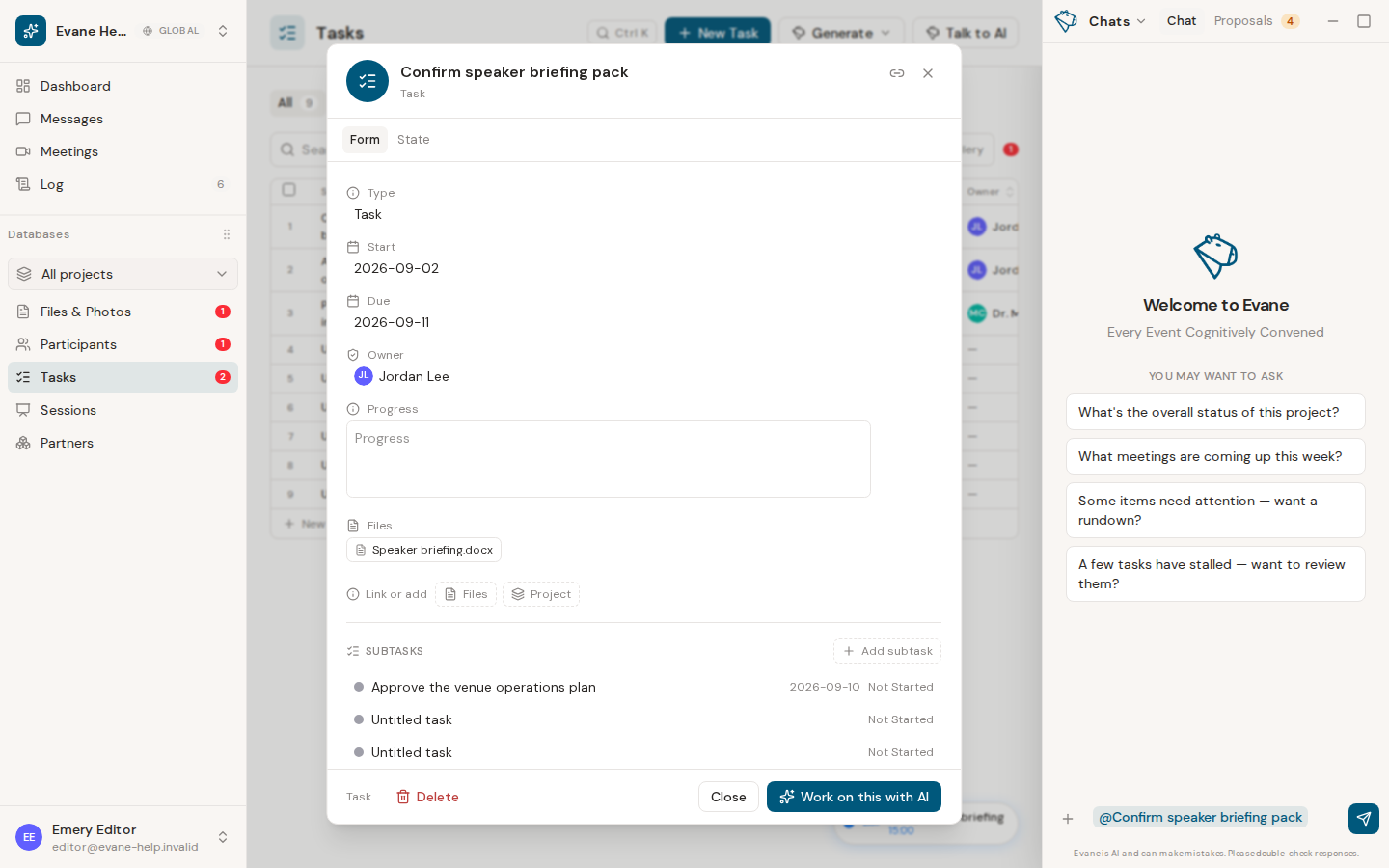
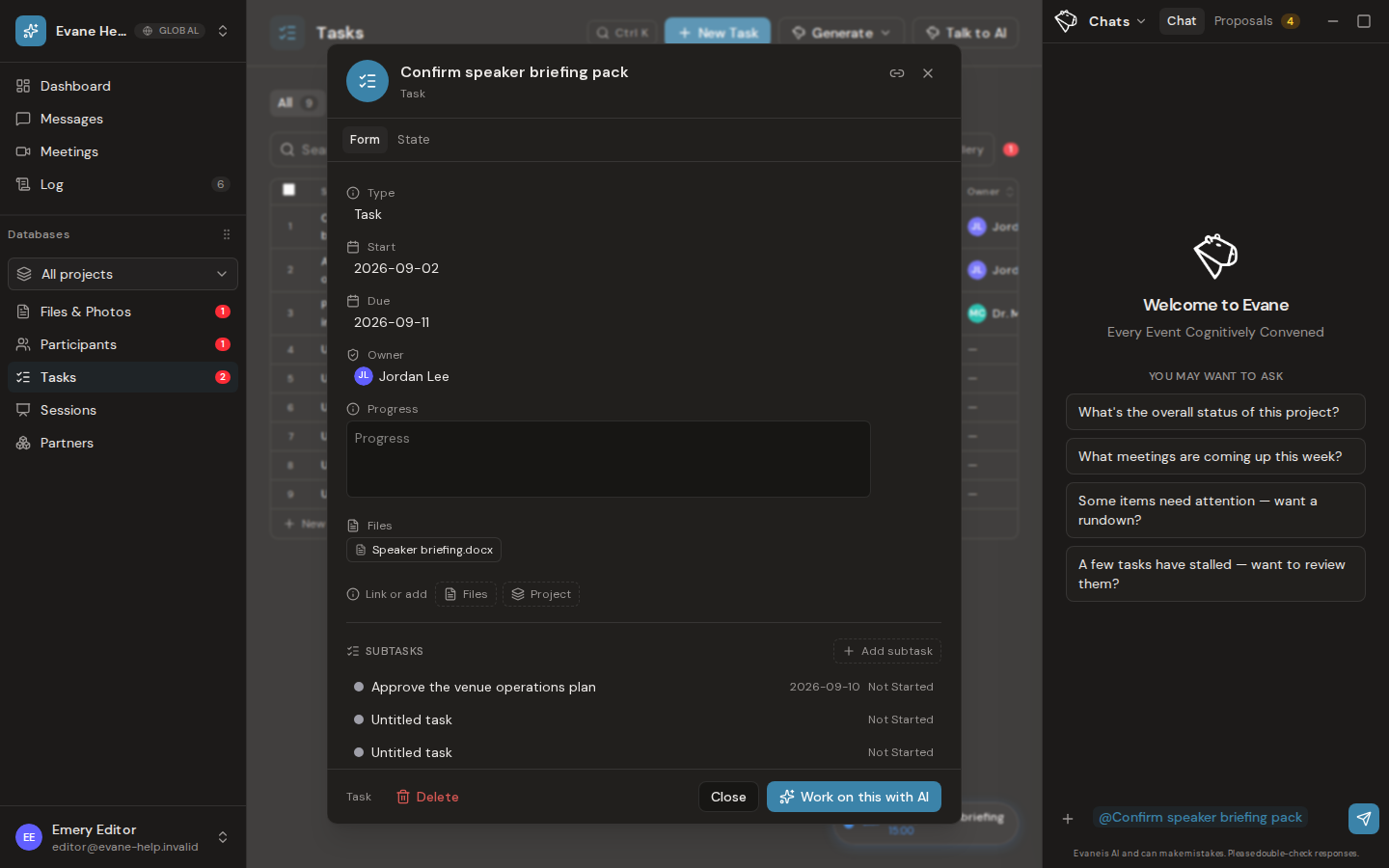
Start from a detail dialog
- Save any manual changes that should be part of the record first.
- Select Work on this with AI.
- Add the outcome you want, such as updating a status, rewriting a description, or preparing follow-up work.
- The assistant may still create a Proposal to review before it changes space data. For a long text field that is open in this dialog, its edits show up as suggestions inside that field instead: accept, decline, or accept all without leaving the record.
The inserted mention stays within the draft composer. Removing it and closing the AI pane clears that unsent context; opening the pane later should not restore a stale mention.
The assistant follows your current role. A Viewer can ask about visible information but cannot use AI to bypass write or approval restrictions.
Last verified: