
Change the space name, logo, and timezone
Space identity and time zone are shared settings.
Space identity and time zone are shared settings. An Owner or Admin can update them from Settings > Space.
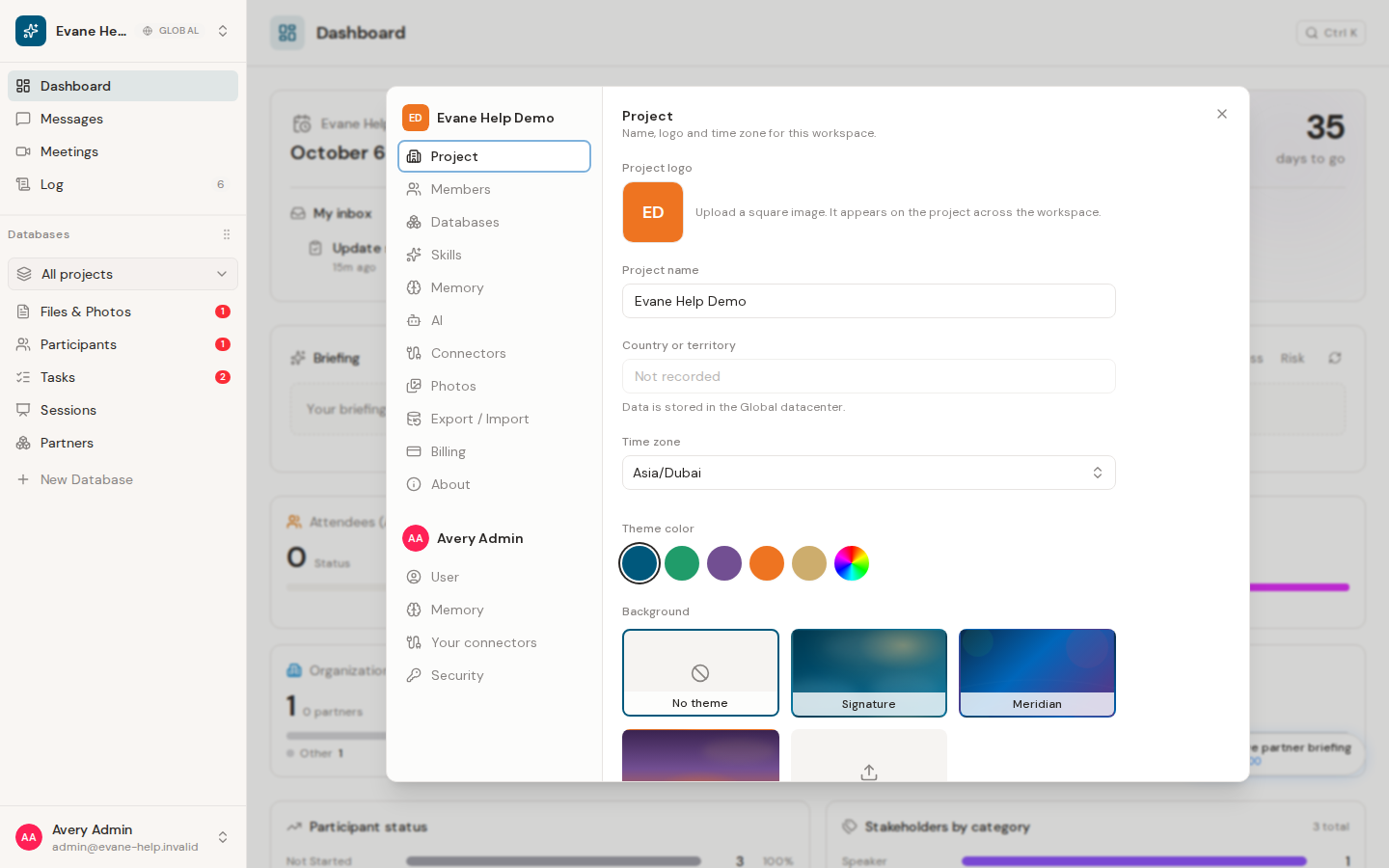
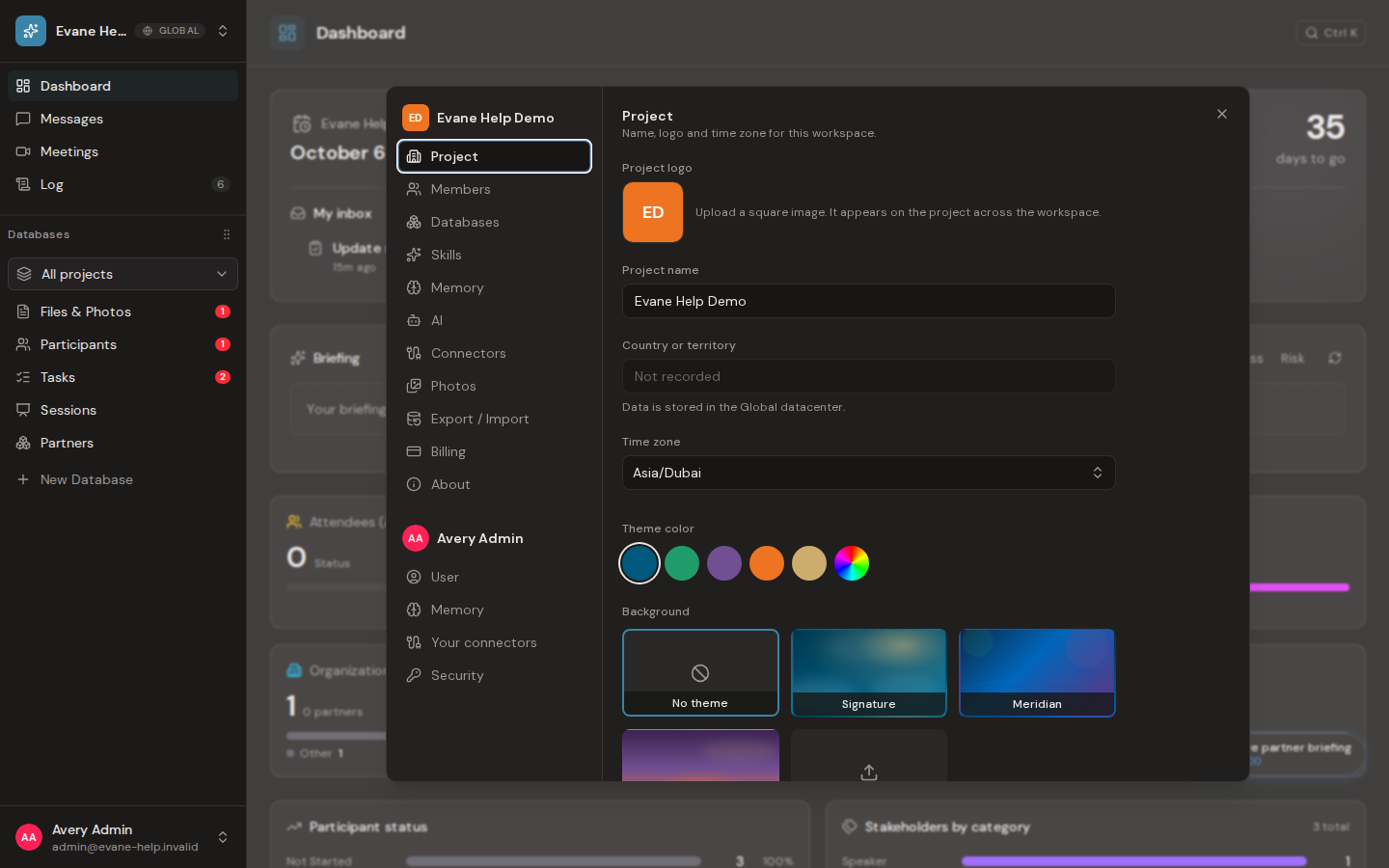
Update space details
Edit the space name or upload a supported logo, then save. The new identity appears in the space switcher and shared navigation after the server confirms the update. If a logo cannot be loaded later, Formist falls back to the space initials rather than keeping a broken image.
Choose an IANA time zone that matches the event location. Formist stores schedule instants consistently, then uses this setting to display Meeting, Session, Task, activity, and generated-file times. Changing the time zone changes how existing timestamps are presented; it does not shift the underlying event.
The Space panel also shows the space's Country or territory and stored Data center. These values are read-only: the country or territory is fixed at creation, and the server inferred the data center from it. A space created before country tracking was introduced can show Not recorded instead of guessing from its data center.
If another member changes these settings, open clients receive the updated space data through realtime events. Reload only when the connection has been interrupted.
Frequently asked questions
Does changing the space time zone shift the actual date and time of an event?
No. Changing the time zone changes how existing timestamps are presented; it does not shift the underlying event.
Can I change the space's recorded country after creation?
No. The country or territory is fixed at creation, and the server infers the data center from it.
Last verified: