
Configure AI change approval and self-evolution
Choose when AI changes require a Proposal and whether the assistant may improve its working practices.
Open Settings > AI assistant to see how the current space handles changes proposed by AI. Every member can read the selected mode; only an Owner or Admin can change it.
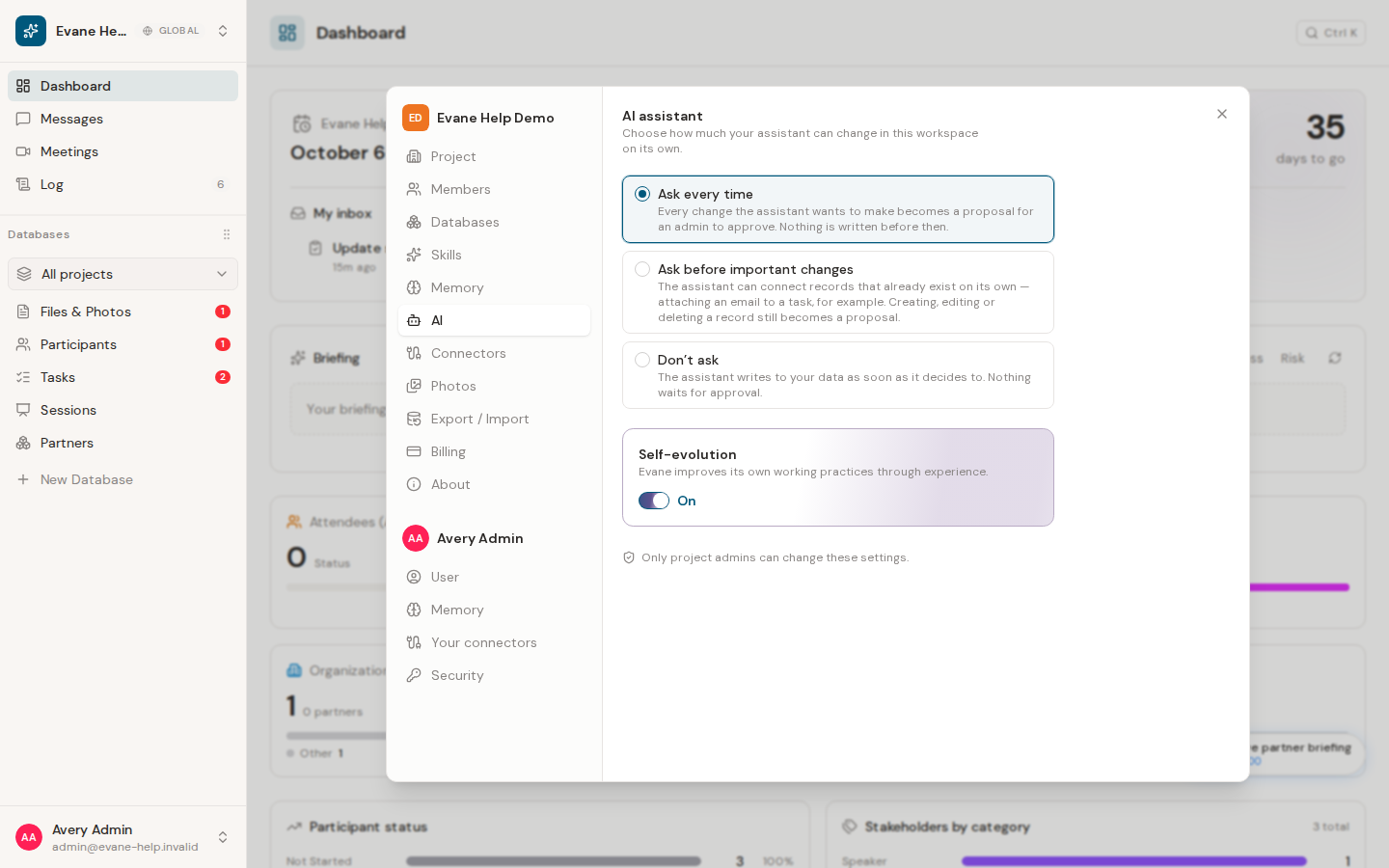
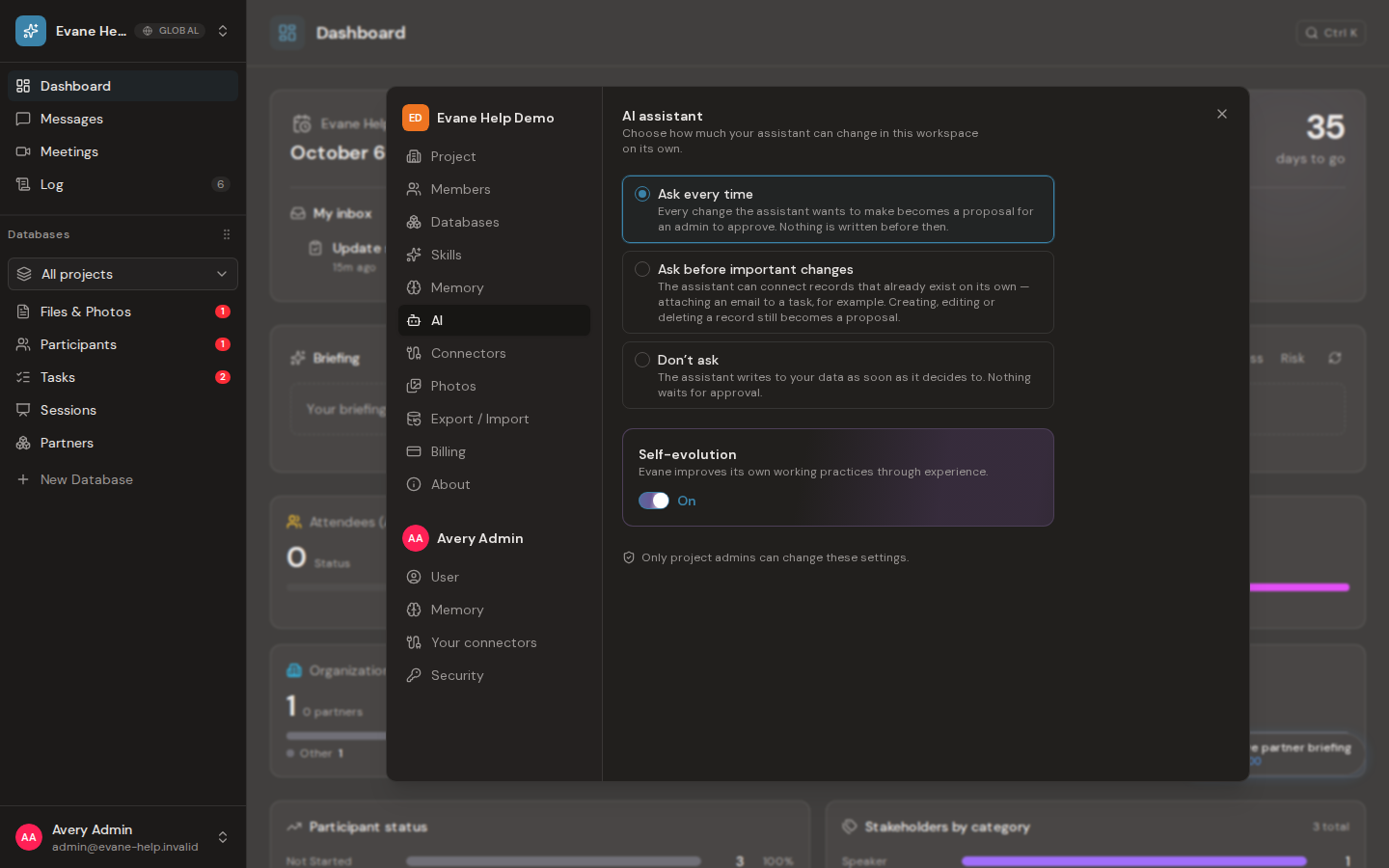
Choose an approval policy
- Ask every time sends every AI data change to a Proposal before anything is written.
- Ask before important changes allows the assistant to connect existing records directly, while creating, editing, or deleting a record still requires a Proposal.
- Don’t ask applies AI data changes immediately without waiting for review. Use the Activity Log to inspect completed changes.
An unknown or missing policy falls back to Ask every time. Changing the policy affects later AI operations; it does not retroactively approve a pending Proposal.
Set self-evolution separately
Self-evolution controls whether the assistant may improve its own working practices from what it learns. It is a separate setting from permission to change space data. Turning it off does not disable AI chat, and turning it on does not bypass the selected approval policy for normal entity changes.
Both settings save automatically. If the server rejects an update, the interface restores the saved value and shows an error.
Frequently asked questions
Does changing the approval policy retroactively approve a Proposal that's already pending?
No. Changing the policy only affects later AI operations; it does not retroactively approve a pending Proposal.
Does turning off self-evolution also disable AI chat?
No. Self-evolution is a separate setting from permission to change space data, so turning it off does not disable AI chat.
Last verified: