
Review and decide Proposals
Proposals protect space data from unreviewed AI or automation changes.
Proposals protect space data from unreviewed AI or automation changes. Reviewers compare the proposed operation with the current record before an eligible Editor, Admin, or Owner approves or rejects it.
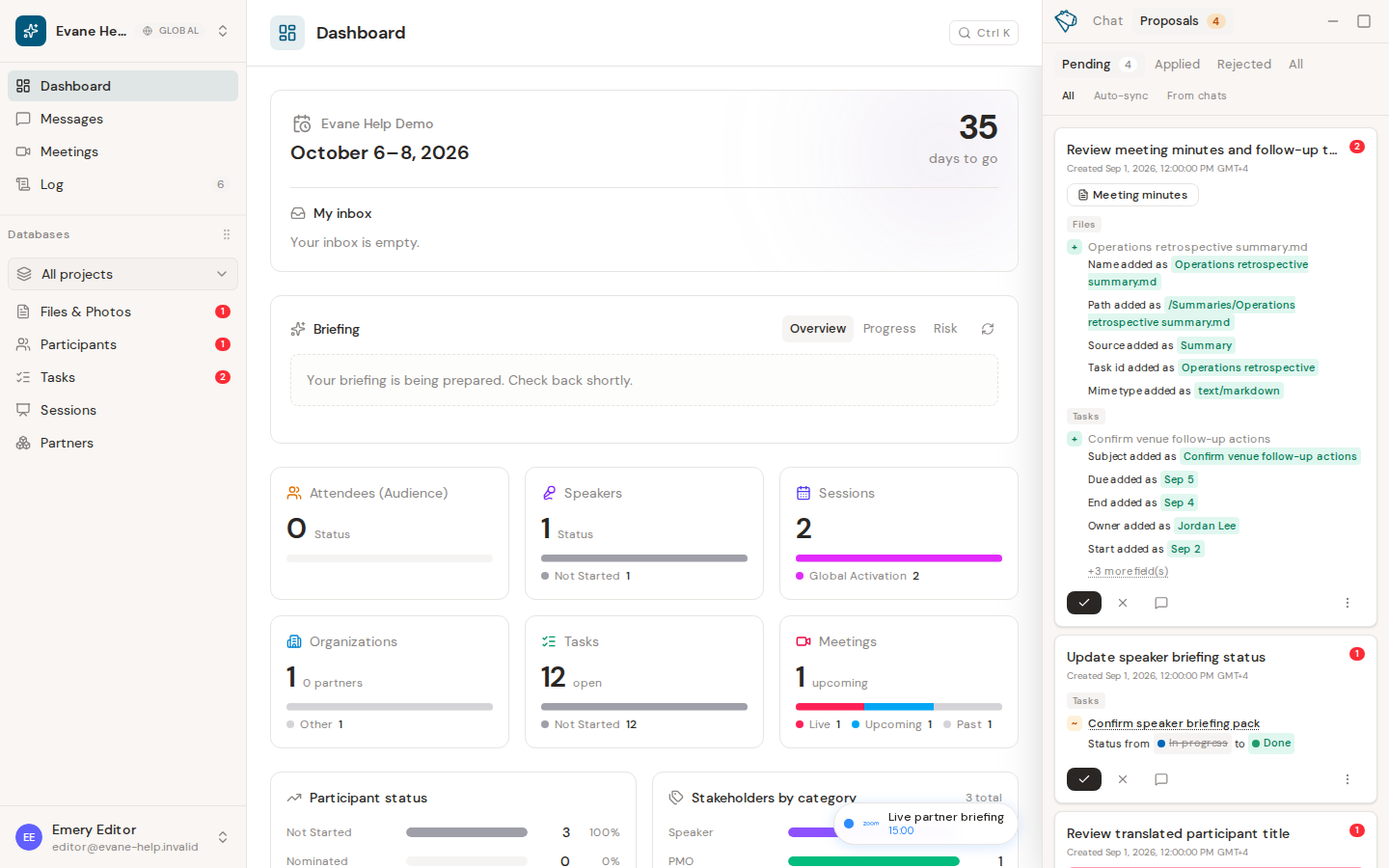
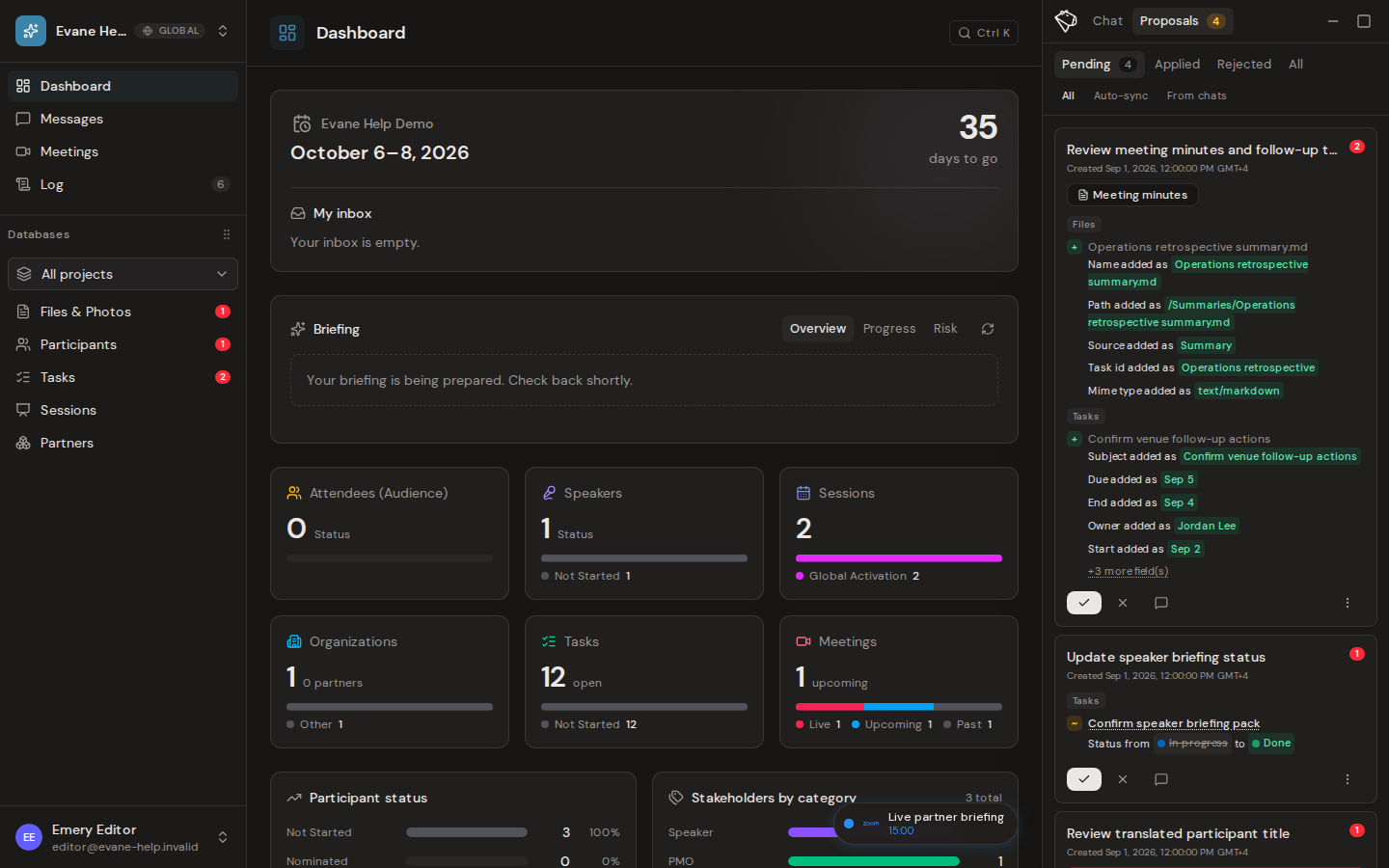
Review a Proposal
- Open the AI assistant and select Proposals.
- Choose Pending, then open the Proposal you want to review.
- Compare the proposed values with the current values. For generated Meeting minutes or Tasks, open the available preview before deciding.
- Add a comment when the author or another reviewer needs more context.
A Proposal to install a Skill from the Skill Library shows the package's name and settings but not its specification, which stays confidential after installation too.
Approve or reject
Space Owners and Admins can decide pending Proposals. Editors can decide AI-authored Proposals whose target and fields are within the Editor write tier. Use the Approve control to apply the complete change immediately, or Reject to decline it. Viewer roles do not see decision controls.
If a long text field in the Proposal was also edited by someone else after it was filed, Approve applies the edits that do not overlap and leaves the overlapping part open on the same card while Formist rewrites it. Decide that card again once the rewrite is ready.
There is no multi-approver chain: one eligible decision completes the Proposal. Human-authored Proposals and changes that affect administrator-only schema or fields still require an Owner or Admin. If the visible Proposal contains a change outside your decision tier, the server refuses the decision without applying a partial result.
After a decision, the Proposal moves out of Pending. An approved change is applied to its record; a rejected change is not applied. A completed Proposal cannot be decided a second time unless an available recovery action returns it to review.
Frequently asked questions
Can an Editor approve a Proposal that touches an Admin-only field?
No. If any part of the proposed change falls outside the reviewer's write tier, the server refuses the whole decision rather than applying part of it.
What happens if a Proposal is rejected by mistake?
A completed Proposal cannot be decided again unless an available recovery action returns it to review.
Last verified: