
Switch spaces
Switching spaces replaces the active data, role, settings, connectors, and event stream.
Switching spaces replaces the active data, role, settings, connectors, and event stream. Formist keeps the selected space separate so records from different spaces do not mix.
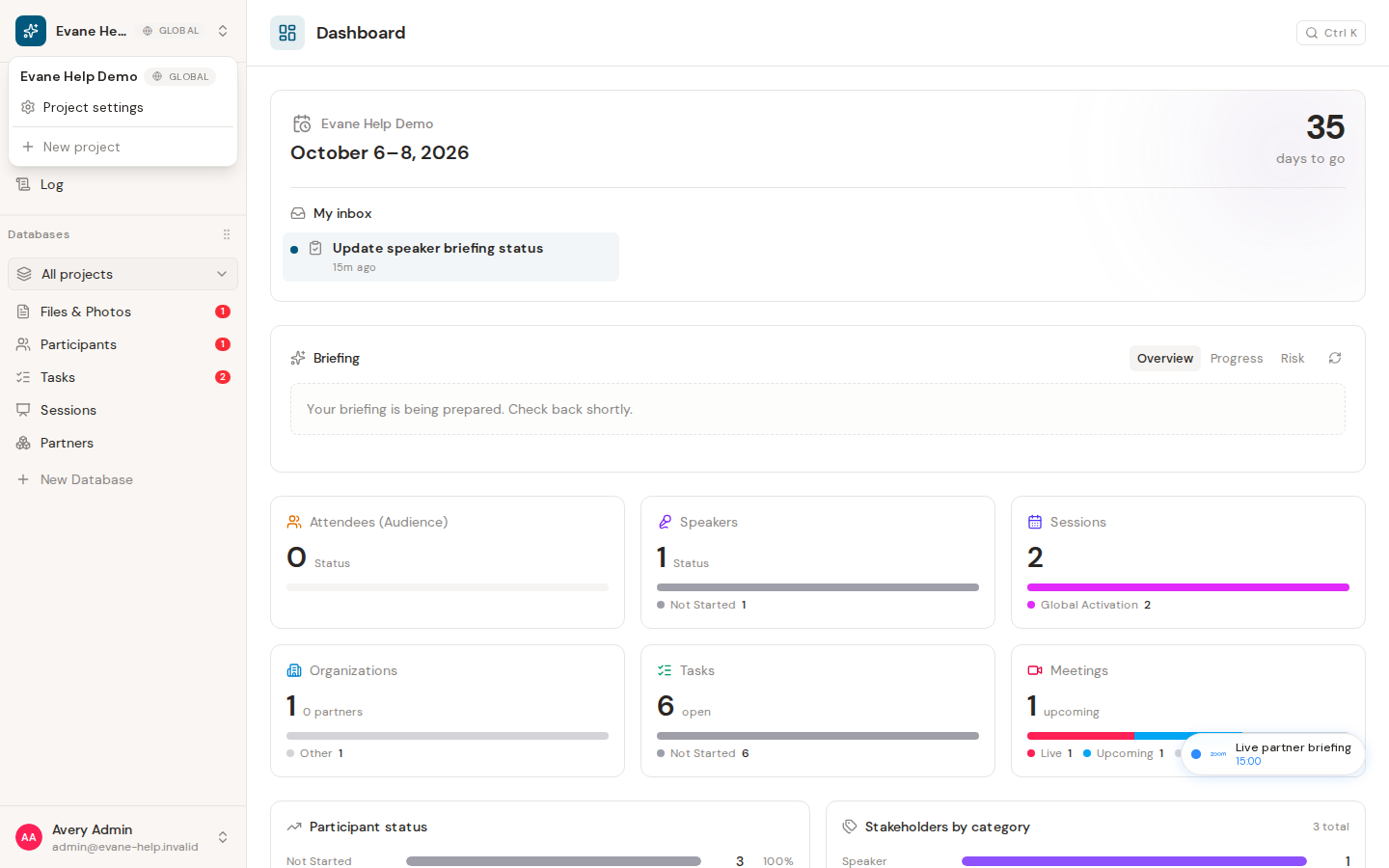
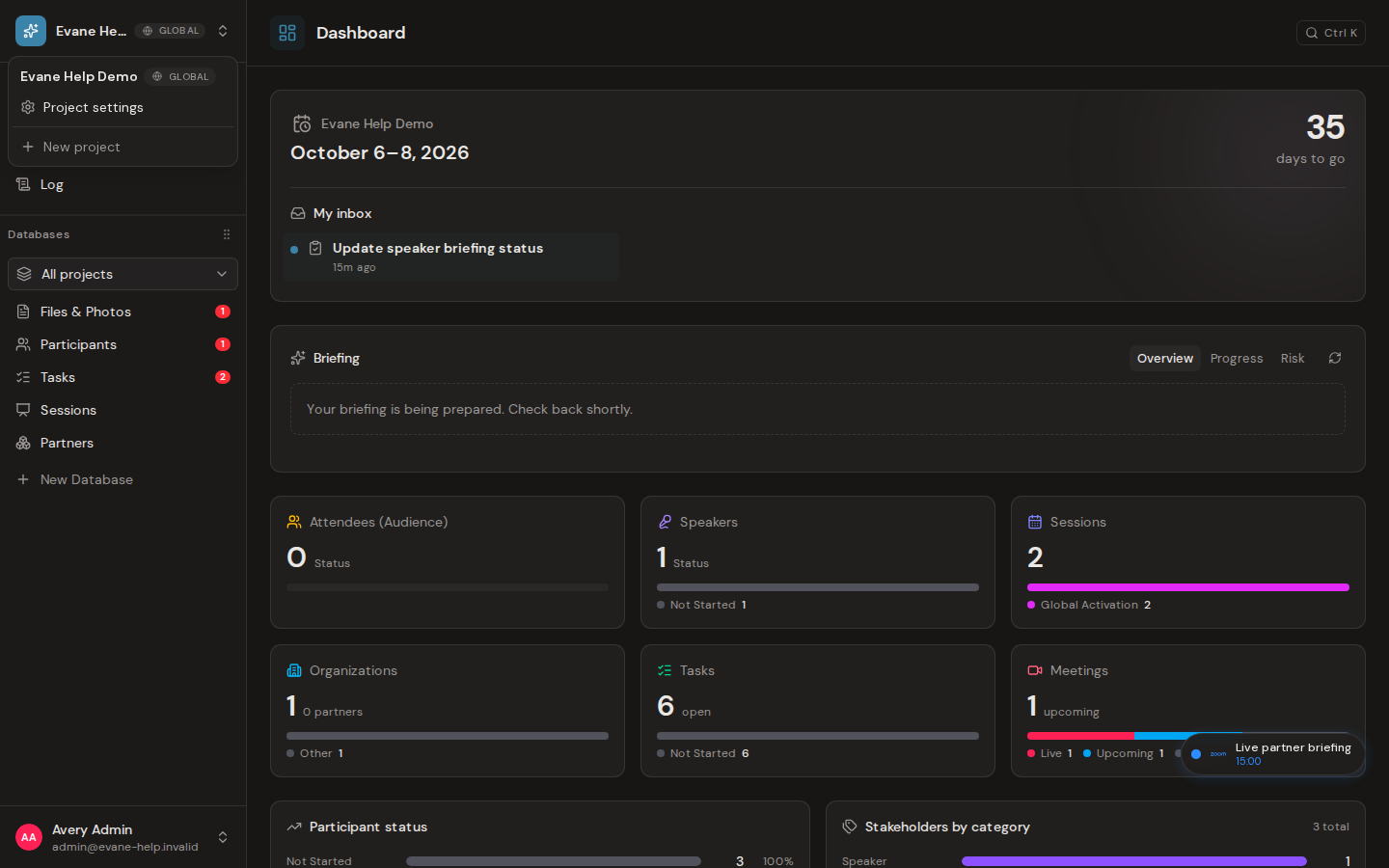
What space switching does
The space switcher lists spaces available to your signed-in account. Selecting a space changes the active space context and loads that space's records, settings, status chains, and permissions.
Switch to another space
- Open the space switcher at the top of the sidebar.
- Select a space from the list.
- Wait for Formist to navigate to
/spaces/{spaceId}and hydrate the new space. - Confirm the space name and navigation data now belong to the selected space.
The space ID in the URL is the source of truth. Formist also remembers the last valid space locally. If you return without a space ID and still belong to that space, Formist can reopen it automatically.
After switching, the URL, sidebar identity, permissions, and resource data all correspond to the selected space. Refreshing a valid /spaces/{spaceId} address keeps that space active.
If switching fails
- If the list is empty, check that you signed in with the intended email account and that a space membership or invitation exists.
- If a space disappears after refresh, your membership may have changed or the space may be in another configured region.
- If data from the previous space remains visible, wait for the loading state to finish. A failed hydration should show an error rather than silently presenting old data as current.
Frequently asked questions
Can I belong to more than one Formist space at once?
Yes. You can be a member of several spaces and switch between them at any time. Each space keeps its own data, role, and settings separate, so nothing carries over between them.
Last verified: