
Manage partners in the Participants space
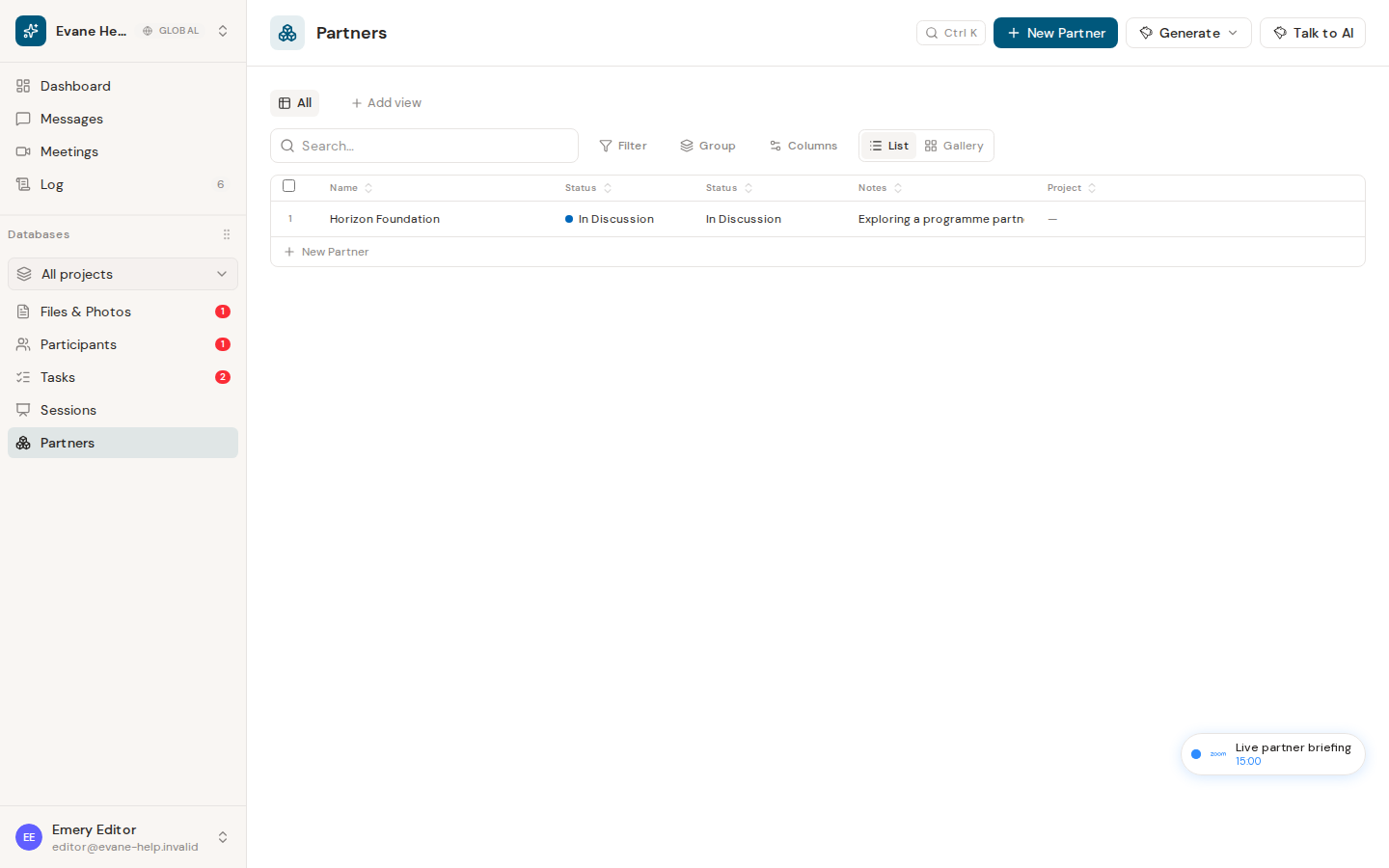
Use the Partners view, a saved, data-driven view over Participants, to manage partner organizations and their relationship details.
Partners is a saved view over Participant records, not a separate database or a fixed tab. It shows Organization records carrying the Partner > Institutions tag, so the same record can still be opened and managed through the standard Participant detail dialog. Being a saved view, it works like any other view in Participants: its filters, sort, and visible columns are stored data you (or a space admin) can adjust, not something built into the app.
Work with partner fields
The view's default columns are Name, Country, Relationship Owner, Email, Notes, Partnership Level, Partnership Status, Relevance to the Summit, Hospitality, and Files. Relationship Owner is a reference to an existing Participant rather than a free-text person name. Country reads the same Region field every Participant record has: it applies to an Organization exactly like it already does to an Individual.
Choose + New Participant from this view to add a record, then set its type to Organization and add the Partner > Institutions tag (the Partners view will pick it up once both are set). Members with write access can edit or delete a partner; Viewers can inspect the available fields and linked files without changing the record.
Partner-specific custom fields (Partnership Level, Partnership Status, Relevance to the Summit, Hospitality) stay out of the ordinary Individual and Organization tabs. They only appear as available columns inside a saved view like Partners. If a legacy partner does not appear, confirm that it is an Organization and carries the Partner > Institutions tag instead of creating a duplicate.
Frequently asked questions
Why doesn't an existing Organization show up in the Partners view?
Partners only shows Organization records tagged Partner > Institutions. If a record is missing, confirm its type is Organization and that it carries that exact tag, rather than creating a duplicate.
Last verified: