
Understand Proposal status, discussion, and history
A Proposal keeps its lifecycle, discussion, and decisions together.
A Proposal keeps its lifecycle, discussion, and decisions together. Pending items accept review actions; terminal items preserve who decided, when, and what happened to the proposed change.
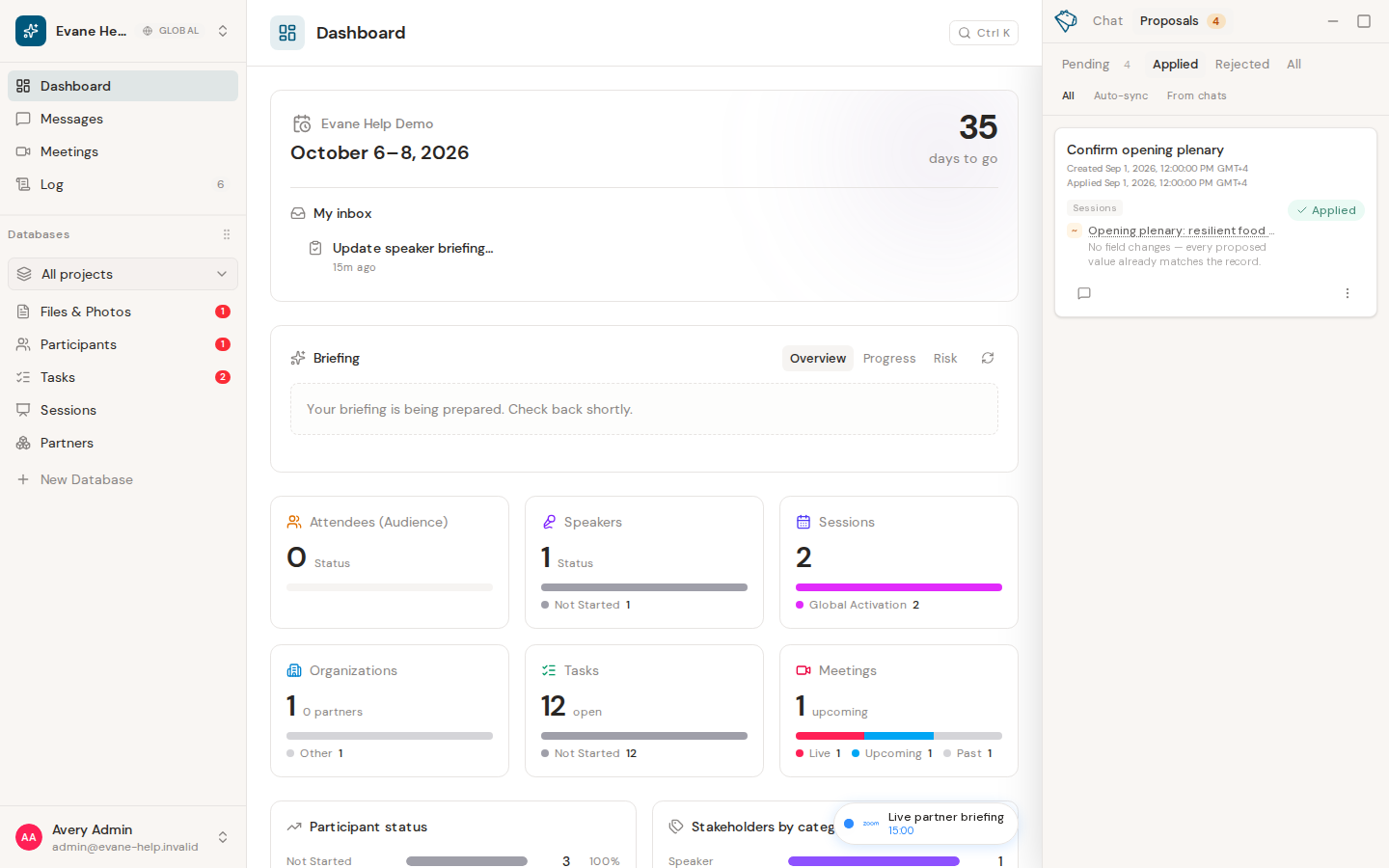
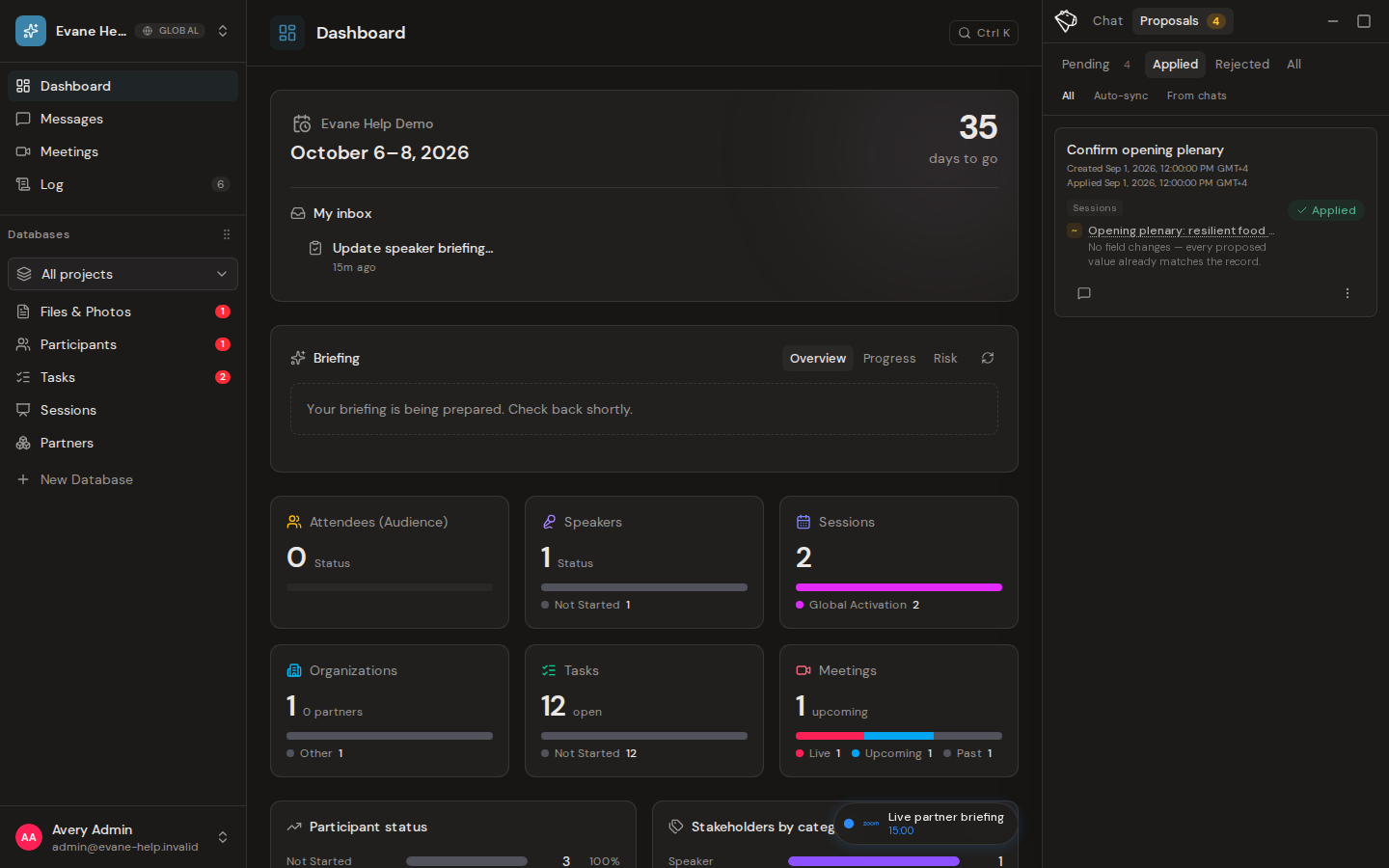
Proposal states
- Pending means the change has not been applied and still awaits a decision.
- Applied means an authorized reviewer approved the Proposal and Formist applied the change.
- Rejected means an authorized reviewer declined the Proposal and Formist did not apply the change.
Discussion and decision history
Open a Proposal to read its comments and approval history. Comments keep review context with the Proposal. The history records who approved, rejected, or recovered it and when the action occurred.
A human comment on an Applied or Rejected Proposal reopens the same card with a new Pending item for the comment's request. What was already applied or rejected is not rolled back and keeps its own place in the history; only the new item awaits a decision.
Status updates are shared with other signed-in members through live updates. If a status remains stale after connectivity returns, reopen the Proposals view to refresh it.
Frequently asked questions
Can a decision be undone after a Proposal is applied or rejected?
The decided item itself is not rolled back except through an available recovery action. A comment on it instead reopens the same card with a new Pending item, so you can review a further change without undoing what already happened.
Why does a Proposal's status look out of date?
Status normally updates live for every signed-in member. If it stays stale after connectivity returns, reopen the Proposals view to refresh it.
Last verified: